

ClickHouse GUI builder
Browse billion-row tables, save queries and build dashboards on your ClickHouse data. Describe what you need and Jet generates the ClickHouse GUI.
Trusted by Some of the World’s Best Product Teams





Build exactly what your team needs
clickhouse-client is built for people who write SQL. A Jet ClickHouse GUI is built for everyone else — operators, analysts, and the customers you give a reporting portal to.
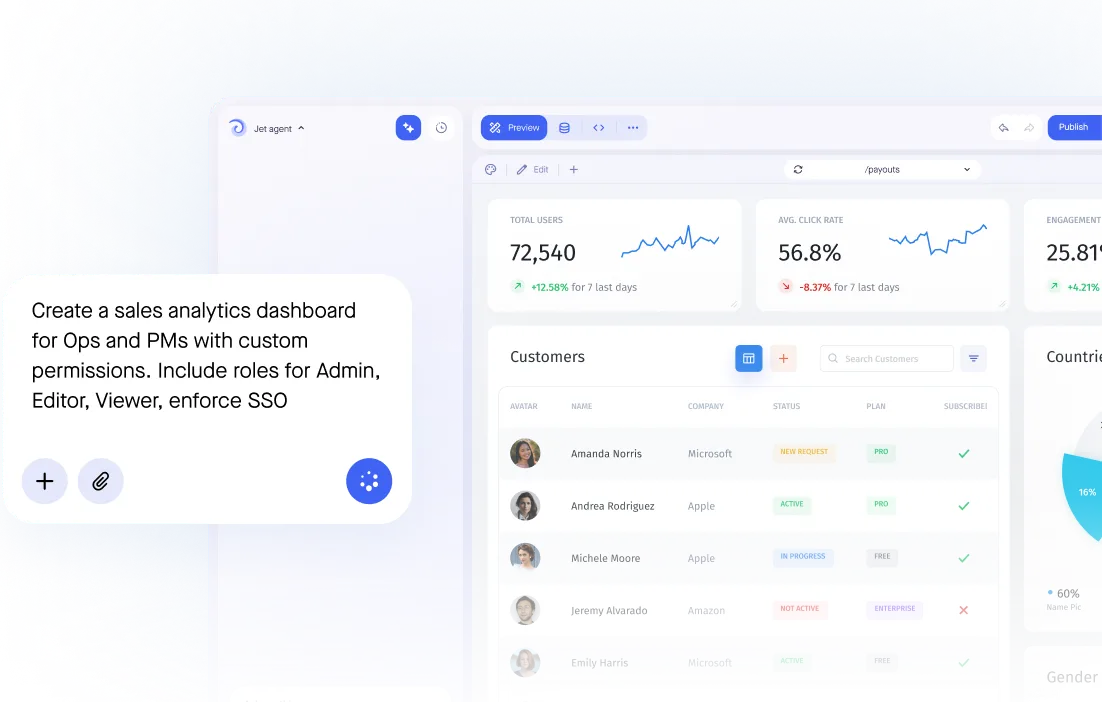

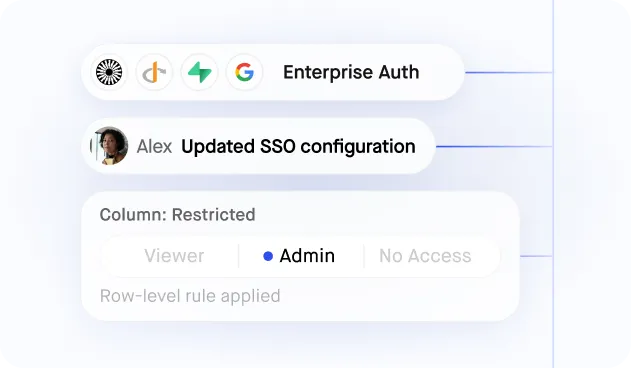
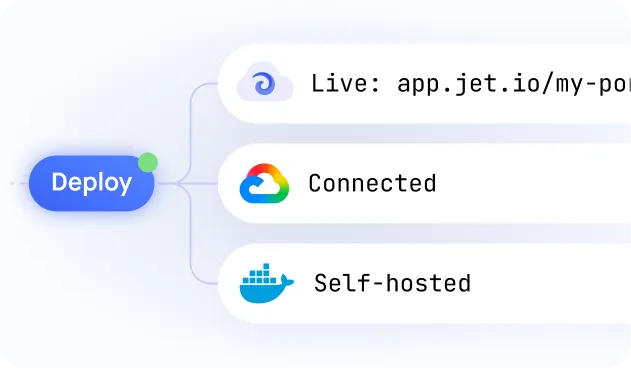
Build secure app fast



ClickHouse data without the command line
Secure database connection
Interactive table editors
Granular user permissions
Ask AI data queries
Bulk data imports
Self-hosted or cloud
Similar Use Cases
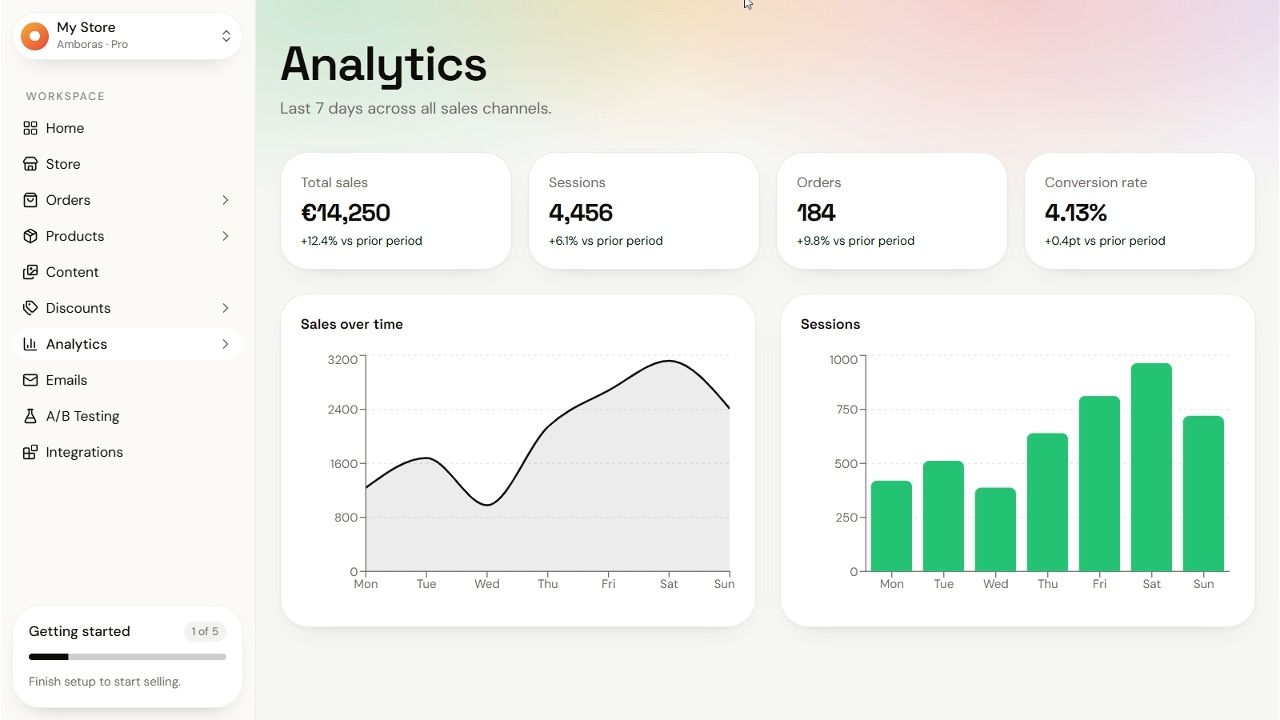






.png)


.png)



.png)












.svg-min.png)






















Frequently asked questions
A ClickHouse GUI builder turns your tables into an interface people can actually use: filters and search that run as queries against the engine, saved queries as screens, and dashboards. Instead of clickhouse-client, your team gets a page they log into.
ClickHouse ships with clickhouse-client on the command line and Play in the browser, both aimed at people who write SQL. Jet gives the rest of the team tables, filters and dashboards over the same data.
Filters, search and pagination run as queries against ClickHouse rather than loading rows into the browser, so browsing a billion-row table is as fast as the engine answers.
Yes. Write ClickHouse SQL directly and turn the result into a screen, or let Jet generate the screens from your tables and drop into SQL only where you need it.
Yes. Both connect the same way, and Jet itself can run in your own cloud account or on-premise if the cluster must not be reachable from outside.
Yes. Charts and metrics read live from your tables and materialized views, with no export and no second copy of the data.
Yes. Give people the tables they need through roles in Jet instead of a ClickHouse user and connection string each.



