Build Custom AI Agents

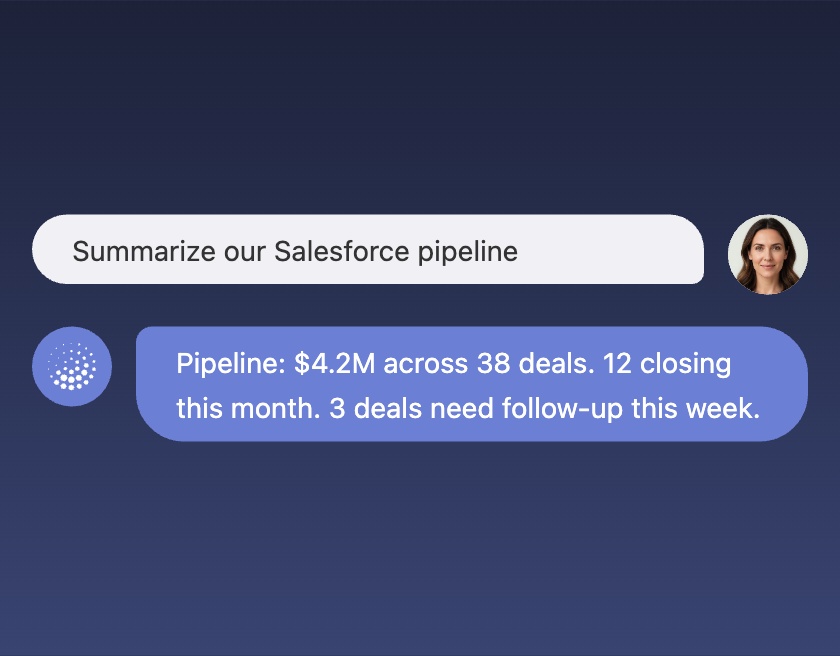
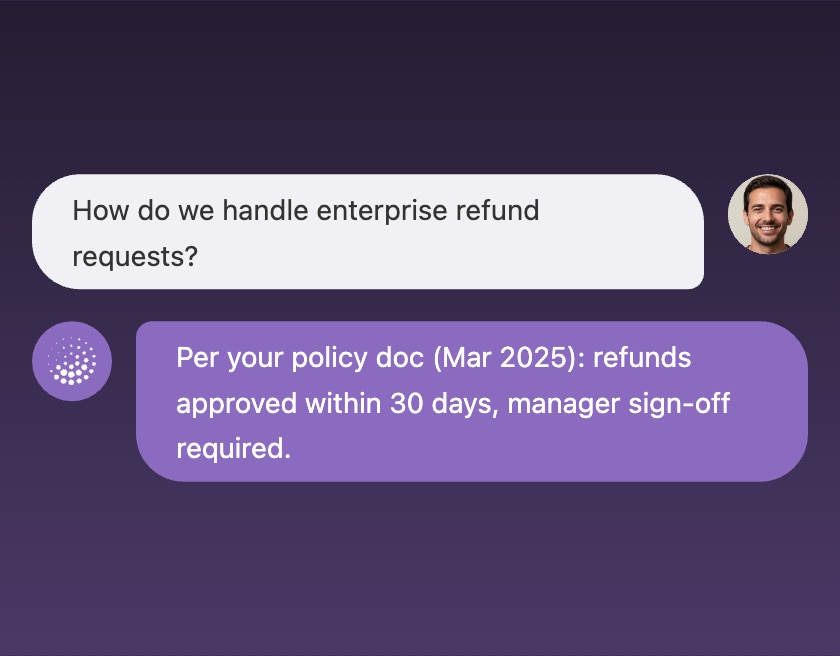
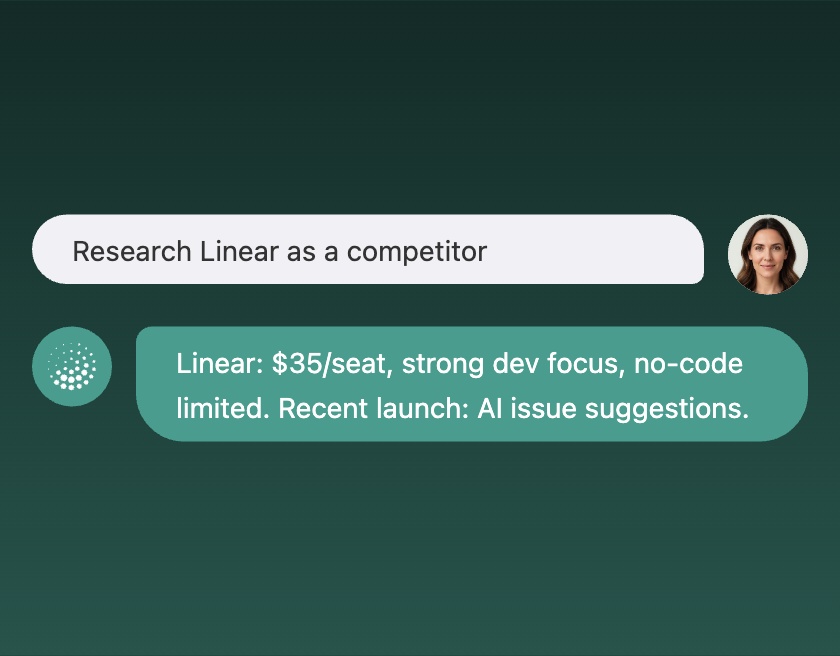
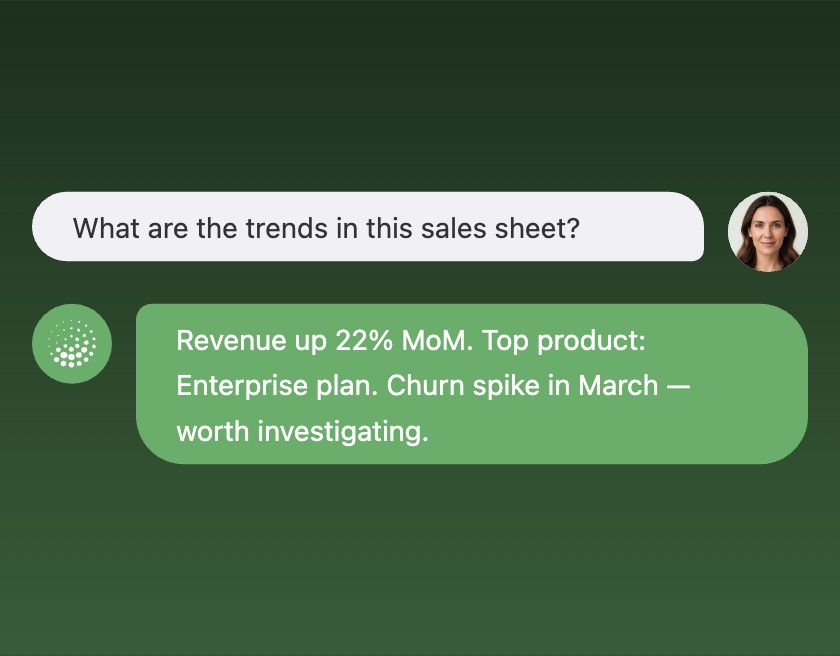
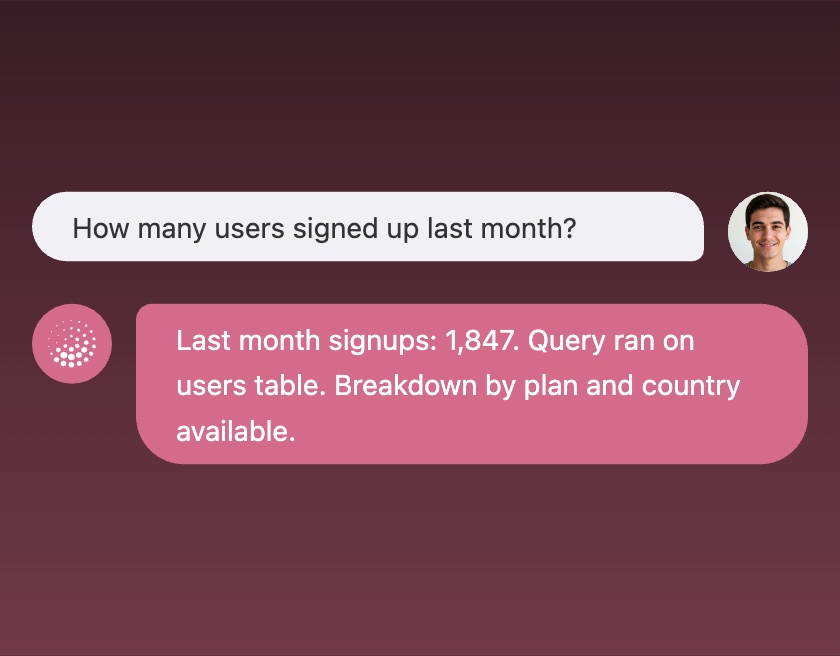
AI Agent reads your databases, APIs, and CRMs to generate context-aware agents that answer questions and trigger actions — directly in your product interface.

Get started
USE CASES

AI Agents for Every Workflow

Turn complex processes into smart, automated agents. Integrates with your databases, APIs, CRMs, and operational systems—enabling AI to fetch data, reason, and take action across your entire stack.

Meeting Prep Agent

Prepares briefing before meetings with attendee research and talking points.

Tools
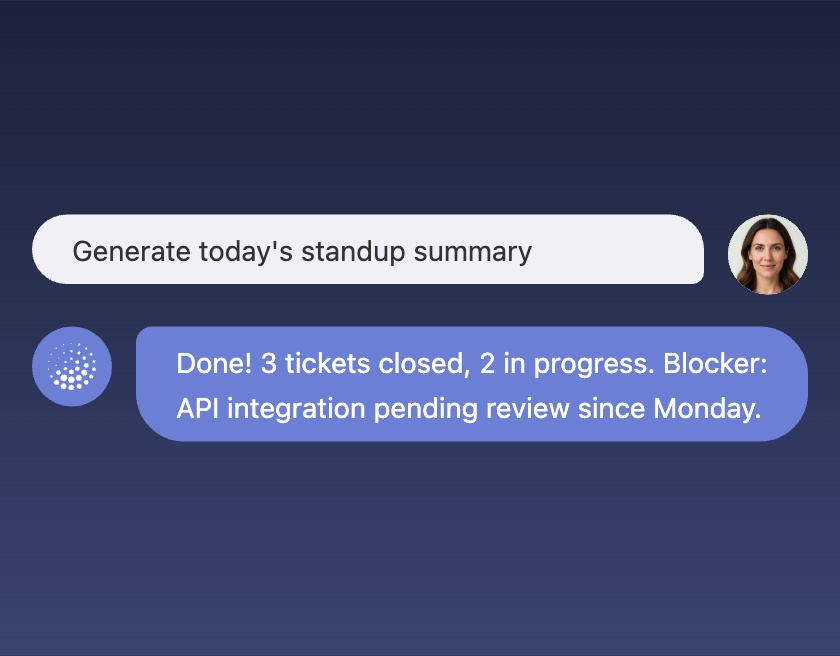
Daily Standup Agent

Prepares daily standup summaries based on tickets and calendar.

Tools
Social Media Writer

Creates posts for LinkedIn and X with proper tone and formatting.

Tools
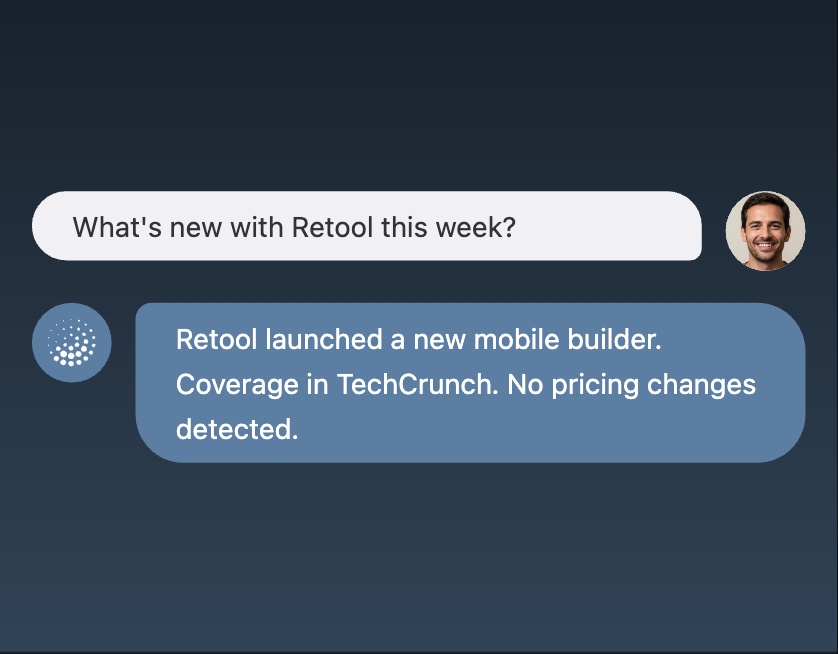
Competitive Intelligence Agent

Tracks competitor changes, announcements, and press coverage.

Tools
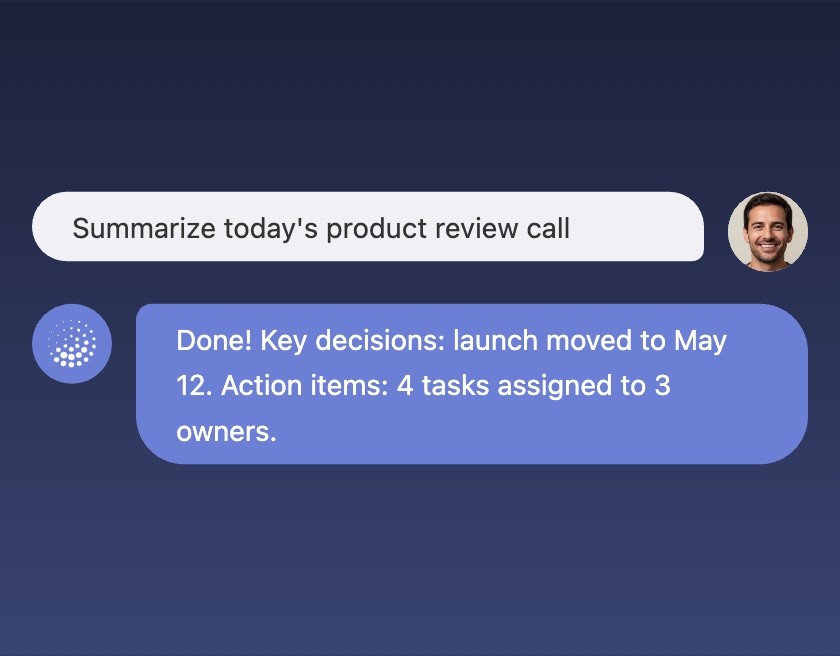
Meeting Notes Agent

Listens to calls, extracts decisions and action items, and sends summaries.

Tools
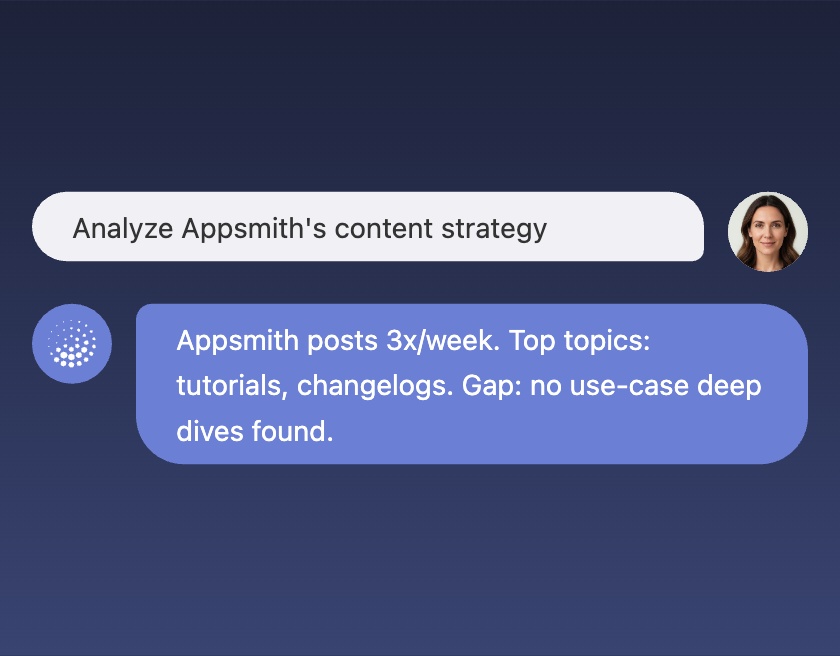
Competitive Content Analyst

Analyzes competitor content strategy and identifies gaps.

Tools
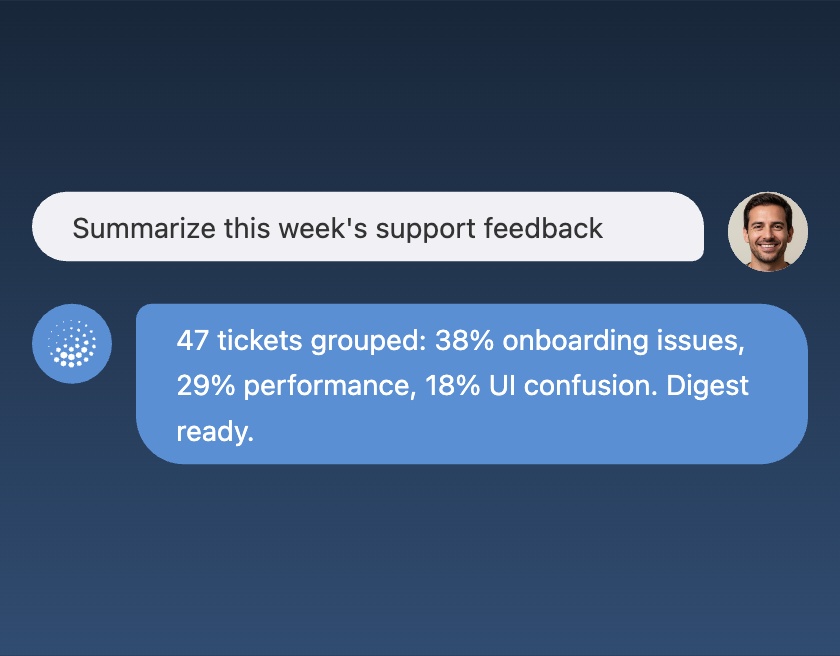
Feedback Digest Agent

A feedback summarizer that groups support tickets and creates weekly insights.

Tools
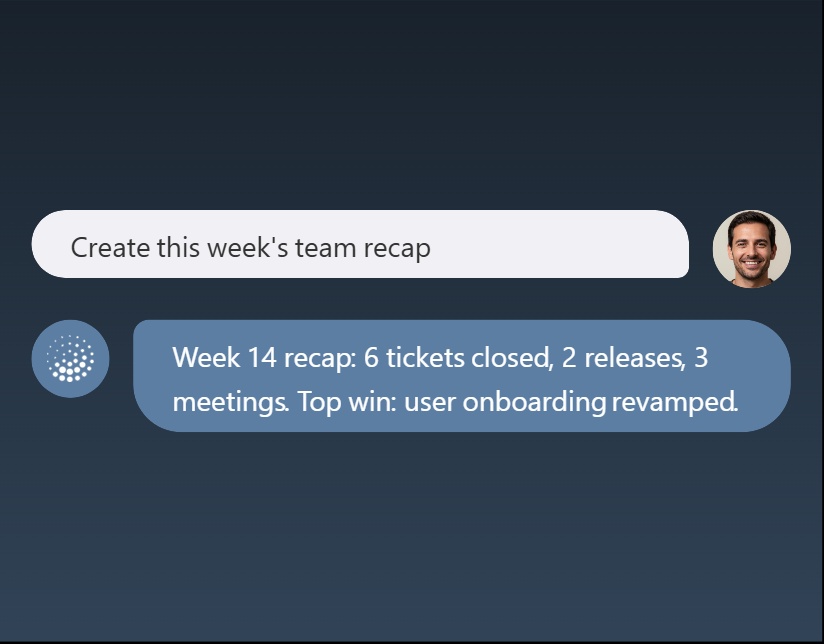
Weekly Recap Agent

A weekly recap agent that summarizes tickets, meetings, and accomplishments.

Tools
Content Calendar Agent

A content planner that researches trends, proposes a monthly calendar, and drafts briefs.

Tools
Company Research Agent

A company research agent. It creates a one-pager covering product, team, funding, news, and competitors.

Tools
Executive Assistant

A personal assistant that manages your calendar, drafts emails, organizes files, and suggests next actions.

Tools
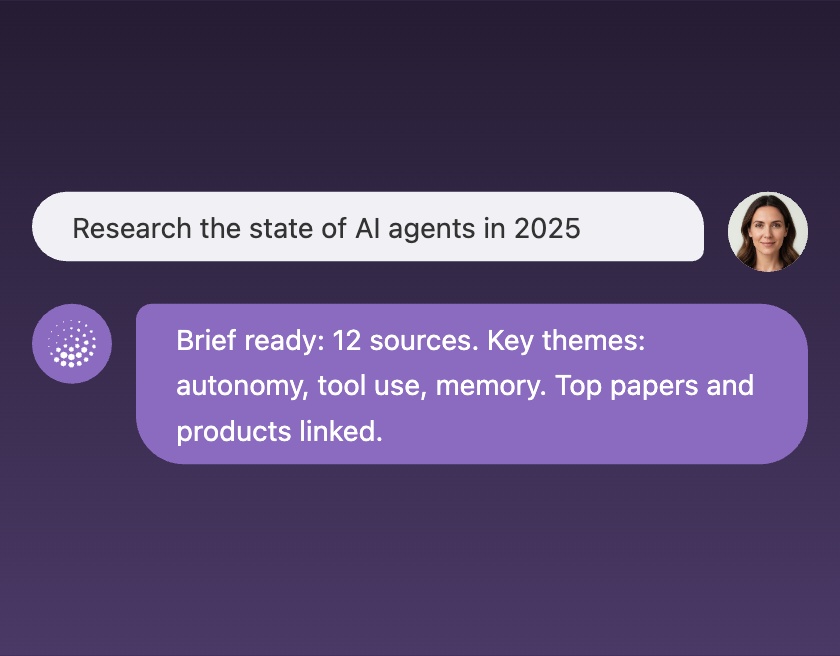
Deep Research Agent

A thorough research agent. It searches across multiple sources, reads results, and compiles a comprehensive brief with sources.

Tools
Newsletter Curator

A newsletter writer. It finds the best recent articles and trends on a topic, writes engaging summaries, and formats the whole thing ready to send.

Tools
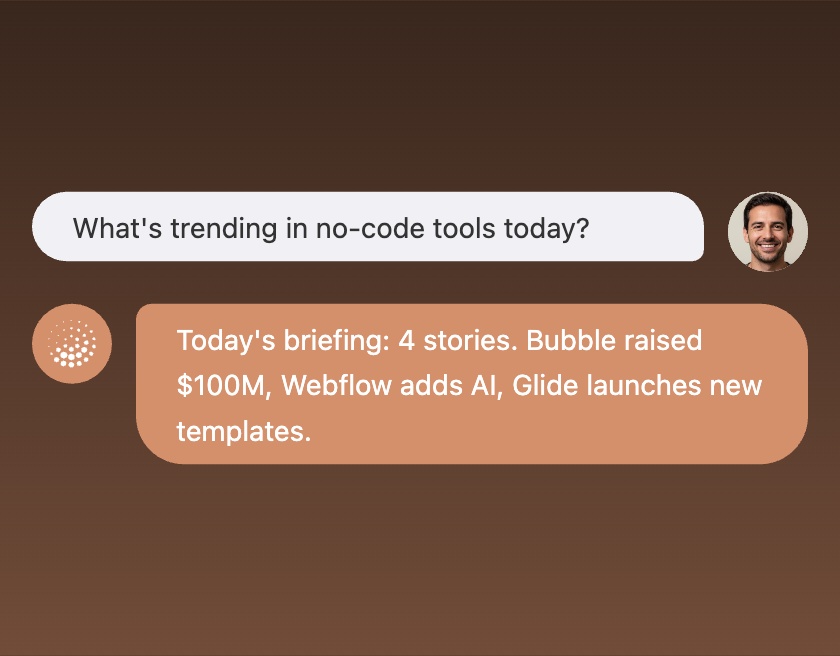
News & Trends Monitor

A news monitoring agent. It tracks industry news and emerging trends, filters for what actually matters, and puts together a daily briefing with sources.

Tools
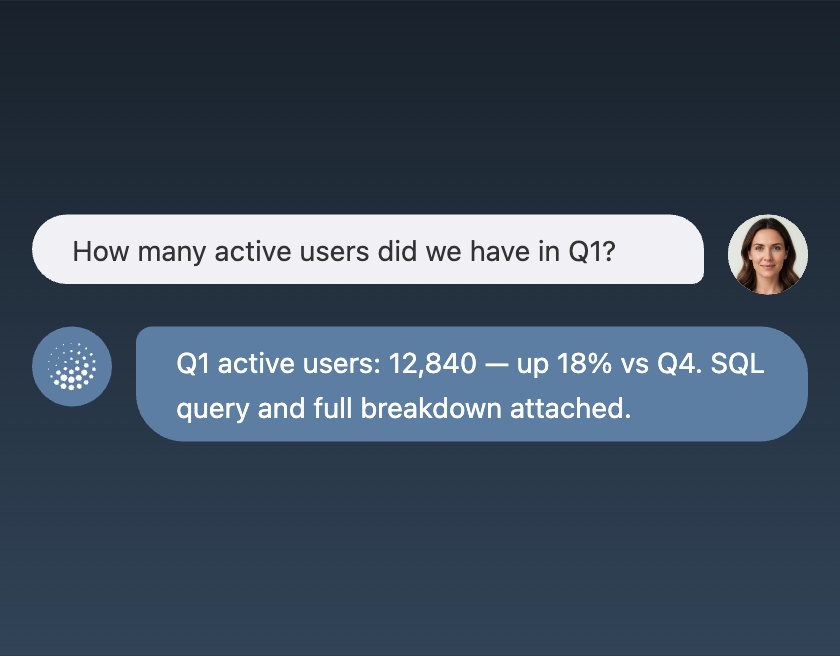
Snowflake Data Analyst

A data analyst for your Snowflake warehouse. It explores tables, answers questions with SQL, and documents what it learns along the way.

Tools
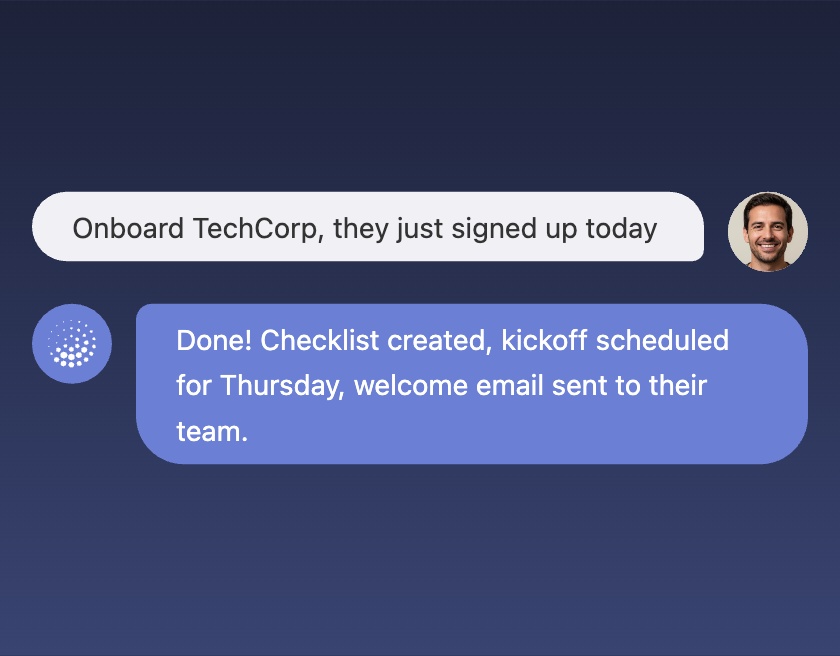
Customer Onboarding Agent

An onboarding agent for new customers. It sets up their checklist, schedules a kickoff call, and sends a welcome email with everything they need to get started.

Tools
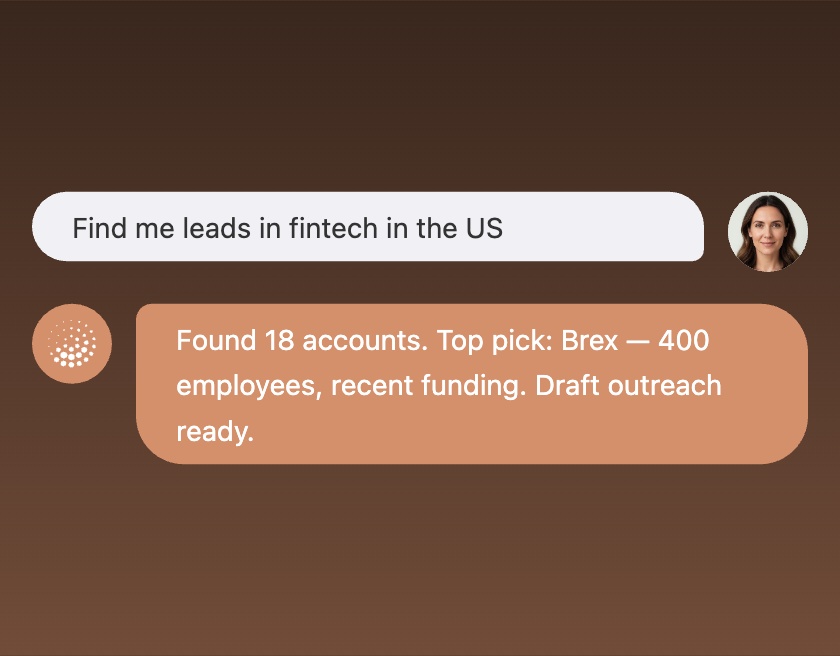
Sales Prospecting Agent

A proactive sales agent that helps with prospecting and outreach. It researches target accounts, finds the right contacts, drafts personalized emails, and books meetings.

Tools
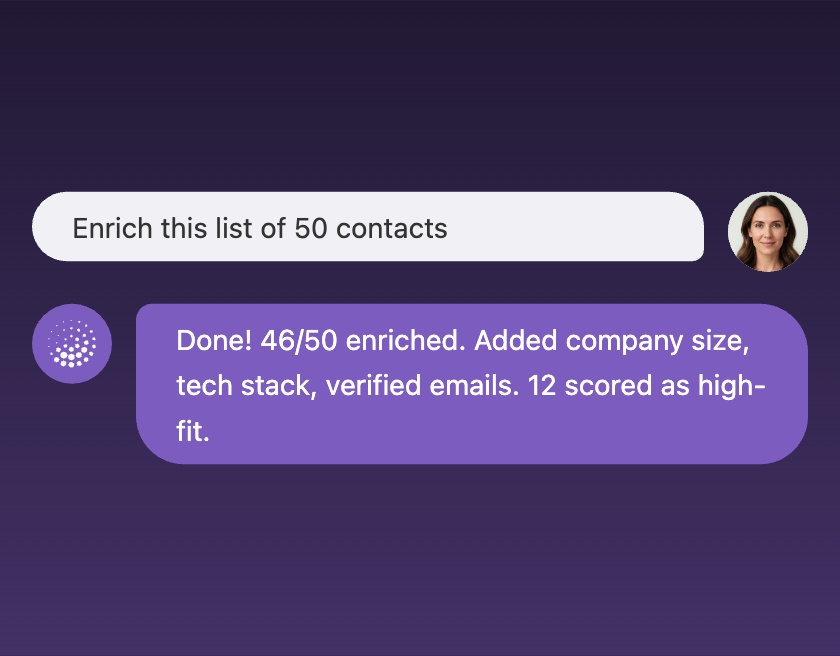
Lead Enrichment Agent

An agent that enriches lead lists. Give it a spreadsheet of contacts and it fills in company data, verifies emails, and scores each lead against your ideal customer profile.

Tools
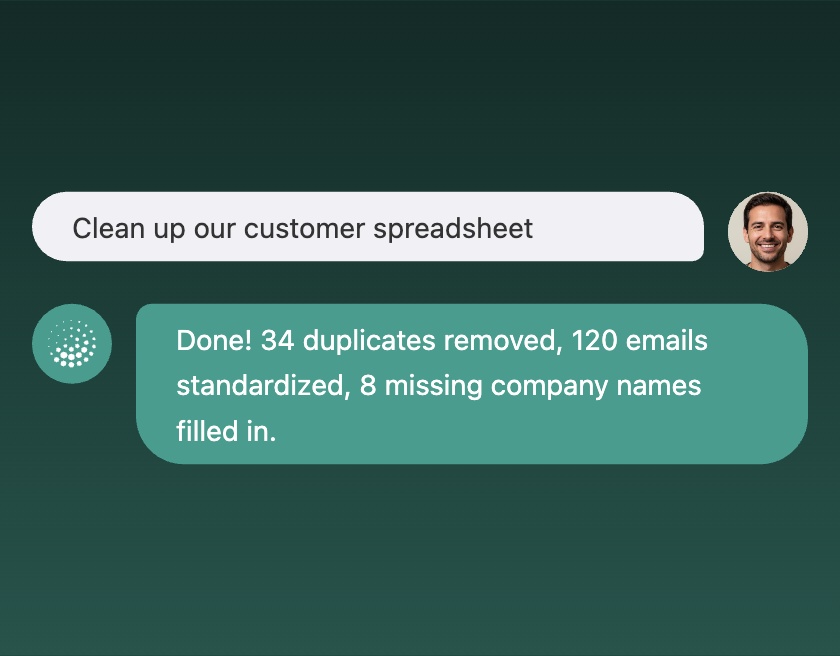
Data Cleanup Agent

A cleanup agent for messy spreadsheets. Give it a Google Sheet and it deduplicates rows, standardizes formats, and fills in missing info where it can.

Tools
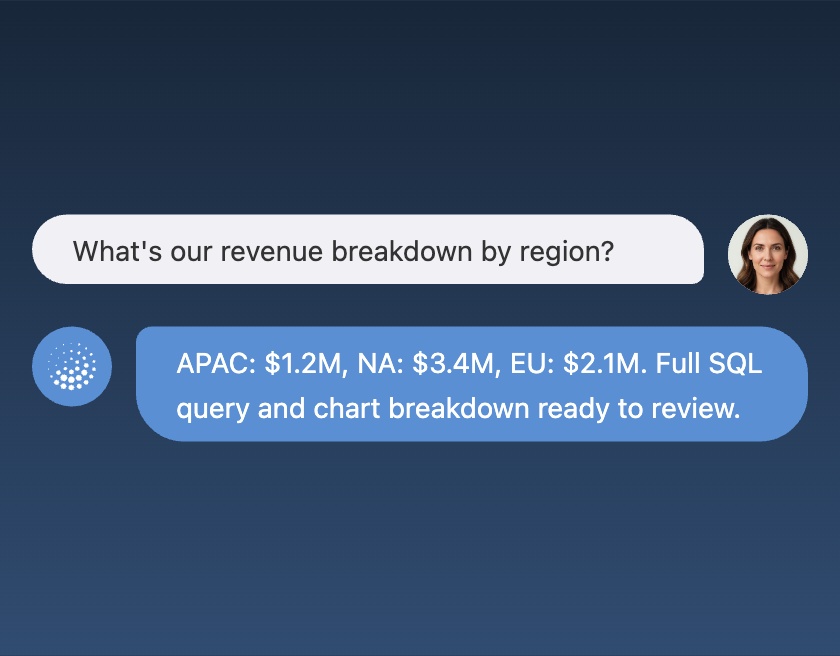
BigQuery Data Analyst

A data analyst for your BigQuery warehouse. Ask it any business question and it writes the SQL, runs the query, and explains what the data means in plain language.

Tools
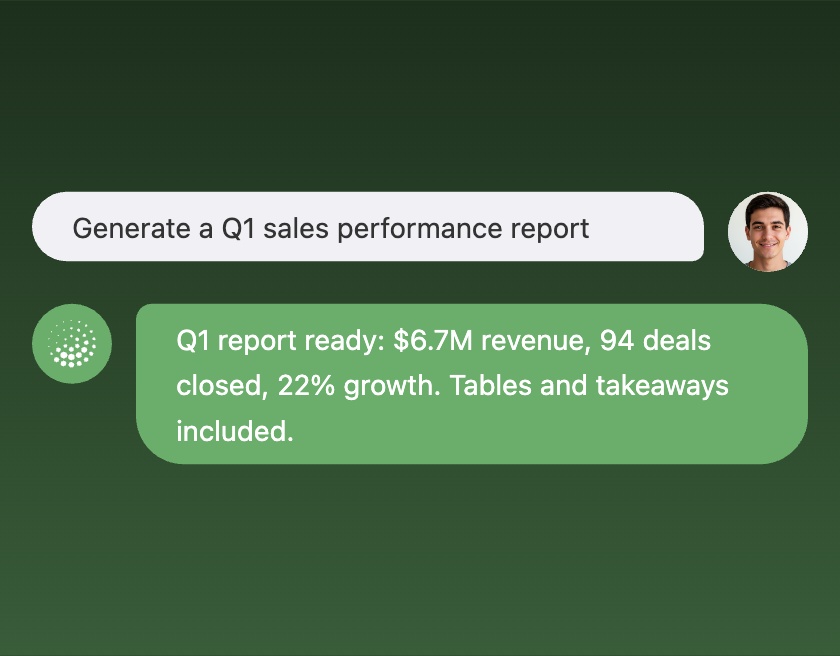
Report Generator

A report writer connected to your data warehouse. Ask a business question and it produces a polished report with tables, takeaways, and the raw data to dig deeper.

Tools
CRM Pipeline Reporter

A reporting agent that summarizes your Salesforce pipeline. It pulls deal data, breaks it down by stage and owner, and puts together a clean weekly report.

Tools
Internal Knowledge Agent

An internal knowledge agent. Ask it any question and it searches your company docs and wikis to find the answer. Always cites where it found the info.

Tools
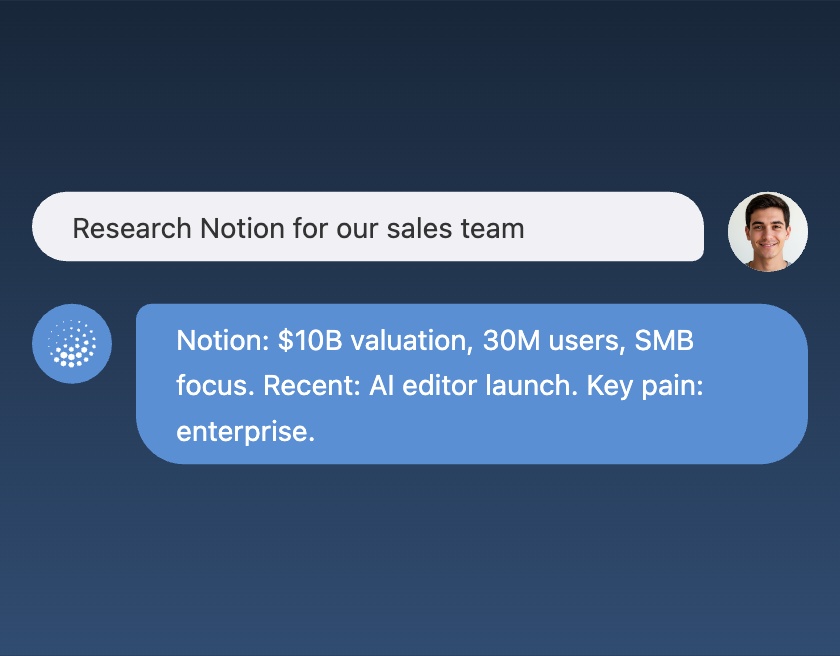
Competitor Research Agent

A research agent that digs into any competitor. Give it a company name or website and it comes back with their pricing, features, recent news, and how they stack up.

Tools
Inbox Manager

An email manager. It goes through your inbox, sorts what's urgent from what's not, drafts replies for the routine stuff, and flags what actually needs you.

Tools
Spreadsheet Analyst

An analyst for your Google Sheets data. Give it a spreadsheet and ask questions — it finds patterns, creates summaries, and writes up its findings.

Tools
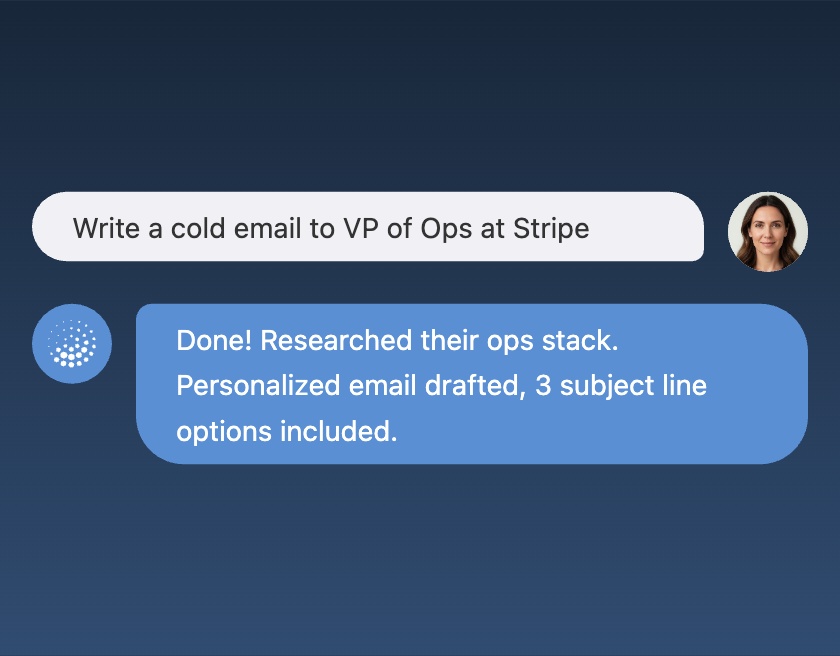
Cold Outreach Writer

A cold email writer that does its homework first. Give it a prospect and it researches their company, finds relevant talking points, and drafts a personalized email ready to review.

Tools
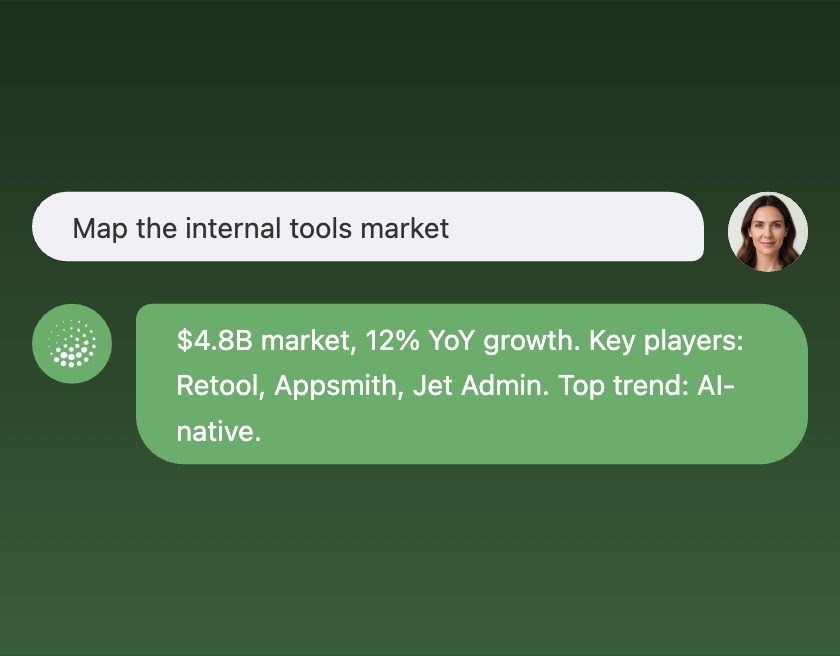
Market Research Agent

A market research agent. Give it an industry or category and it maps out the market — size, key players, trends, and recent developments.

Tools
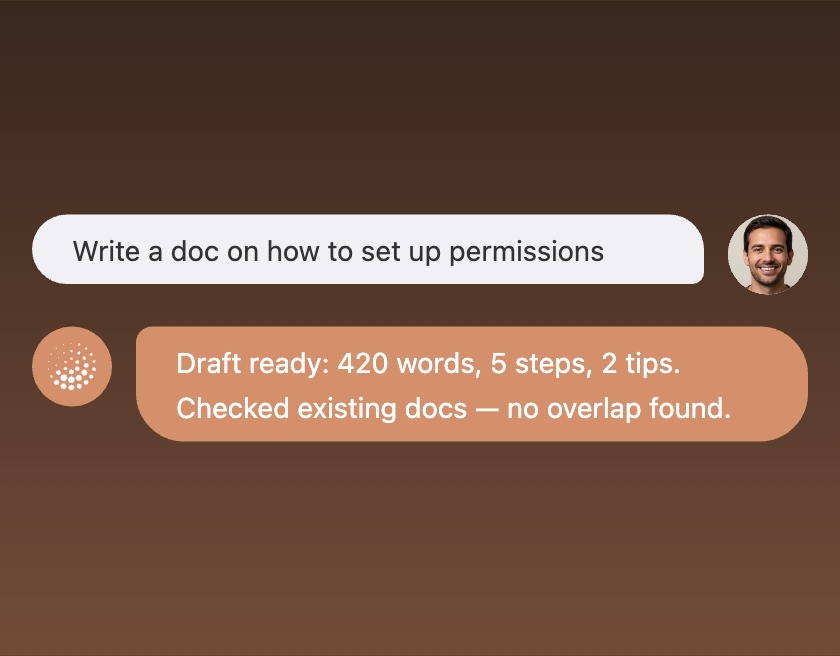
Help Docs Writer

A documentation writer. Give it a topic and it researches best practices, checks your existing docs for gaps, and drafts a clear help article.

Tools
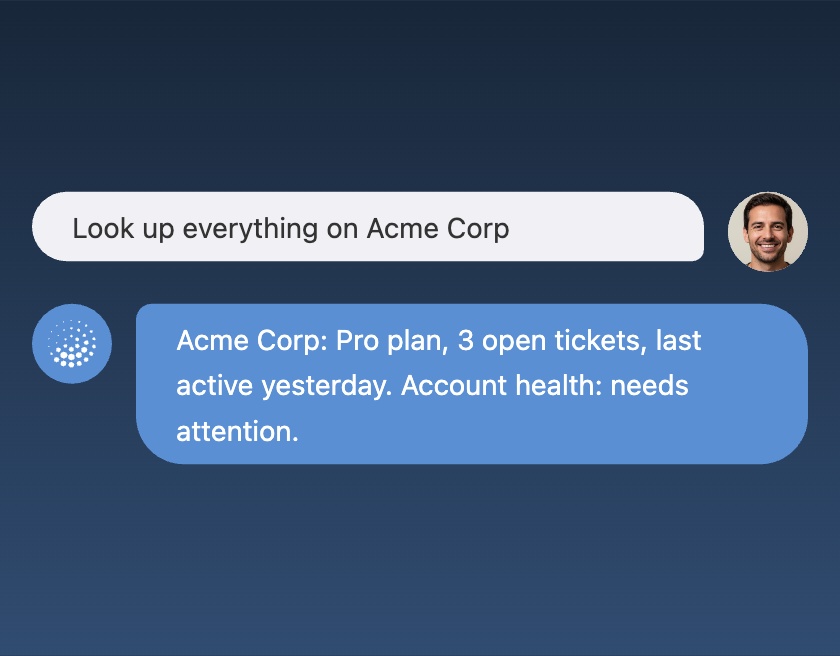
Customer Lookup Agent

A customer lookup agent. Give it a name and it pulls together everything — account info, open tickets, recent activity — into one quick summary.

Tools
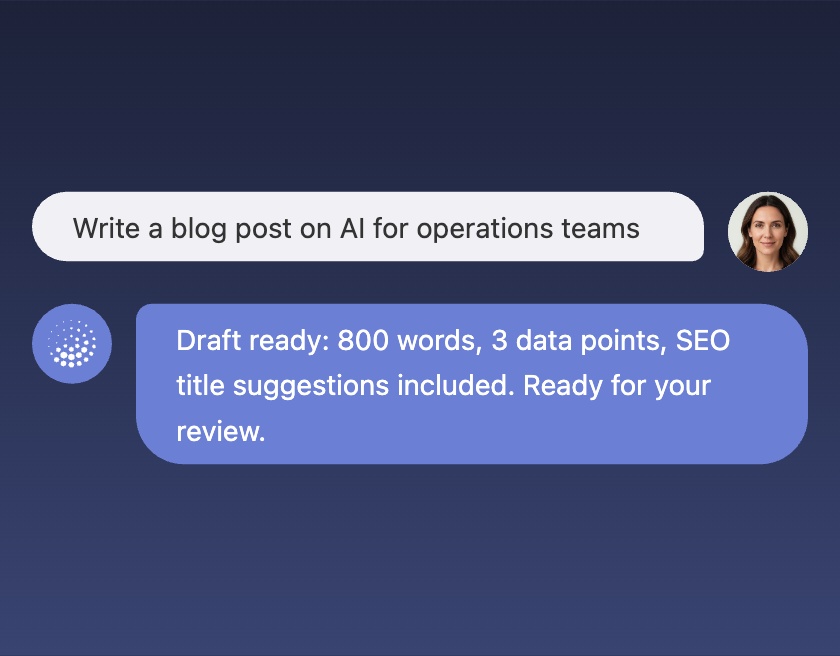
Blog Post Writer

A blog writer that does its own research. Give it a topic and it comes back with a polished draft, complete with supporting data and SEO-friendly titles.

Tools
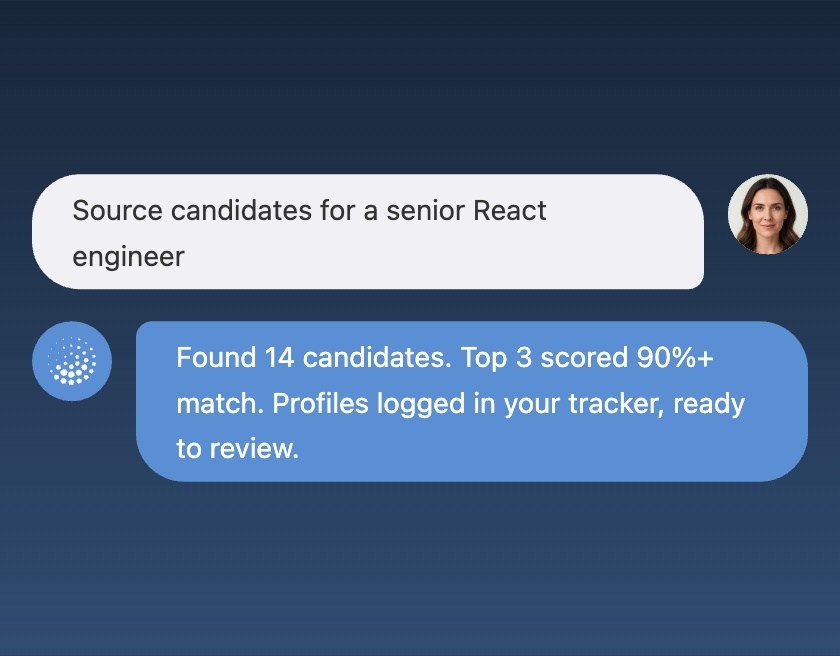
Recruiting Sourcer

A recruiting sourcer. Give it a job description and it finds matching candidates, scores them against the role, and logs the best profiles for your team to review.

Tools
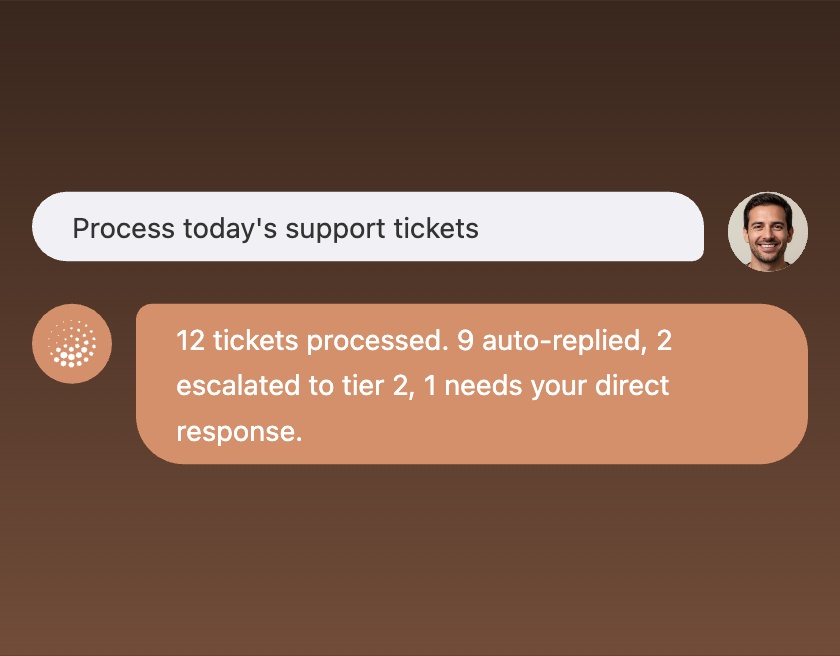
Support Inbox Agent

A support agent that handles incoming tickets. It reads each one, finds the right answer from your knowledge base, and drafts a response. Escalates anything it can't handle.

Tools
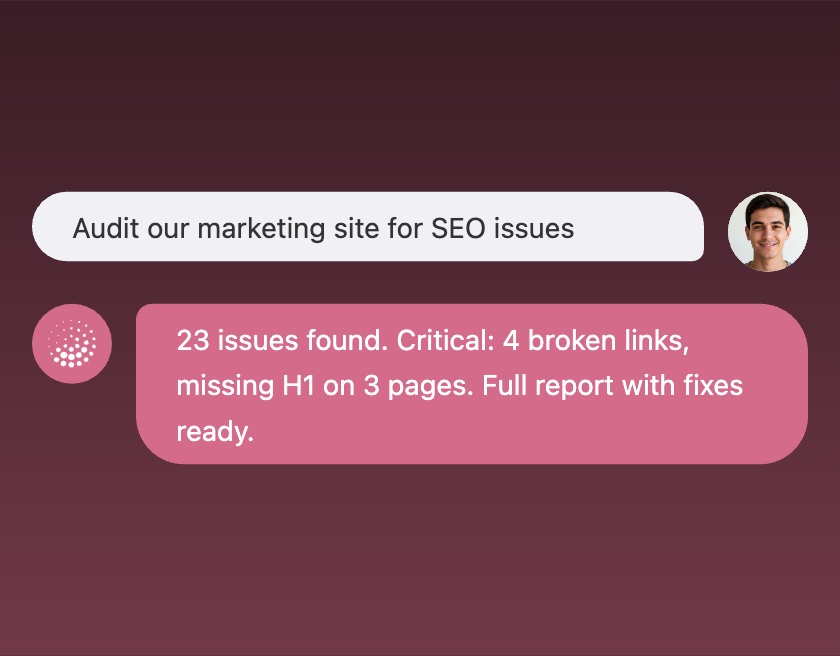
SEO Audit Agent

An SEO auditor. Give it a website URL and it crawls the pages, identifies issues, and produces an actionable report with what to fix first.

Tools
PostgreSQL Query Agent

A query agent for your PostgreSQL database. Ask questions in plain English and it writes safe read-only SQL, runs it, and explains the results.

Tools
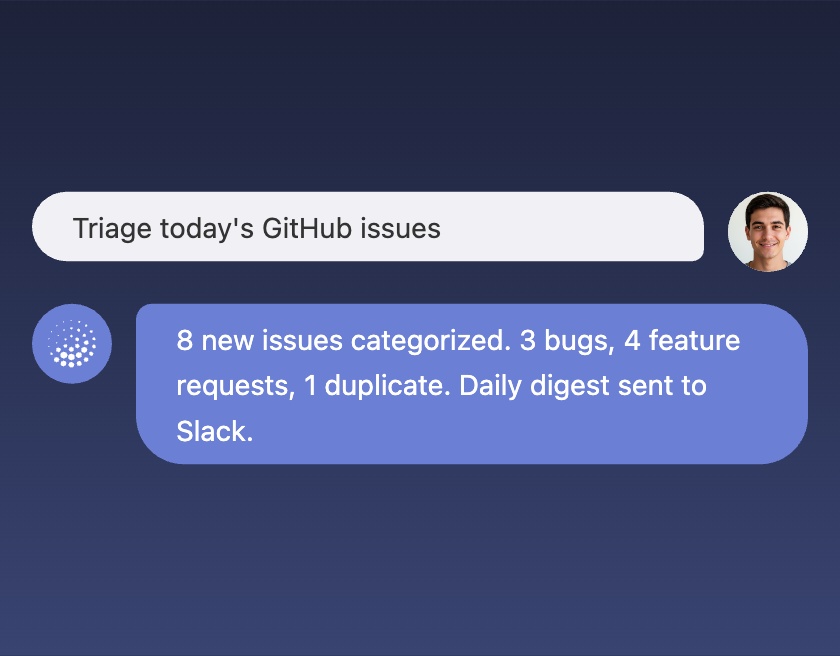
Issue Tracker Agent

A triage agent for GitHub issues. It categorizes new issues, finds related ones, and sends you a daily digest of what needs attention.

Tools
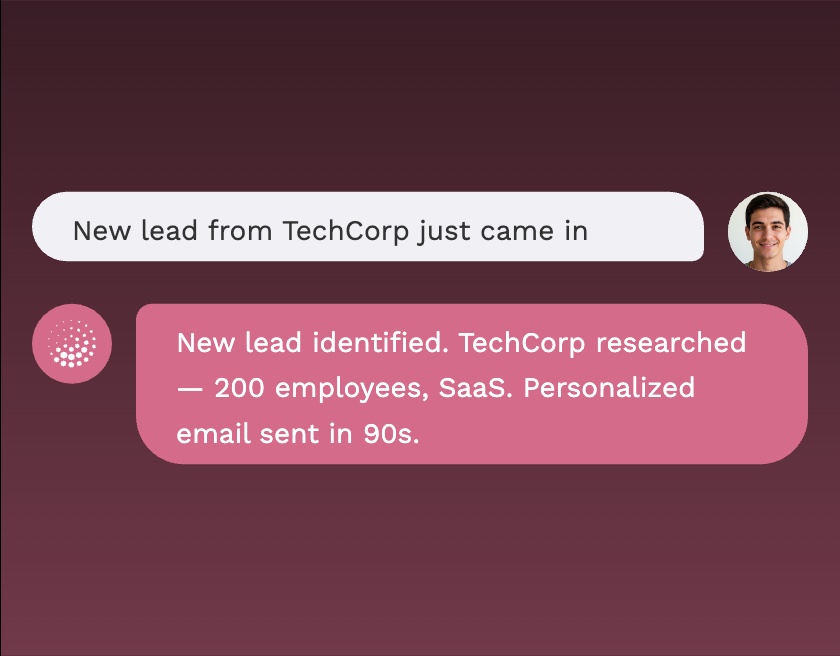
Sales Lead Responder

Responds to new leads instantly, identifies existing vs new customers, researches them, and sends the right outreach email.

Tools
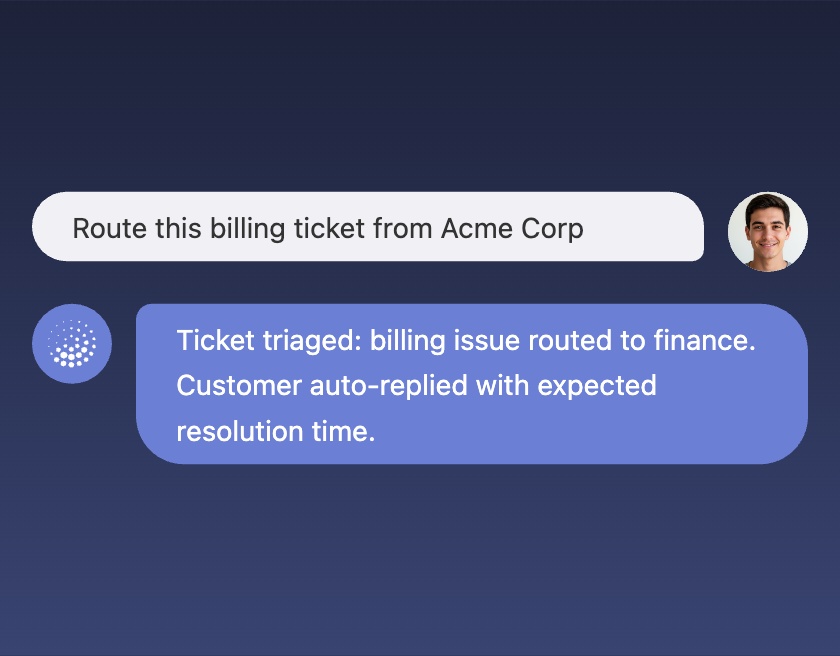
Customer Support Agent

Automatically triages support tickets, resolves simple issues, routes to specialists, or escalates complex cases.

Tools
Sales Manager Assistant

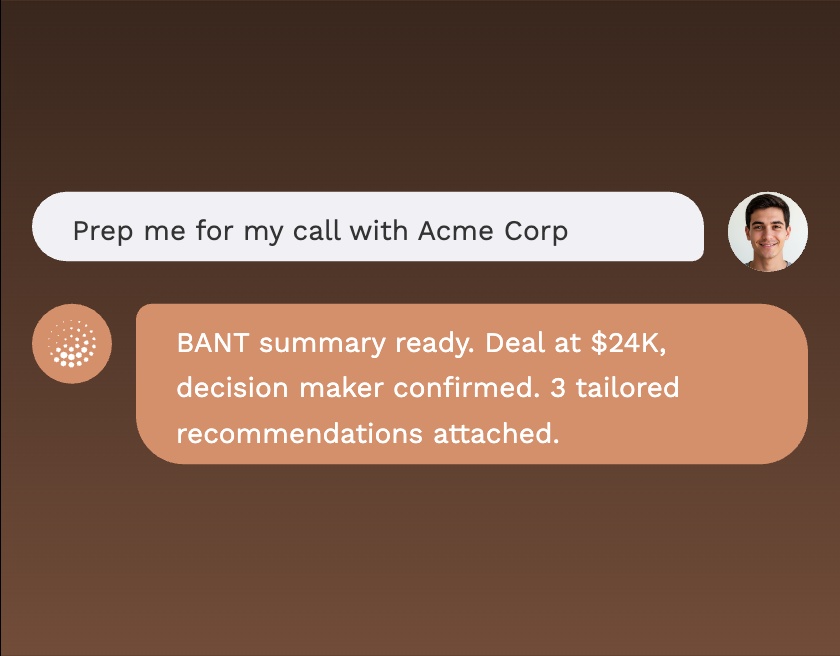
Preps sales managers with CRM insights,BANT summaries, and tailored recommendations before customer calls.

Tools
Project Management Agent

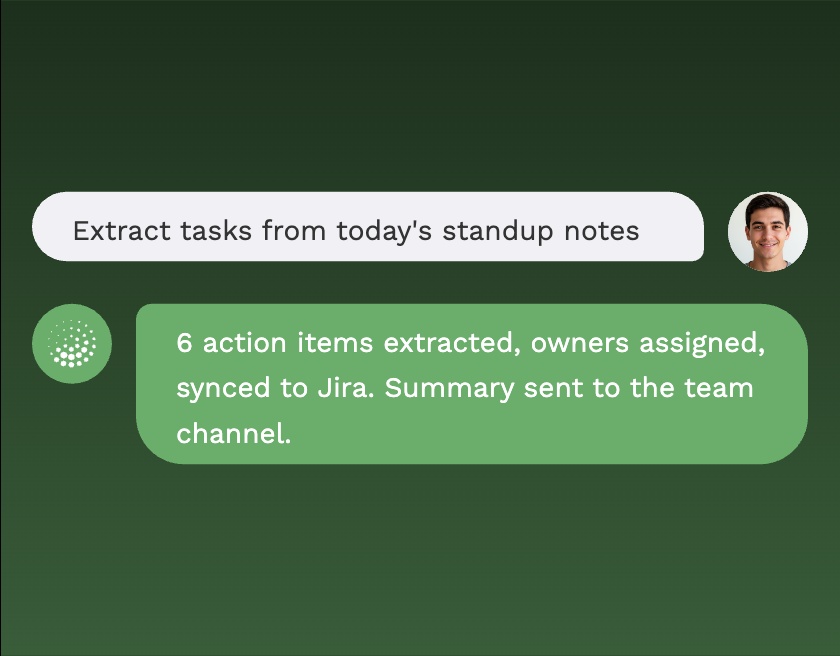
Turns meeting and chat transcripts into tasks — extracting action items, assigning owners, and syncing to PM tools.

Tools
Recruitment Agent

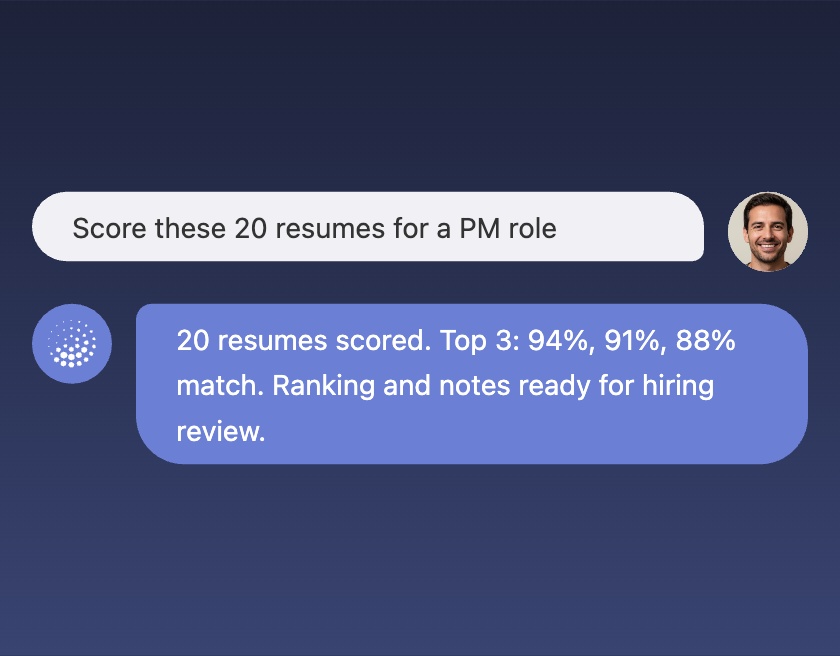
Parses and scores resumes against roles to surface top candidates and speed up hiring decisions.

Tools

Build Apps, Agents &
Workflows with AI

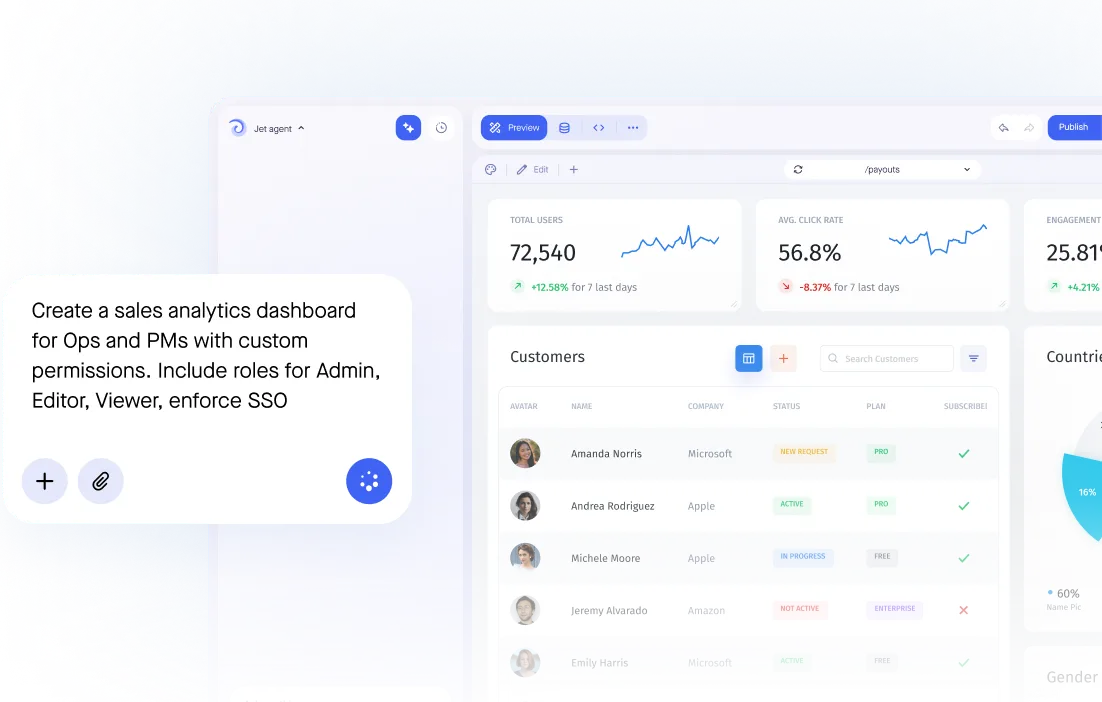
From Prompt to Production App

Describe what you need — a CRM, agent, dashboard, or inventory tracker — and Jet AI instantly generates a working app with connected data, logic, and design.

Generate dynamic custom components

Extend your app with auto-generated UI custom elements like charts, forms, and cards. Jet AI designs layouts that fit your data and use case perfectly.

Automate your workflows

Let AI handle what used to take hours — prioritizing leads, verifying invoices, drafting reports, or predicting demand.

Add an in-app AI Assistant

Give users instant answers based on your live data. Jet AI respects permissions and connects directly to your databases and APIs.

Featured

Seamless Workflow Automation

Integrate any Workflow Builder into your AI Agent and let it run complex, multi-system operations. From approvals to data syncing, your Agent can orchestrate actions across APIs, databases, CRMs, and internal tools.

Button clicked

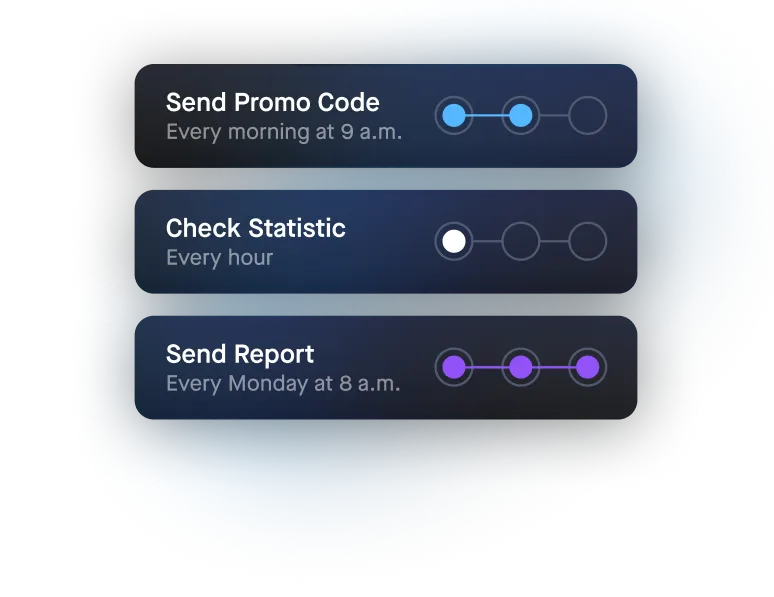
Initiate workflows in the app through button clicks, API calls, or by setting up scheduled jobs to run every minute, hour, day, or week.

1/6

Get Data from 50+ Data Source

Pull data from Jet Database or 50+ data sources like Databases, SQL, Rest API, GraphQL.

2/6

Transform Data

Transform the data you've pulled using Formula, JavaScript, or a JSON parser.

3/6

Conditions

Conditional steps enable the execution of different or concurrent sequences depending on specific criteria

4/6

Open Modal

Visualize and act on your data using Tables, Forms, Buttons, Charts and more.

5/6

Make any operations

Perform various actions like sending emails, processing refunds, or sending notifications in Slack.

6/6

Webhooks

Trigger automations across technologies

Branching and splits

Set up complex processes based on logical operations

SQL/API requests

Supercharge your app with low code options

Native debugger

Test your automations to keep things running smoothly

Get started

Create Pixel Perfect Design

Craft pixel-perfect components and boost your UI/UX creation without coding. Drag & drop components to create a design that fits your design system.