Build apps on top of Google Sheets

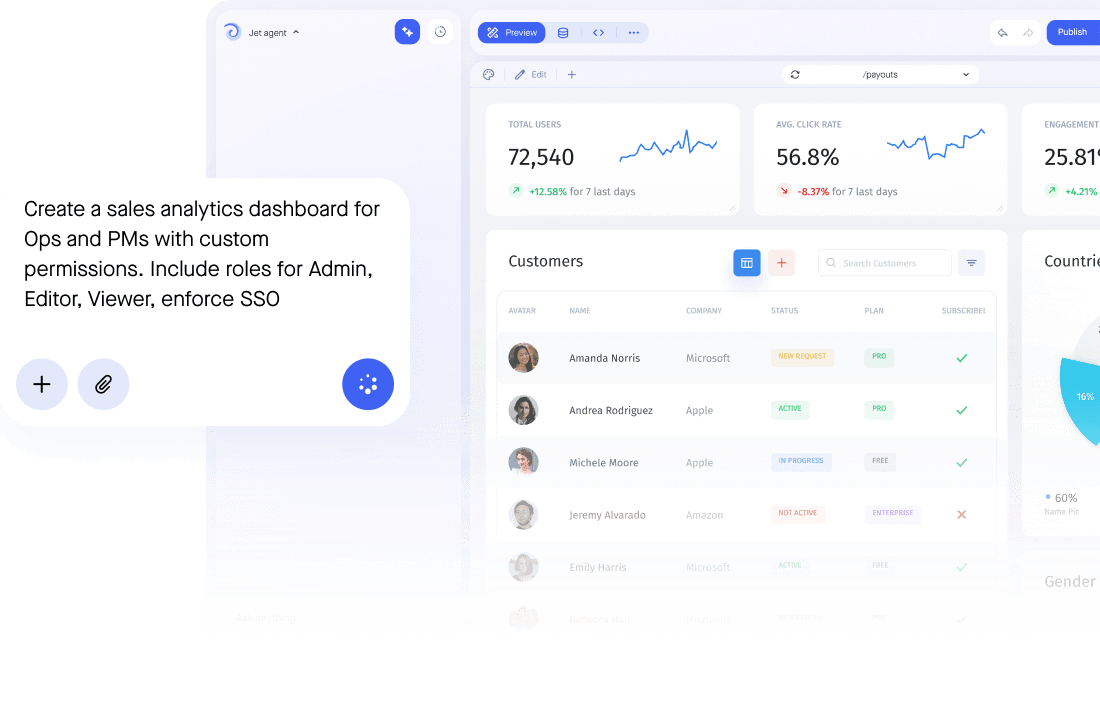
Build Admin Panels, Dashboards, and Internal Tools on top of your Google Sheets data with authentication, permissions, and workflows built in.


Trusted by Some of the World’s Best Product Teams

AI app builder comparison

Take SQL data further with Jet

See what a raw PostgreSQL setup gives you, and what Jet adds on top of it.
Google Sheets
+
Permissions & access
Sharing is per file, so anyone with the link reaches every tab, every hidden column and every formula behind them.
Google Sheets keeps a version history, but proving who saw which row for an audit still means digging through it yourself.
Build portals where each person logs in and sees only their own rows, while the sheet itself stays private.
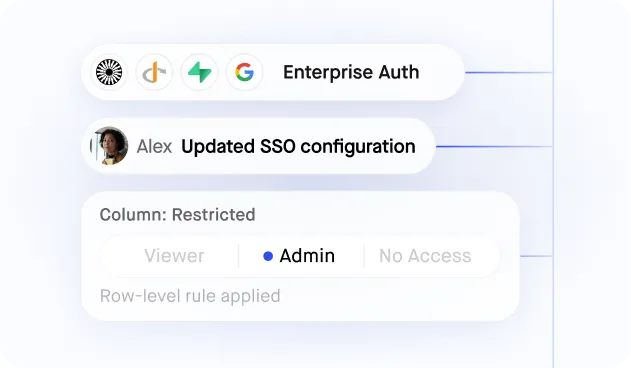
Row-level permissions, SSO and a full audit log come with every app, so a security review has an answer before it asks the question.
Interface & branding
Clients and staff work in the spreadsheet grid, where one stray paste can break a formula the whole sheet depends on.
Ship a branded app on your own domain that reads and writes the same sheet, with none of the formulas on show.
Pricing & seats
Sheets is cheap until it becomes the system of record, and then the real cost is broken formulas and no audit trail.
Open your data to clients and contractors without giving anyone edit access to the file itself.
Workflows & AI Agents
Every business AI agent ends up with its own one-off connection to the sheet, so marketing, sales and support each rebuild the same plumbing and the same access risk.
Reacting to a change in a spreadsheet usually means an Apps Script trigger or an external cron job watching the file, with no record of what ran or why.
Build AI agents for marketing, sales and support on top of the sheet, with the same permissions your team already works under.
Trigger a workflow the moment a row changes in the sheet, chaining approvals, notifications and follow-up actions with no Apps Script or cron job to maintain.
Deployment & hosting
Most tools that turn a sheet into an app run only in their own cloud, so a security review starts with where your data is allowed to travel.
Keeping a fast front end in sync with a spreadsheet usually means exporting or syncing into another store first, so what people see is only ever as fresh as the last sync.
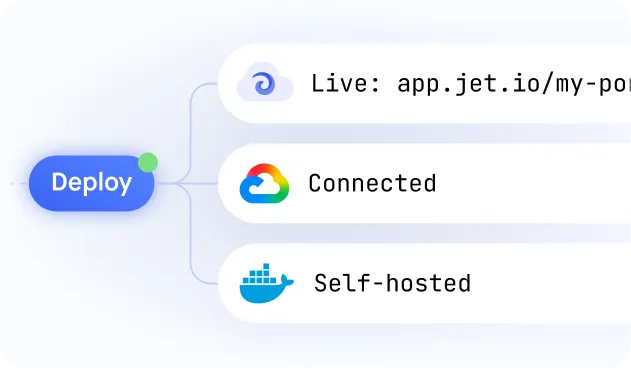
Run Jet in your own cloud account or fully on-premise, so apps built on the sheet never route through someone else's servers.
Jet reads and writes the sheet directly, so there's no export or sync step between what's in the file and what people see in the app, and the app layer ships in days, not a developer sprint.
Dashboards & Data Integrations
Every report means copying numbers into a second sheet or a slide deck, so it is out of date the moment someone opens it.
Add a second sheet or tool and you are opening a second tab, so people switch windows to see data that belongs on one screen.
Charts and metrics read live from the sheet, on a screen anyone with the right role can open, so the dashboard never drifts from what the sheet holds.
Join the sheet with HubSpot, Stripe or Airtable in the same app, so one login and one screen cover every source you have.
BUILD ANYWHERE, GOVERN IN ONE PLACE

The full-stack features you need

Create a personalized, secure experience for every app user. Tailor the look and feel to align with your brand.
Create/Read/Update/Delete
All CRUD operations are generated automatically based on your database structure.
Search, Filter, Segments

Create any segments of your application data by applying a subset of filters or build an SQL query.‍‍

Manage team permissions
Manage permissions for specific users and teams without any line of code. Add users to individual dashboards and manage their access rights to specific contents directly from Jet’s interface.
Import or Export data
Import or Export data in different formats: CSV, XLS, XLSX, and JSON in a few clicks

Frequently asked questions

How do I connect Google Sheets to Jet Admin?

Add Google Sheets as a resource, authenticate with Google, and pick the spreadsheet you want to use. Jet reads the columns and generates screens automatically. You can point Jet at a read-only view first if you would rather start with viewing before enabling edits.

Is there a GUI for Google Sheets?

Yes, and it replaces the risk of someone breaking a formula with one bad paste. Jet gives you forms, tables, search and filters on top of the sheet, so people who should never open the raw file can still work with the data: support agents, operations, finance and external users, each seeing only the rows their role allows.

Can I edit my Google Sheets data from Jet Admin?

Yes. Writes go straight back to the sheet. Forms validate types and required fields before the update, roles decide who can change what, approvals can hold the risky updates, and every change is recorded in the audit log with the person who made it, instead of an unattributed edit in the file.

Does Jet Admin copy or migrate my Google Sheets data?

No. Jet reads and writes the sheet directly. There is no export to schedule, no second copy to reconcile and no migration to plan, so the sheet stays the single source of truth.

Is it safe to connect a spreadsheet with sensitive data?

Jet authenticates with Google OAuth rather than sharing edit access to the file, and access is controlled with SSO plus row-level permissions, so people see only the rows their role allows instead of the whole sheet. If your data must not leave your network, Jet can run in your own cloud account or fully on-premise.

Can I connect several data sources to one app?

Yes. Google Sheets can sit alongside Airtable, HubSpot or a SQL database in the same app, and a single screen can read from more than one of them at once.

What databases does Jet support?

Jet supports many databases, including MySQL, PostgreSQL, Microsoft SQL Server, Amazon Redshift, and Google BigQuery. Jet also offers integrations with popular APIs and services such as Stripe, Twilio, and Slack, making it easy to incorporate data from these sources into Jet applications. Here is a list of all our different integrations.

Who uses Jet Admin?

Diverse businesses, from startups to enterprise companies in the healthcare, finance, and e-commerce sectors. For companies that depend on internal tools, portals, and dashboards for their workflow, offering the capability to craft customized applications suited to their requirements

What is Jet Admin?

Jet Admin is a development platform that allows developers to quickly build custom business apps like internal tools, portals, dashboards for their businesses. Jet offers a drag-and-drop interface and pre-built components, making it easy to create applications while writing little code.