Build Admin Panels, Dashboards, and Internal Tools on top of your Airtable data with authentication, permissions, and workflows built in.





Turn your base into a portal or internal tool where each person signs in and sees only their own records.
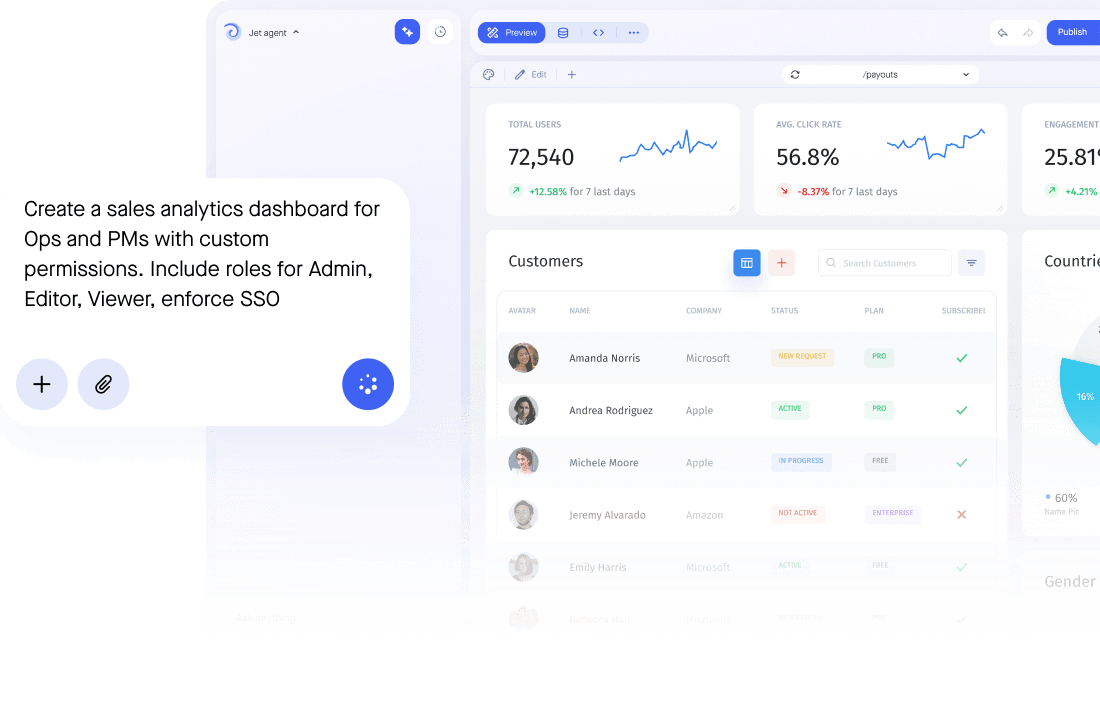



Create any segments of your application data by applying a subset of filters or build an SQL query.



Add Airtable as a resource and authenticate with your API key or OAuth, then choose the base you want to use. Jet reads your tables and fields and generates screens automatically. You can restrict Jet to specific tables first if you would rather start with a narrower view before opening up more.
Yes, and it can be a different one from Airtable's own grid. Jet lets you build branded apps and portals on top of your base, with search, filters and inline editing, so external users can work with records without an Airtable seat: clients, contractors and support agents, each seeing only what their role allows.
Yes. Writes go straight back to your base. Forms validate types and required fields before the update, roles decide who can change what, approvals can hold the risky updates, and every change is recorded in the audit log with the person who made it.
No. Jet queries your base directly through Airtable's API. There is no export to schedule, no second copy to reconcile and no migration to plan, so your Airtable base stays the single source of truth.
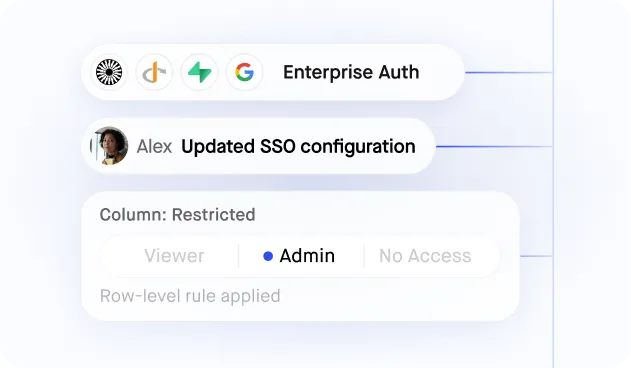
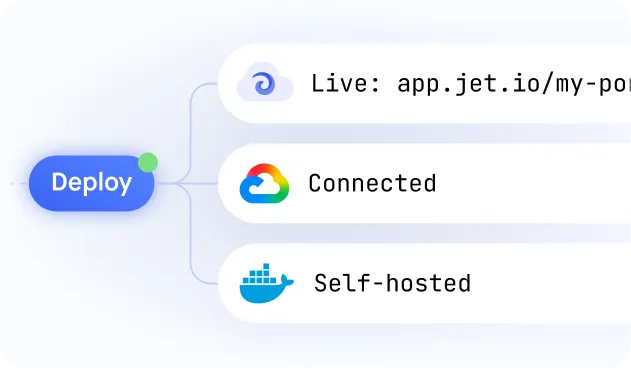
Jet authenticates with a scoped API key rather than sharing an editor seat, and access is controlled with SSO plus row-level permissions on top of the permissions you already set in Airtable. If your data must not leave your network, Jet can run in your own cloud account or fully on-premise.
Yes. Airtable can sit alongside HubSpot, Stripe or a SQL database in the same app, and a single screen can read from more than one of them at once.
Jet supports many databases, including MySQL, PostgreSQL, Microsoft SQL Server, Amazon Redshift, and Google BigQuery. Jet also offers integrations with popular APIs and services such as Stripe, Twilio, and Slack, making it easy to incorporate data from these sources into Jet applications. Here is a list of all our different integrations.
Diverse businesses, from startups to enterprise companies in the healthcare, finance, and e-commerce sectors. For companies that depend on internal tools, portals, and dashboards for their workflow, offering the capability to craft customized applications suited to their requirements
Jet Admin is a development platform that allows developers to quickly build custom business apps like internal tools, portals, dashboards for their businesses. Jet offers a drag-and-drop interface and pre-built components, making it easy to create applications while writing little code.