

Firebase GUI builder
Browse Firestore collections, edit documents through real forms and build admin panels on your Firebase project, with roles and an audit log built in.
Trusted by Some of the World’s Best Product Teams





Build exactly what your team needs
The Firebase console is built for the developer who owns the project. A Jet Firebase GUI is built for everyone else — operations, support, and the customers you give a portal to.
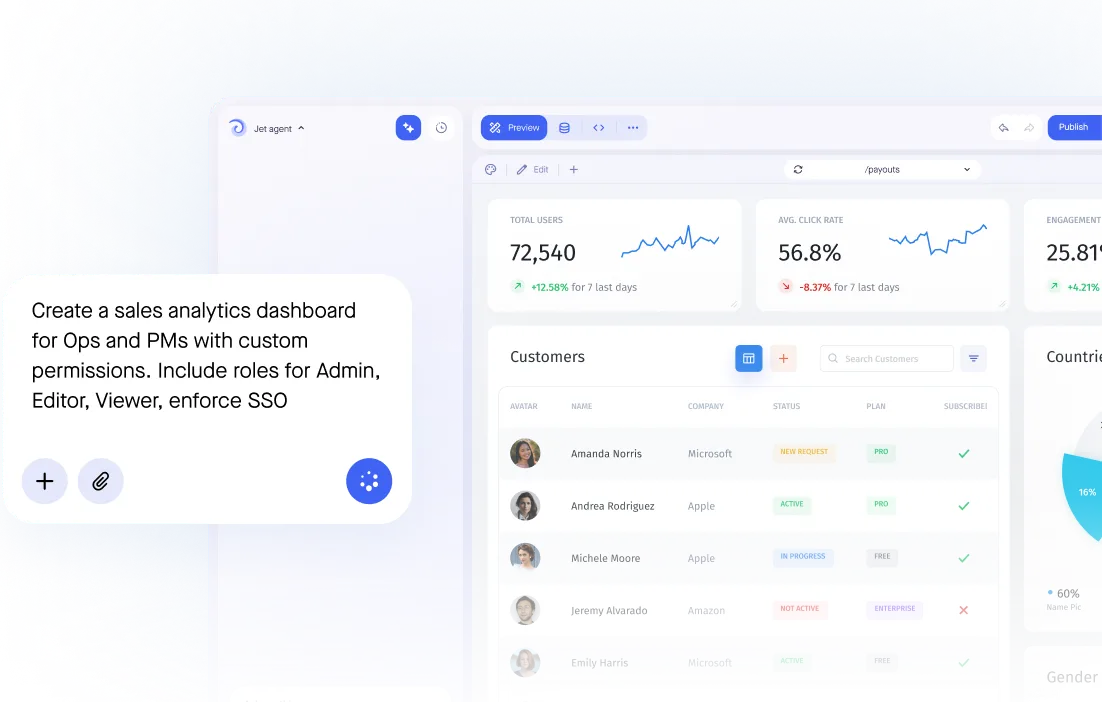

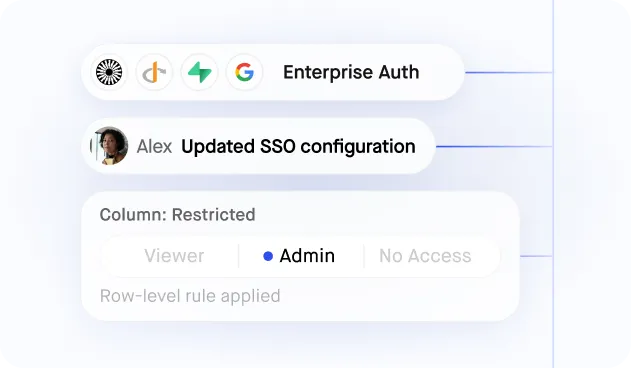
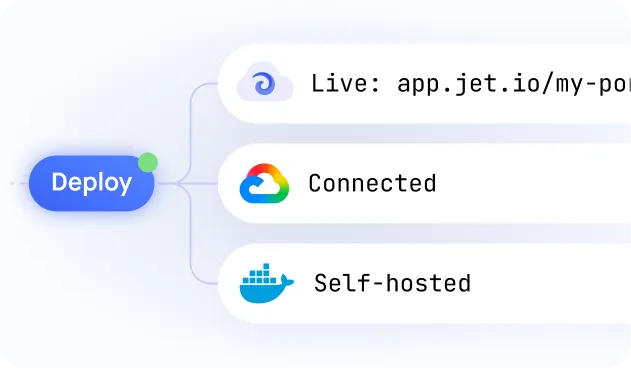
Build secure app fast



Firebase data in a shape humans can read
.jpeg)
Firestore and Realtime Database
.jpeg)
Structured document editing
.jpeg)
Charts on Firebase data
.jpeg)
Granular user permissions
.jpeg)
Cloud Functions and other sources
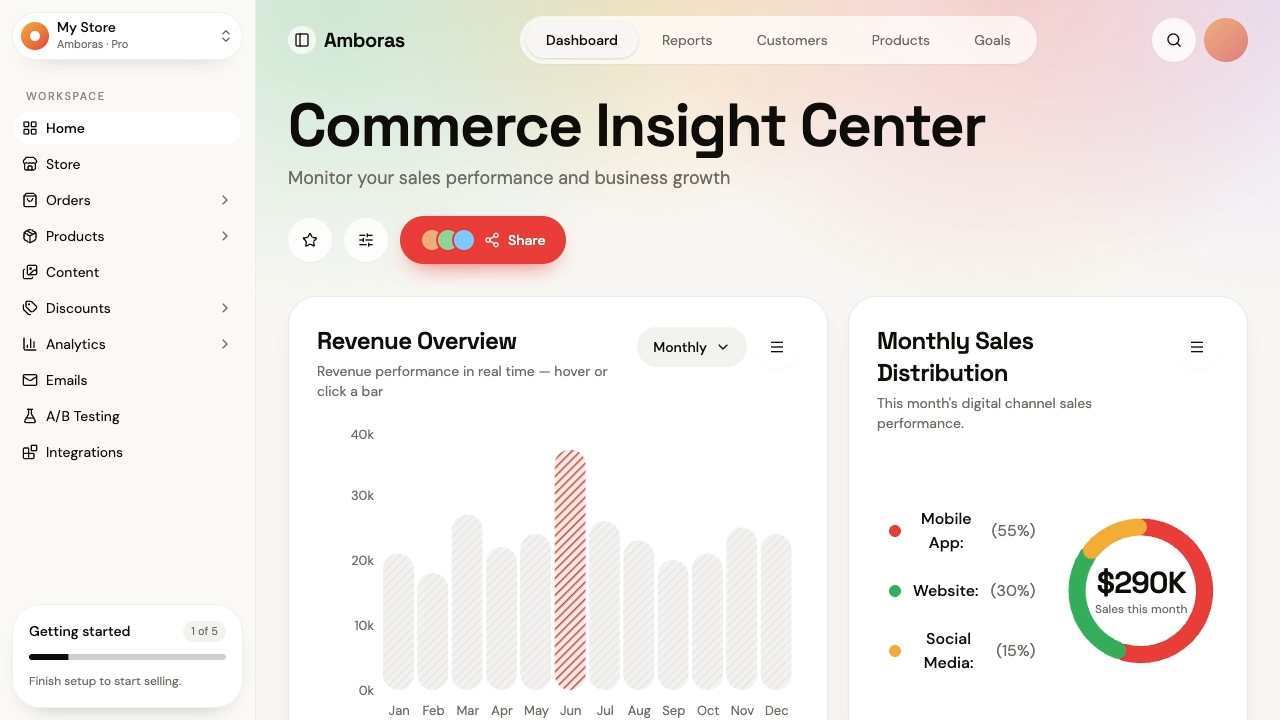
Similar Use Cases


.svg-min.png)































.png)


.png)


.png)










Frequently asked questions
A Firebase GUI builder turns Firestore and Realtime Database into an interface people can actually use: tables, forms with validation, and charts the console cannot provide. Your team signs in to Jet rather than sharing project keys.
Yes. Jet connects to Firestore and turns your collections into tables you can search, filter and edit, with forms instead of raw JSON.
Yes. Documents, nested maps and arrays get real inputs with validation, so people can change data without opening the Firebase console or touching project settings.
Yes. Connect both and manage them side by side in the same interface.
Yes. Build dashboards directly on your collections to track usage, growth and status. The Firebase console has no equivalent.
Yes. People sign in to Jet, not to Firebase. Role-based access decides which collections and fields each person can touch, so nobody needs console access to do their job.
Yes. Put a button on a record that calls a Cloud Function or a REST endpoint, and join Firebase with your other databases on the same screen.



