Apps on top of Salesforce

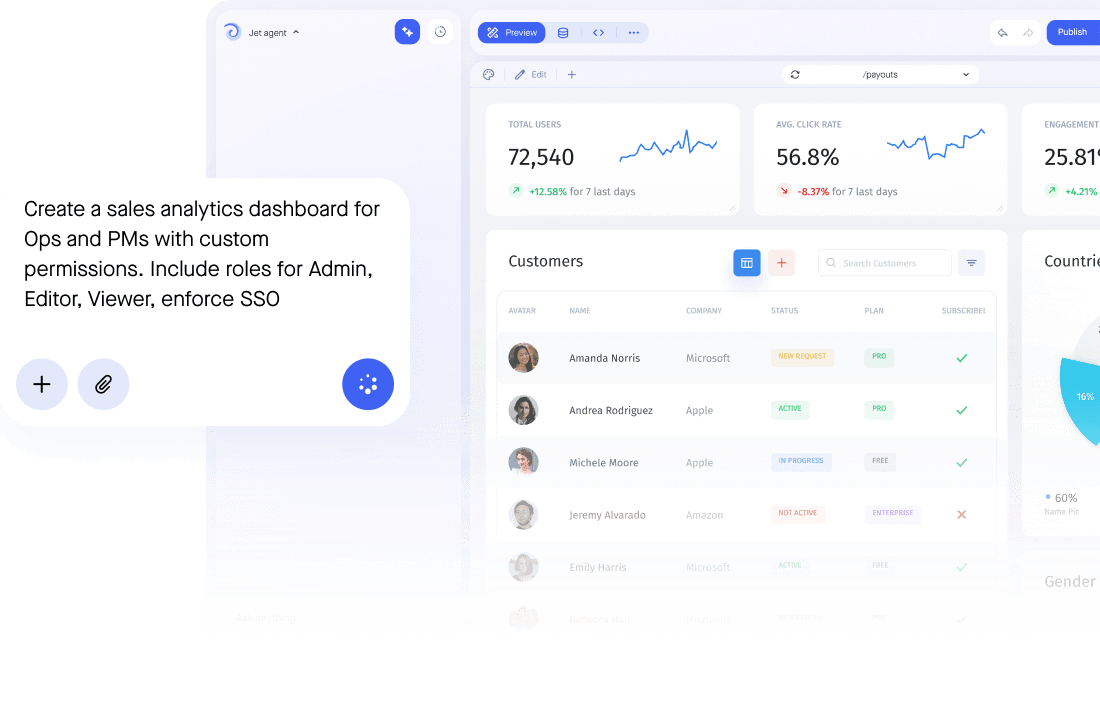
Build Admin Panels, Dashboards, and Internal Tools on top of your Salesforce data. Use pre-made templates to a quick start.

Trusted by Some of the World’s Best Product Teams

AI app builder comparison

Take SQL data further with Jet

See what a raw PostgreSQL setup gives you, and what Jet adds on top of it.
Salesforce
+
Pricing & seats
Licences are priced per user, so somebody who opens the CRM once a month costs the same as a full time sales rep.
Extend CRM data to the rest of the company on app pricing rather than buying another Salesforce licence.
Forms & workflows
Changing a layout or adding a flow usually needs an admin, which puts even small requests in a queue.
Ship forms and approval workflows that write back to Salesforce, without waiting on an admin to configure them.
Interface & branding
Every screen is a Salesforce screen, so a single task for one team arrives wrapped in the entire CRM.
Build a focused, branded app on your own domain that shows one job clearly instead of the whole CRM.
Permissions & access
Letting a partner or contractor see a record means a Salesforce licence, plus profiles and sharing rules for someone to configure.
Give partners, contractors and internal viewers a login that shows only the records they need, with no Salesforce seat.
BUILD ANYWHERE, GOVERN IN ONE PLACE

The full-stack features you need

Create a personalized, secure experience for every app user. Tailor the look and feel to align with your brand.
Create/Read/Update/Delete
All CRUD operations are generated automatically based on your database structure.
Search, Filter, Segments

Create any segments of your application data by applying a subset of filters or build an SQL query.‍‍

Run SQL queries
Easy query your SQL database with SQL Builder allows you to analyze and calculate your data quickly and easily.
Manage team permissions
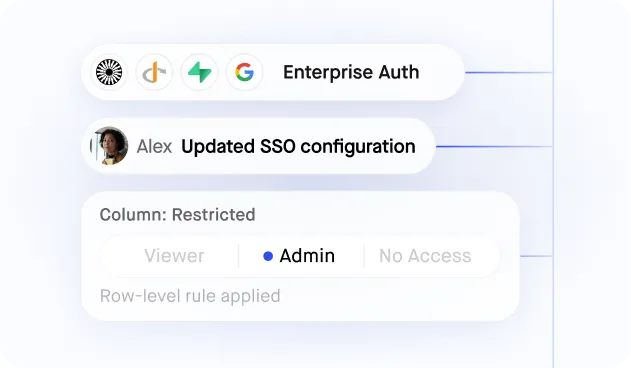
Manage permissions for specific users and teams without any line of code. Add users to individual dashboards and manage their access rights to specific contents directly from Jet’s interface.
Import or Export data
Import or Export data in different formats: CSV, XLS, XLSX, and JSON in a few clicks

Frequently asked questions

What databases does Jet support?

Jet supports many databases, including MySQL, PostgreSQL, Microsoft SQL Server, Amazon Redshift, and Google BigQuery. Jet also offers integrations with popular APIs and services such as Stripe, Twilio, and Slack, making it easy to incorporate data from these sources into Jet applications. Here is a list of all our different integrations.

Who uses Jet Admin?

Diverse businesses, from startups to enterprise companies in the healthcare, finance, and e-commerce sectors. For companies that depend on internal tools, portals, and dashboards for their workflow, offering the capability to craft customized applications suited to their requirements

What is Jet Admin?

Jet Admin is a development platform that allows developers to quickly build custom business apps like internal tools, portals, dashboards for their businesses. Jet offers a drag-and-drop interface and pre-built components, making it easy to create applications while writing little code.