

SQL Server GUI builder
Manage tables, run stored procedures and build admin panels on your SQL Server data. Describe what you need and Jet generates the SQL Server GUI.
Trusted by Some of the World’s Best Product Teams





Build exactly what your team needs
SSMS is built for DBAs on their own machine. A Jet SQL Server GUI is built for everyone else — operations, support, and the customers you give a portal to.
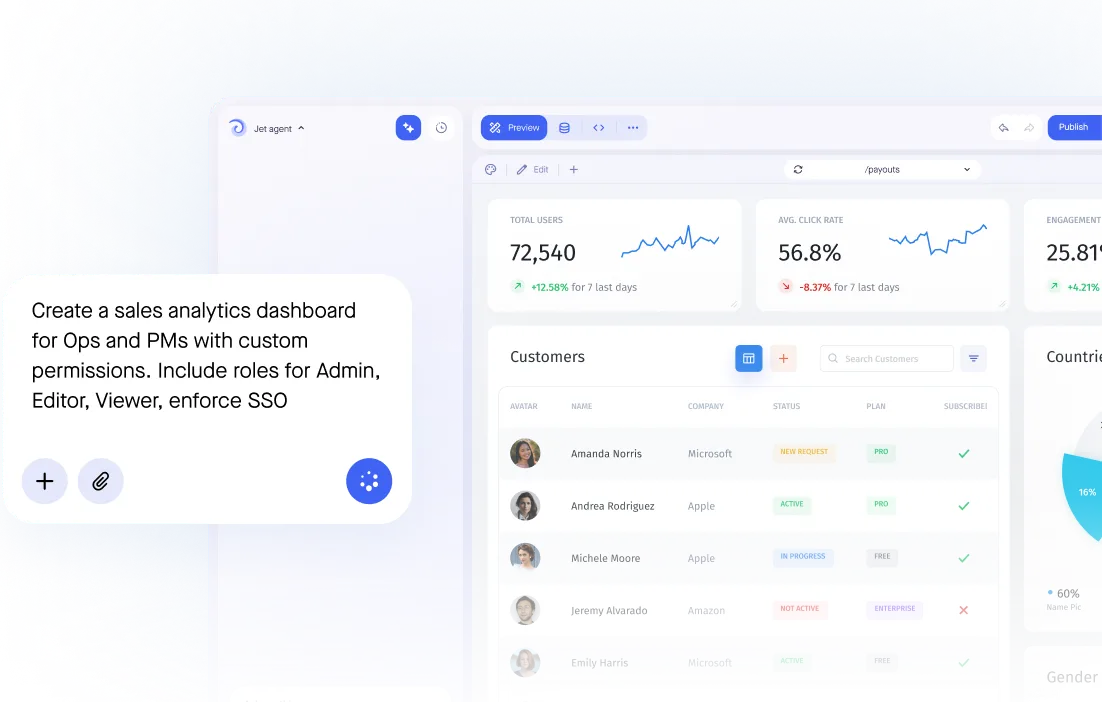

Build secure app fast



SQL Server without a desktop client
Secure database connection
Interactive table editors
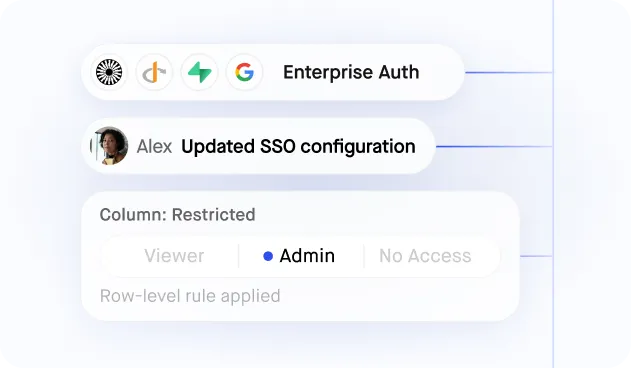
Granular user permissions
Ask AI data queries
Bulk data imports
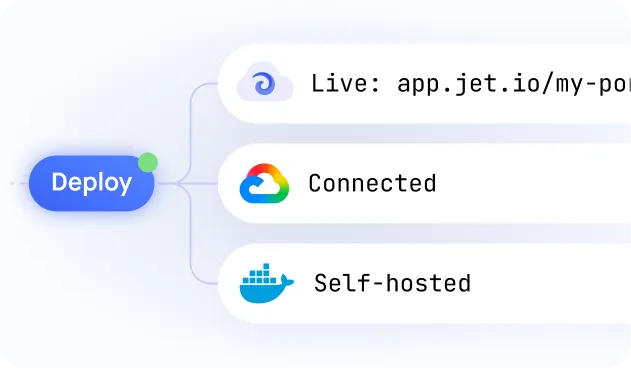
Self-hosted or cloud
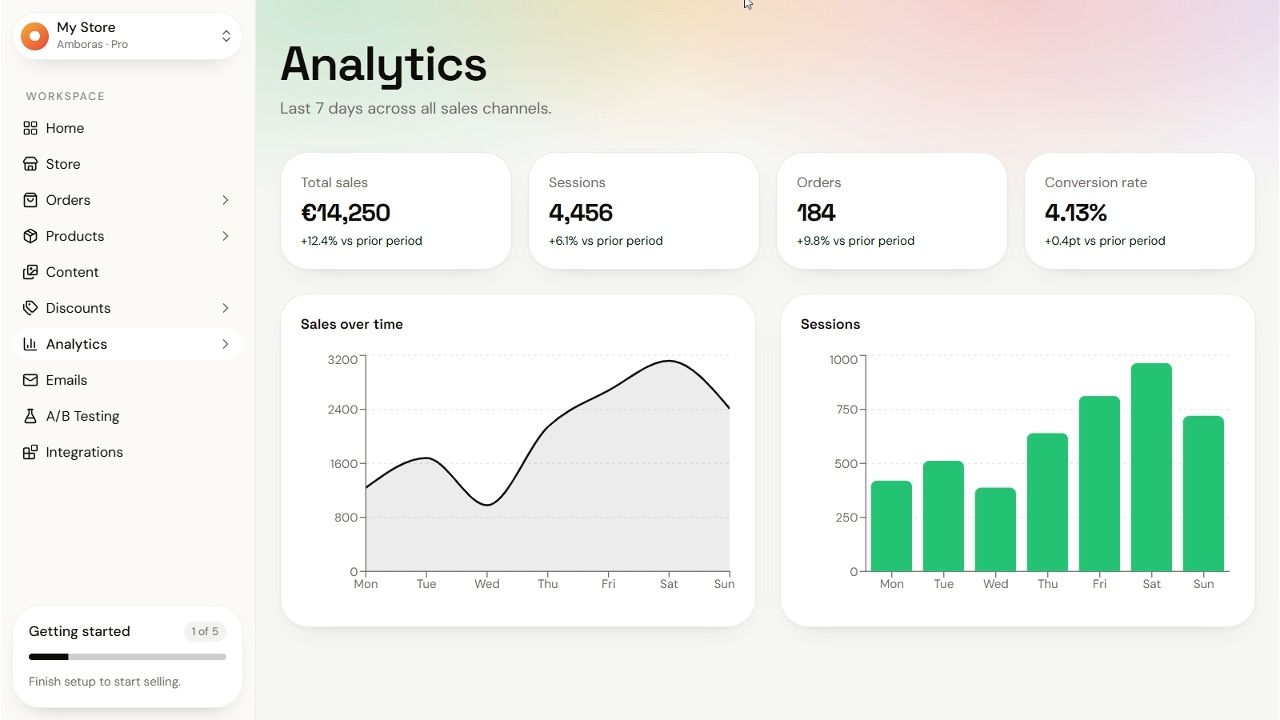
Similar Use Cases





.png)












.png)





.png)








.svg-min.png)















Frequently asked questions
A SQL Server GUI builder turns your database into an interface people can actually use: editable tables, stored procedures as buttons with typed inputs, and permissions per role. Instead of installing SSMS, your team opens a URL.
SSMS is a database administration tool: installed locally, full access, aimed at DBAs. Jet is a browser interface over the same data with per-row permissions, validating forms and an audit log.
Yes. Expose a stored procedure as a button with typed inputs, so the people who depend on it stop pasting a query from a note.
Yes. Azure SQL Database, Managed Instance and self-hosted SQL Server all connect the same way.
Yes. Jet holds one connection and people sign in to Jet, so a read-only view for one teammate is not another SQL Server login to create and audit.
Yes. Jet generates editable tables and forms from your schema, with types and required fields enforced before the write. Raw T-SQL stays available.
Jet supports read-only connections, SSH tunnels, private networking and SSO, and can run fully inside your own network if production data must not leave it.



