

Project Dashboard, built around how you actually work
Project Dashboard that lets you drill from the chart into the records behind it. Runs on the data you already have. Role-based access included.
Trusted by Some of the World’s Best Product Teams





Build exactly what your team needs
Project, task and time data stay in your existing systems. Jet adds a delivery view showing status, owners and risk, with drill-down into the underlying records.
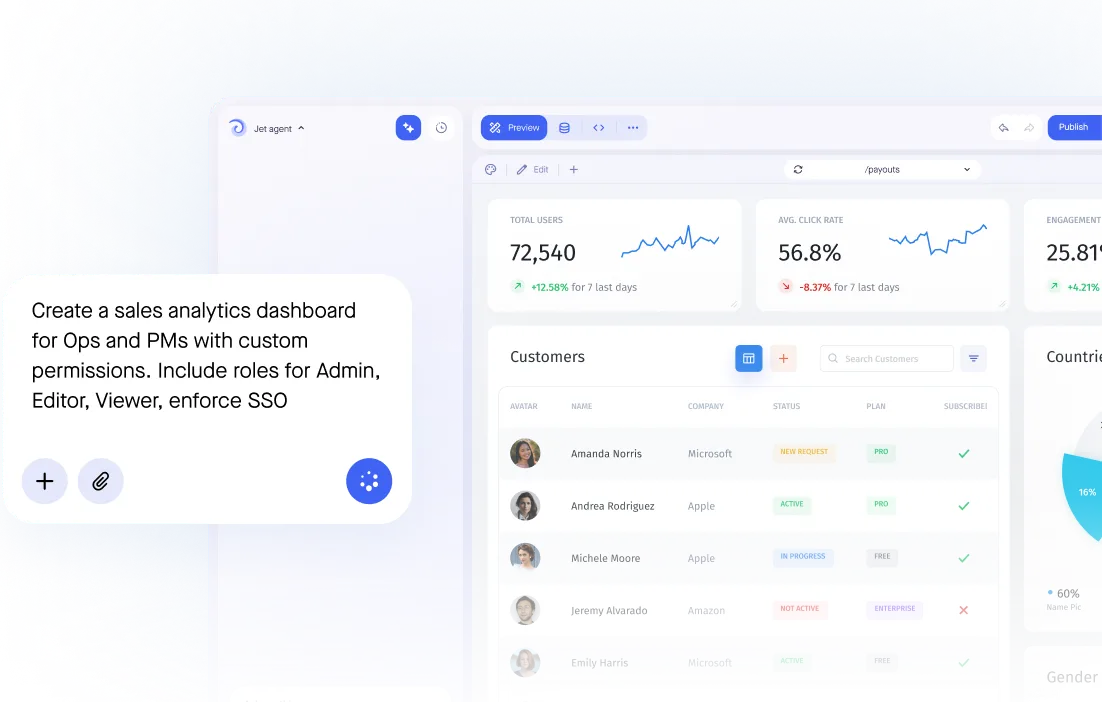

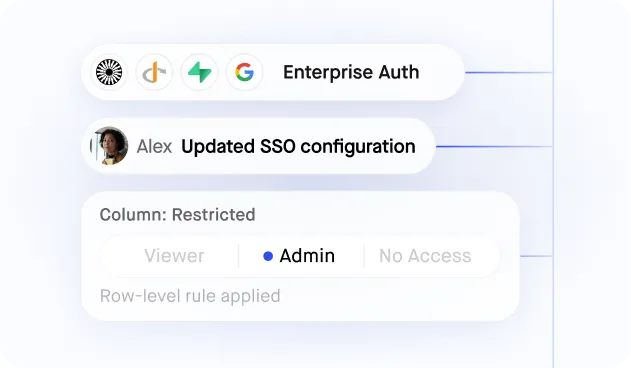
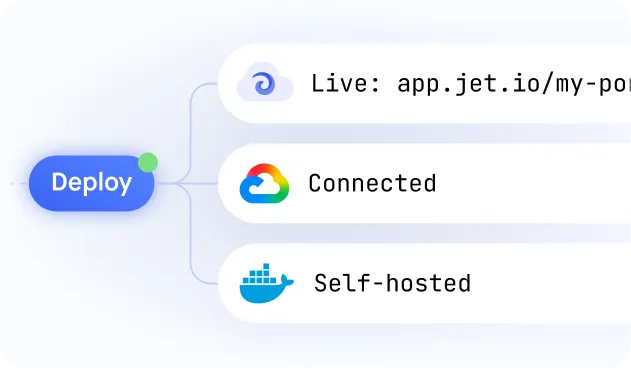
Build secure app fast



Build secure app fast
.jpeg)
Dashboards on Your Live Data — No Warehouse Required
.jpeg)
Charts, Tables and Pivots in One View
.jpeg)
Role-Based Access to Every Metric
.jpeg)
Filters and Drill-Downs for Self-Service
.jpeg)
Generated From a Prompt, Refined by You
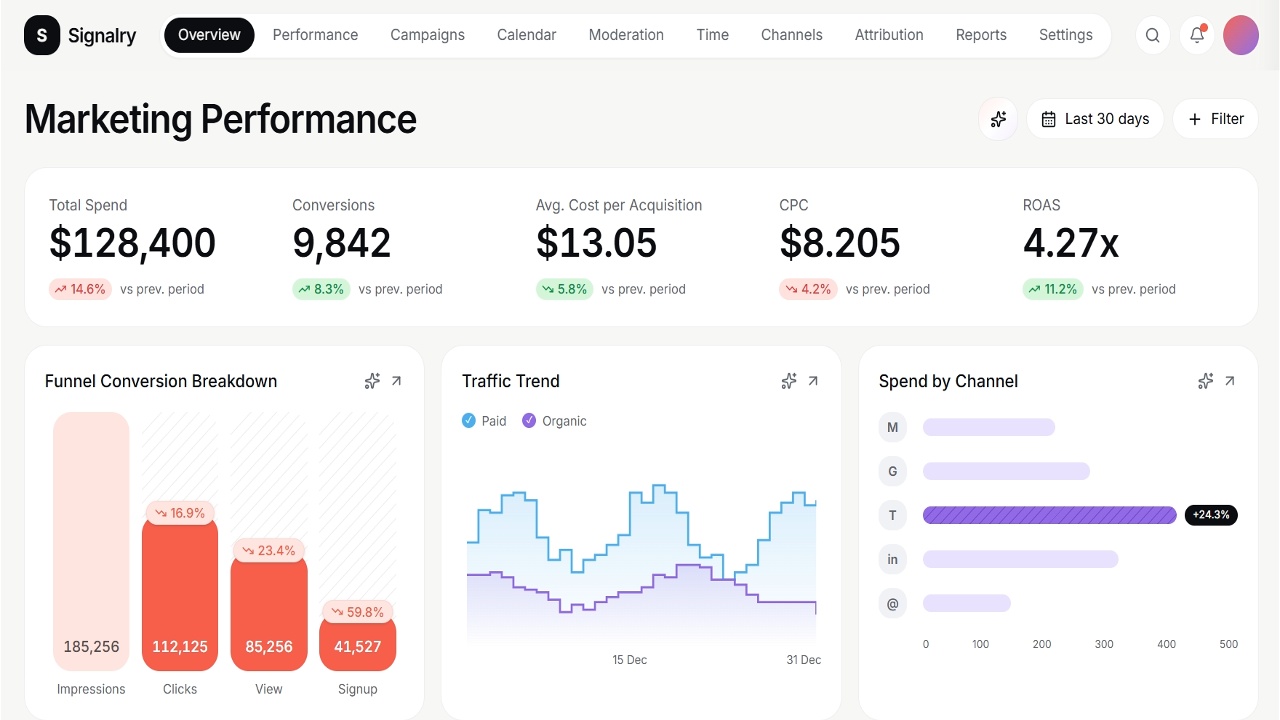
Similar Use Cases






















.png)

.svg-min.png)











.png)


.png)








Frequently asked questions
A view of delivery status across projects: what is on track, what has slipped, what it has consumed and what is blocked. The point is exception, not celebration.
Yes, and that combination is the whole value. A project on schedule because it is burning budget twice as fast is not on track, and separate reports hide that.
Yes. Open risks and issues with an owner and an age sit alongside status, so a red flag raised three weeks ago is visible rather than restated in the next meeting.
Both work. It can read live from your project tooling, or take a periodic manual status, but the manual one should be the exception rather than the source.
Yes. A project manager sees their project, a portfolio lead sees the roll-up, and neither needs a separate report built for them.



