

MongoDB GUI builder
Explore collections, edit documents and build admin panels on your MongoDB data. Describe it and Jet generates the MongoDB GUI, with access rules built in.
Trusted by Some of the World’s Best Product Teams





Build exactly what your team needs
Compass and mongosh are built for developers. A Jet MongoDB GUI is built for everyone else — operations, support, and the customers you give a portal to.


Build secure app fast



MongoDB data in a shape humans can read
Secure database connection
Interactive table editors
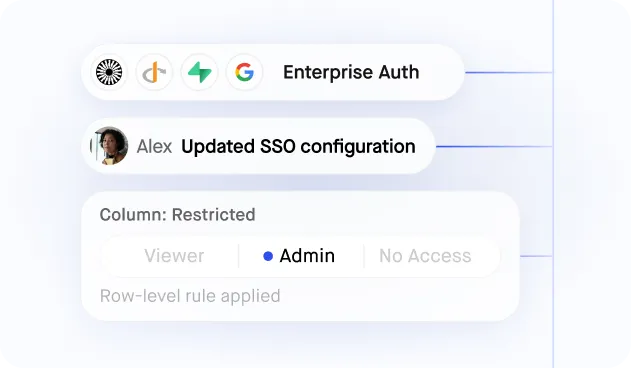
Granular user permissions
Ask AI data queries
Bulk data imports
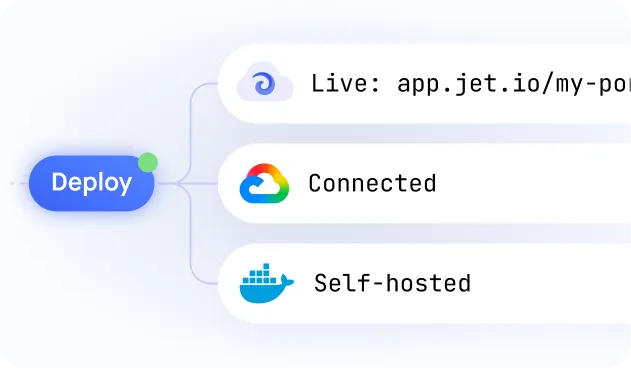
Self-hosted or cloud
Similar Use Cases





.png)

































.png)




.png)


.svg-min.png)







Frequently asked questions
A MongoDB GUI builder turns your collections into an interface people can actually use: searchable tables, real inputs for nested documents, and permissions per role. Instead of Compass or mongosh, your team gets a screen they log into, with no cluster credentials handed out.
Mongo ships with mongosh on the command line and Compass on the desktop, both built for developers. Jet is a GUI for everyone else: collections as editable tables, in the browser, behind roles.
Compass is a developer tool installed per machine with full access to the cluster. Jet is a shared interface with per-collection and per-field permissions, forms that validate, an audit log, and a URL you can give to someone outside engineering.
Yes. Embedded documents and arrays get real inputs with validation, so people can change data without hand-editing JSON and without breaking the shape other documents follow.
Yes. Atlas, self-hosted replica sets and other MongoDB-compatible databases connect with a standard connection string.
Yes. Write the pipeline once and reuse its result as a table, a chart or a dropdown, so the people who need the answer do not need to write the query.
Yes. Jet holds one connection and people sign in to Jet, so you stop provisioning a database user for everyone who needs to read a collection.



