

Applicant tracker
Manage candidates from application to offer in a pipeline built for your hiring process. Build it on your own data with Jet Admin — free to start.
Trusted by Some of the World’s Best Product Teams





Why hiring teams build their ATS on Jet
A pipeline shaped around how you actually hire, running on your own candidate data — with role-based access so recruiters, hiring managers and interviewers each see the right view.
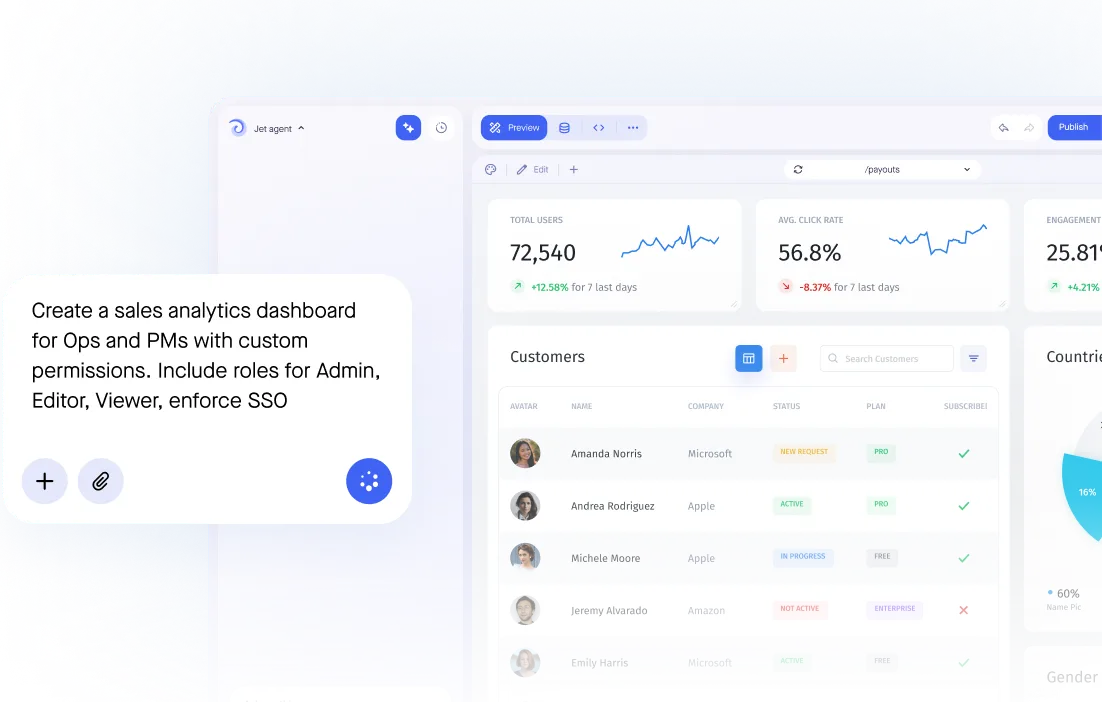

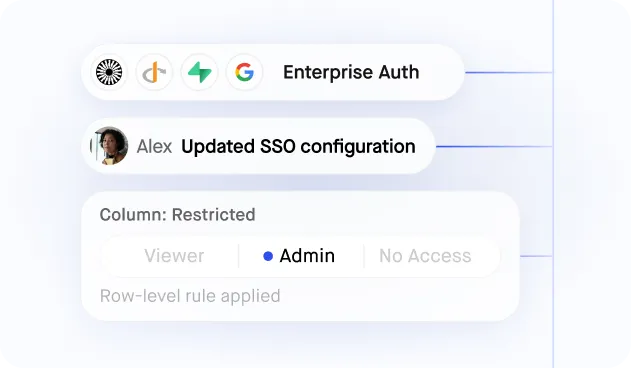
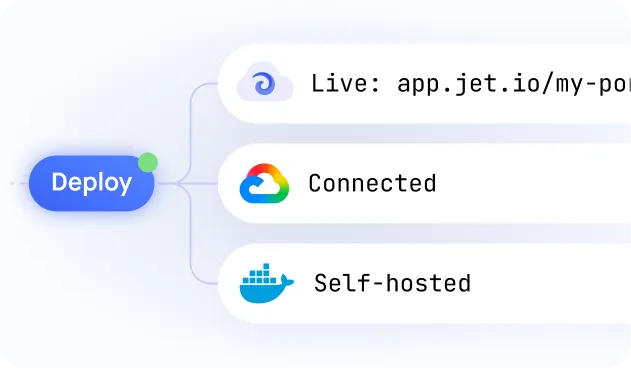
Build secure app fast



A pipeline that matches your hiring process
.jpeg)
Connect to Your Existing HR Database or ATS
.jpeg)
Multi-Stage Pipeline with Role-Based Reviewer Access
.jpeg)
Candidate Self-Service Status Portal
.jpeg)
Custom Application Forms with Conditional Logic
.jpeg)
Live Recruitment Analytics for Hiring Managers
Similar Use Cases









.png)




.svg-min.png)










.png)







.png)









Frequently asked questions
Jet runs on your existing data with enterprise-grade governance from day one, and deploys to Jet Cloud, your own cloud, or fully on-premise — with no per-user fees.
Yes. Add AI agents, search and assistants to your app so your end users can ask questions and take actions in natural language.
Postgres, MySQL, MongoDB, Snowflake, BigQuery, Google Sheets, Airtable, REST APIs and 45+ more — your app runs on live data with no copies or manual syncs.
Yes. Jet is no-code first — describe your app in plain language and refine it visually. Developers can still drop into code when they want full control.
Connect your data source, describe what you need, and Jet generates the app. Then switch between AI and visual editing to adjust content, logic and access.
The core views and actions your team needs — all of which you can generate from a prompt and refine visually in Jet.
A custom business app fits your process exactly instead of forcing you into a rigid SaaS schema — you control the data model, permissions and where it deploys.
It gives your team the exact tool they need for their workflow, built on your existing data instead of a rigid SaaS schema.
A business app gives your team a purpose-built tool — running on your own data, with the exact views, logic and access your workflows need.



