

IT Ticketing on the database you already run
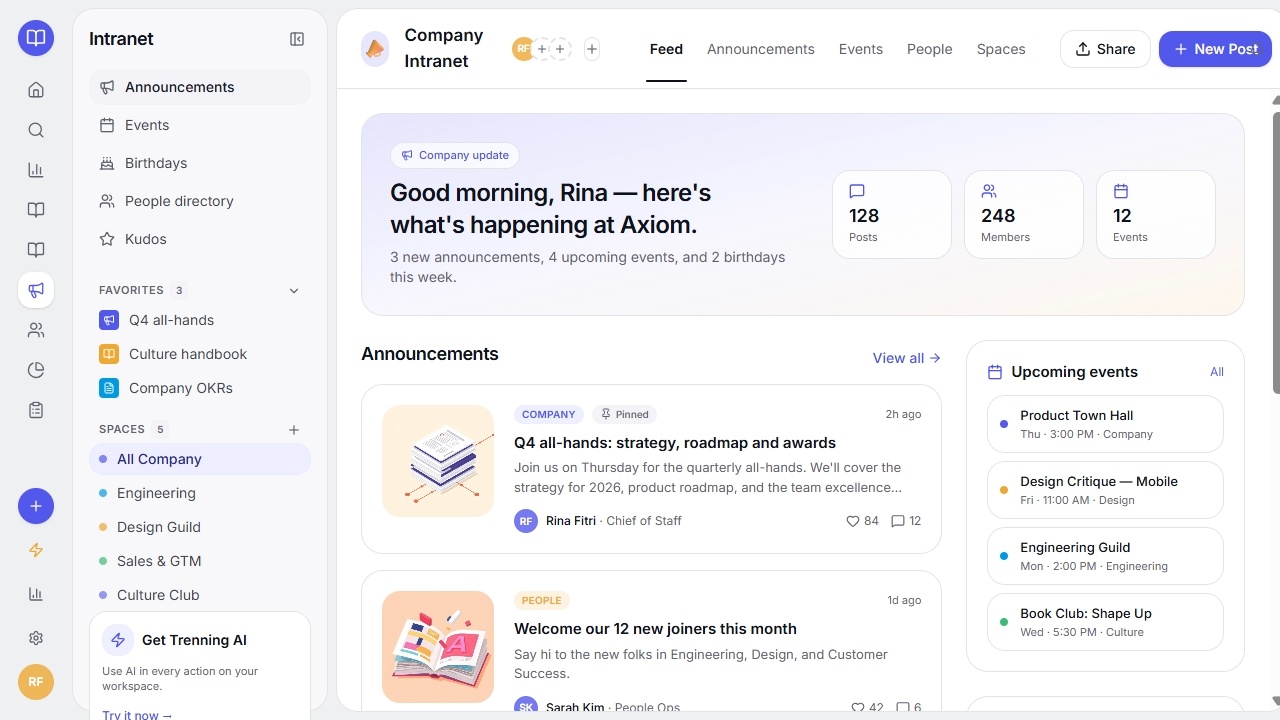
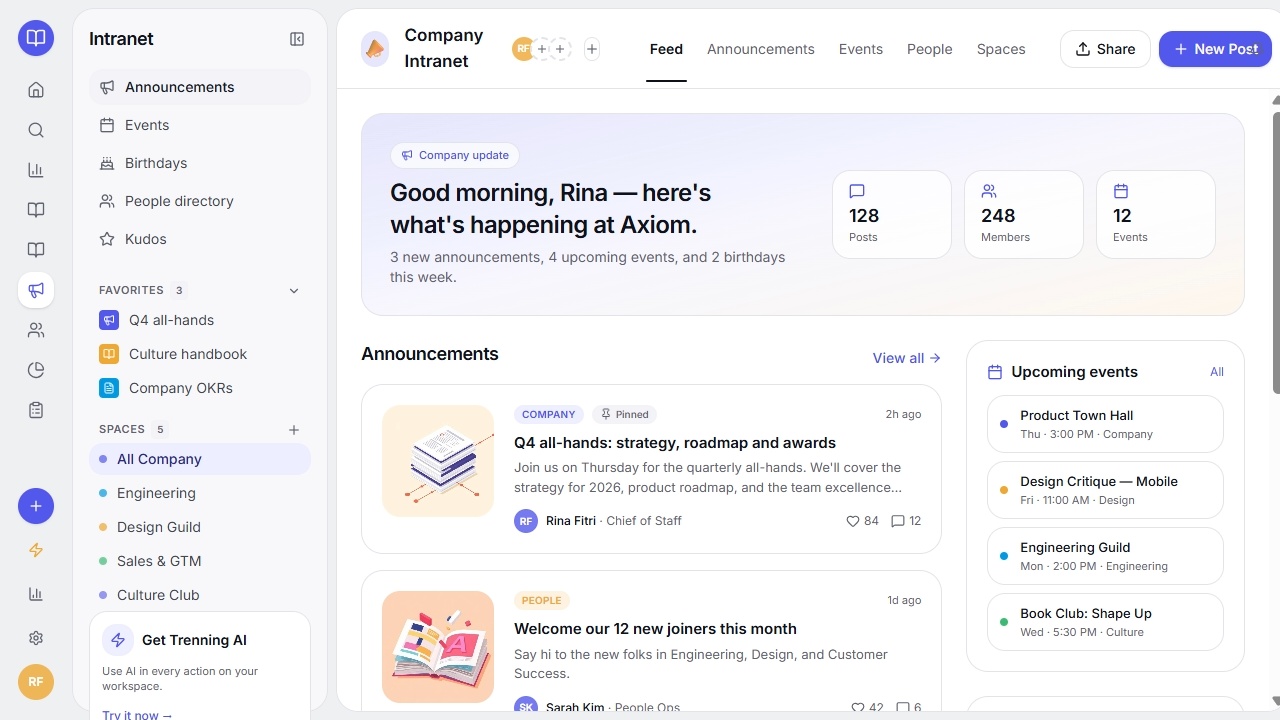
IT Ticketing that lets you handle requests and approvals in one place. Connect your database. Control who sees what. Self-host it.
Trusted by Some of the World’s Best Product Teams





Build exactly what your team needs
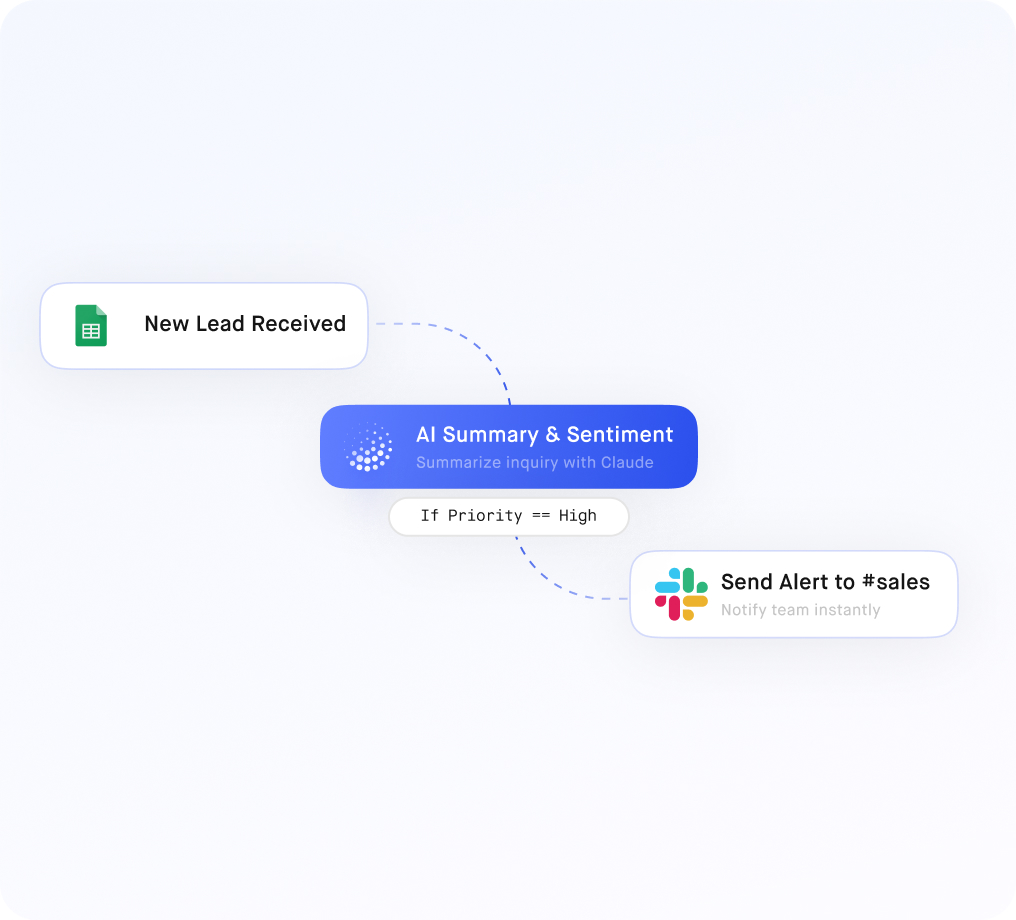
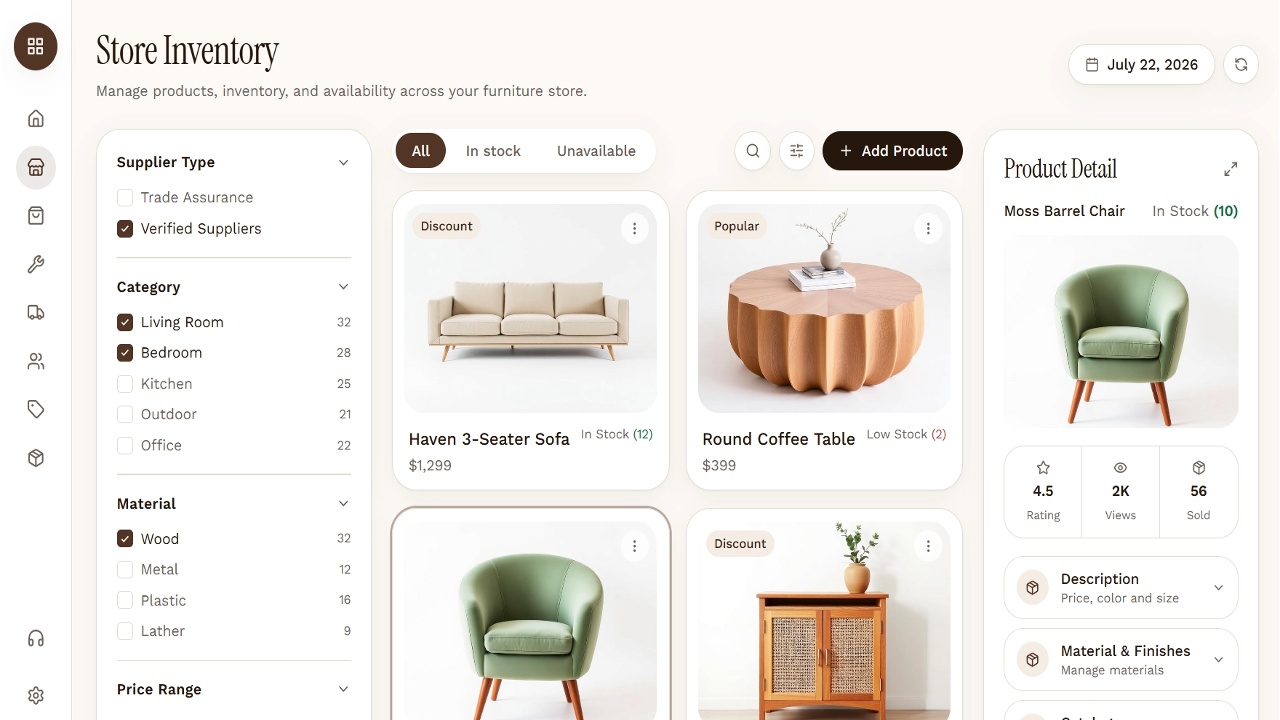
Ticket, asset and user records stay in the systems you already run. Jet adds intake, routing and SLA tracking, shaped around your queues rather than a vendor's.
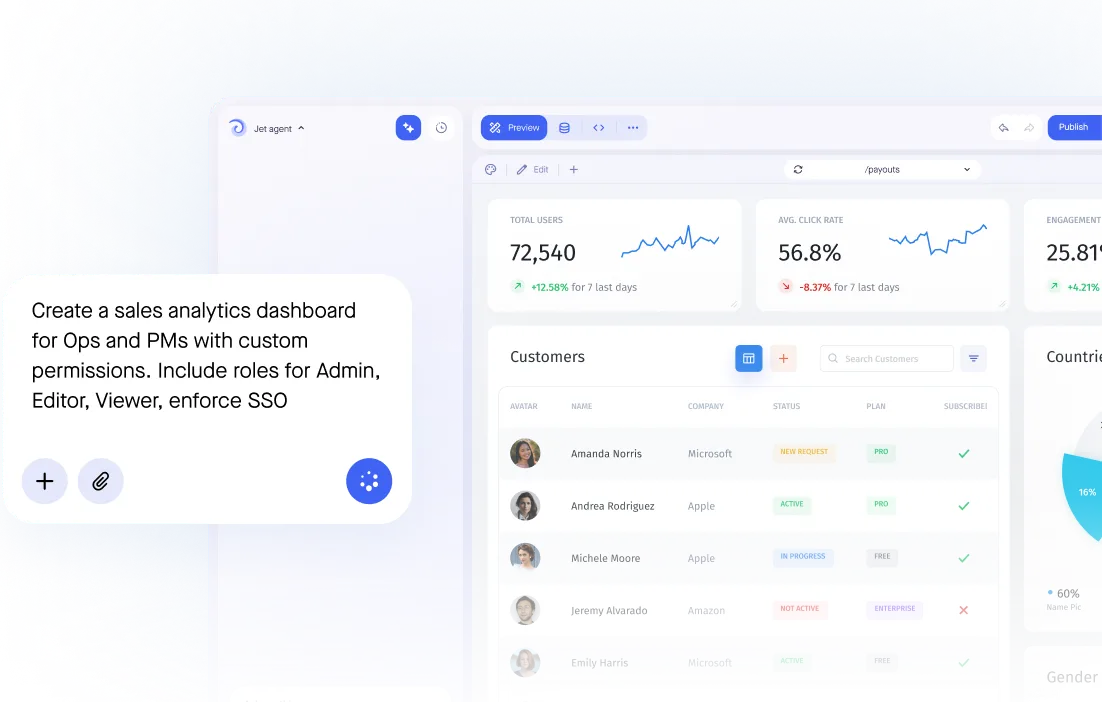

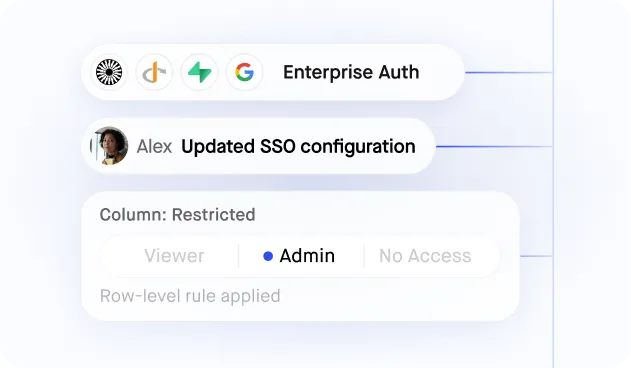
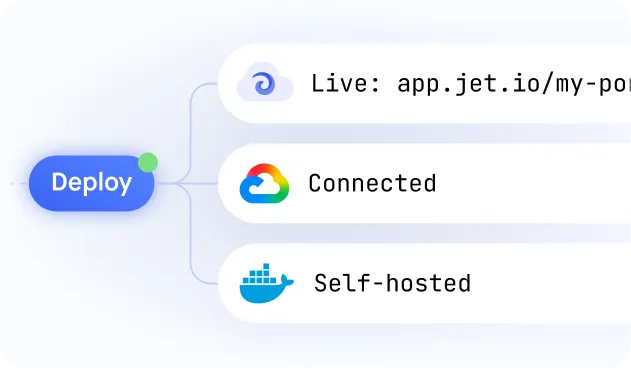
Build secure app fast



Build secure app fast
.jpeg)
Connect to Your HR Database or HRIS API Directly
.jpeg)
Each Employee Sees Only Their Own HR Data
.jpeg)
Manager Dashboards with Direct Report Visibility
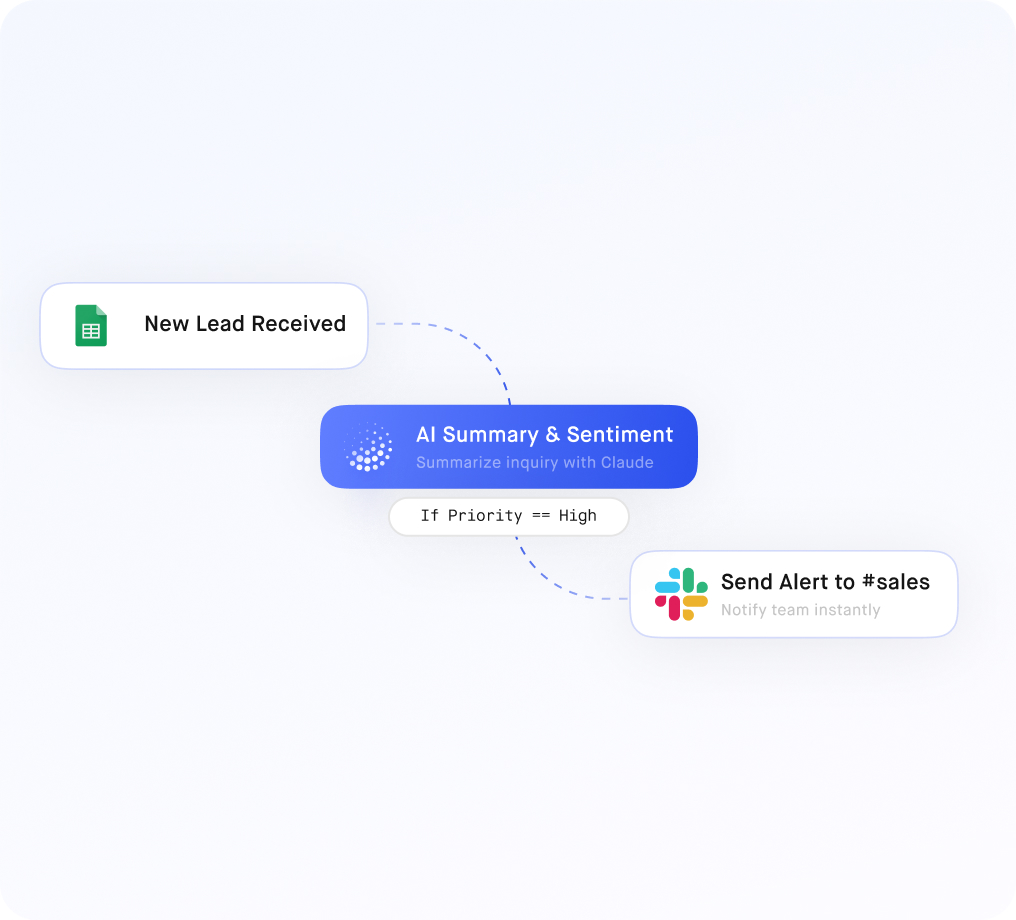
Self-Service Leave Requests and Approvals
Benefits and Payroll Document Access

.png)



.png)





.svg-min.png)









.png)


























Frequently asked questions
Software that turns an IT request into a tracked item with an owner, a priority and a resolution, so work is visible rather than living in a shared inbox and three Slack threads.
Yes, through a short form that captures what you need to triage — which is usually the difference between a ticket queue and a queue of tickets that say 'it is broken'.
Yes. Response and resolution targets by priority drive what appears at the top of the queue, and breaches are visible before they are explained.
Yes. A ticket against a specific laptop or system builds a history, so recurring failures on one device or one integration become visible.
Yes. Common requests can trigger an API call rather than a human task — access grants, provisioning and resets are the usual first candidates.



