Compare all builders

Compare

vs

phpMyAdmin is built for one person with full access. Everyone else needs a different tool.
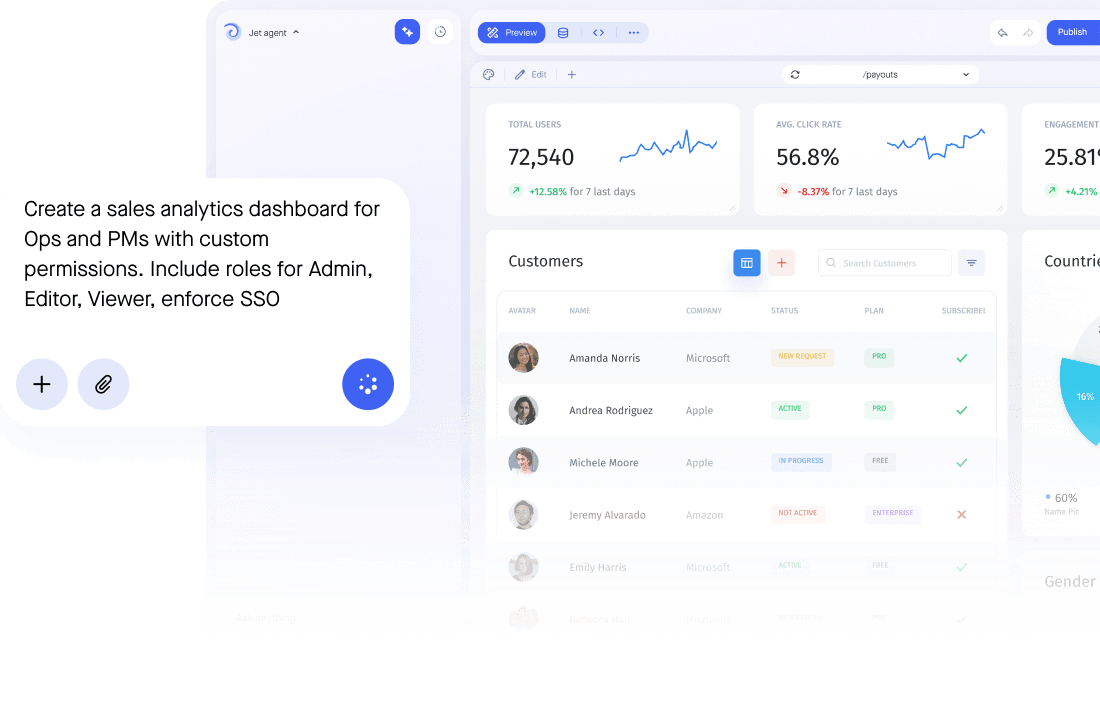
phpMyAdmin is a database client. It shows tables, runs SQL and lets an administrator edit rows, which is exactly right for a developer and exactly wrong for a support agent or a customer. Jet Admin puts an interface on the same MySQL, with forms that validate, actions that log and access scoped by row.
Why Jet
Why teams choose Jet Admin
phpMyAdmin is a database client. It shows tables, runs SQL and lets an administrator edit rows, which is exactly right for a developer and exactly wrong for a support agent or a customer. Jet Admin puts an interface on the same MySQL, with forms that validate, actions that log and access scoped by row.


Feature by feature
CAPABILITY
Jet
phpMyAdmin
Build on your existing database
Two-way sync & write-back
Self-hosting & on-premise
Edit & own the generated code
Granular role-based access
Full support
Partial / limited
Not available
The verdict
So, which should you choose?
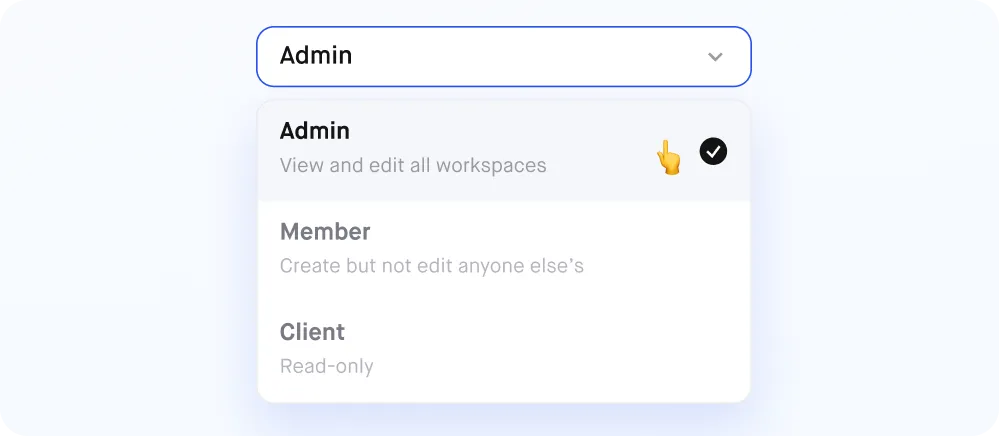
Choose the platform that fits your data sources, workflows and access requirements. Jet Admin lets your team build business apps and internal tools on existing data, with visual workflows and access controls. Use the comparison to evaluate the fit for your team.
phpMyAdmin
may be better when…
phpMyAdmin is built for one person with full access. Everyone else needs a different tool.
Jet Admin is best when…
Your team needs to understand and maintain the app without engineers
You want to see your app logic visually — not hidden in code
You need a database your whole team can browse and work with directly
You want built-in permissions and no per-seat pricing
Import Your App
Already built it in
phpMyAdmin
?
Bring it into Jet.
Moving an existing app? Connect your data and rebuild the workflows you need in Jet Admin. If you have exportable React source code, contact our team to check import compatibility. Migration options depend on your current platform.

Frequently asked questions
What is a good alternative to phpMyAdmin?
<p>For SQL access, any desktop client will do. For letting other people work with the data safely, you want an app layer: validated forms, permissions by row and a record of who changed what.</p>
Is phpMyAdmin safe to give to a non-technical team?
<p>Not really. It exposes the full table and raw SQL, and access control comes from MySQL GRANTs rather than from the interface, so a mistake is a live UPDATE on production.</p>
Can Jet Admin connect to my existing MySQL database?
<p>Yes. Jet reads your MySQL schema in place over an SSH tunnel or private networking and keeps no second copy of the data.</p>
Does Jet Admin let me run raw SQL?
<p>Yes. You can run raw SQL or build queries visually against the live database, and use the result anywhere in the app.</p>
Do I need to stop using phpMyAdmin?
<p>No. Most teams keep a client for schema work and use Jet for the screens other people need.</p>



