Top Airtable Alternatives to Use in 2026
Looking for Airtable alternative? Whether you need advanced automation, better permissions, or scalable databases, this guide covers the best tools for every use case.
.avif)
What Is Airtable?
Airtable is a cloud-based tool that combines the simplicity of spreadsheets with the power of a database. It helps teams organize and manage structured data using a flexible, easy-to-use interface.
With features like customizable fields, linked records, multiple views, and basic automations, Airtable is widely used for project management, CRMs, and content planning. It’s a great starting point for teams looking to structure their workflows without heavy technical setup.
However, as needs grow, its limitations can become more noticeable.

Why Look for Airtable Alternatives?
Airtable is a powerful and flexible tool that combines the simplicity of spreadsheets with the structure of a database. It’s widely used for project management, content planning, and lightweight CRM systems. However, as teams grow and workflows become more complex, many users start to encounter its limitations.
Pricing That Scales Quickly
Airtable’s pricing can become expensive as your team expands or your data grows. Features like advanced automations, increased record limits, and additional users often require upgrading to higher-tier plans, which may not be cost-effective for every business.
Limited Scalability
While Airtable works well for small to mid-sized projects, it may struggle with larger datasets or more complex operations. Performance can decline as your base grows, making it less suitable for data-heavy applications.
Basic Permission Controls
For teams that require granular access control, Airtable’s permission system can feel restrictive. Managing who can view, edit, or manage specific data is not always flexible enough for larger organizations or sensitive workflows.
Performance Constraints
As more data and automations are added, users may experience slower load times and reduced responsiveness. This can impact productivity, especially for teams relying on real-time data access.
Not Built for Internal Tools
Airtable is great for organizing data, but it’s not designed to build fully customized internal tools or admin panels. Teams often need additional platforms to create interfaces, dashboards, and workflows tailored to their operations.
What to Look for in an Airtable Alternative
The right Airtable alternative should be easy to use, flexible, and able to grow with your team. Look for tools that let you structure data your way, connect with other apps, automate repetitive tasks, and control who can access what. Bonus points for platforms that let you build custom dashboards or internal tools while keeping performance fast as your data grows.
Best Airtable Alternatives in 2026
If you’re looking for tools that offer more flexibility, control, or scalability than Airtable, these alternatives are worth exploring. Each caters to different team needs and workflows.
Jet Admin
JetAdmin is a no-code platform for building internal tools and admin panels. It’s designed to turn your data into functional dashboards and workflow tools without heavy development.

Data management and database tooling included
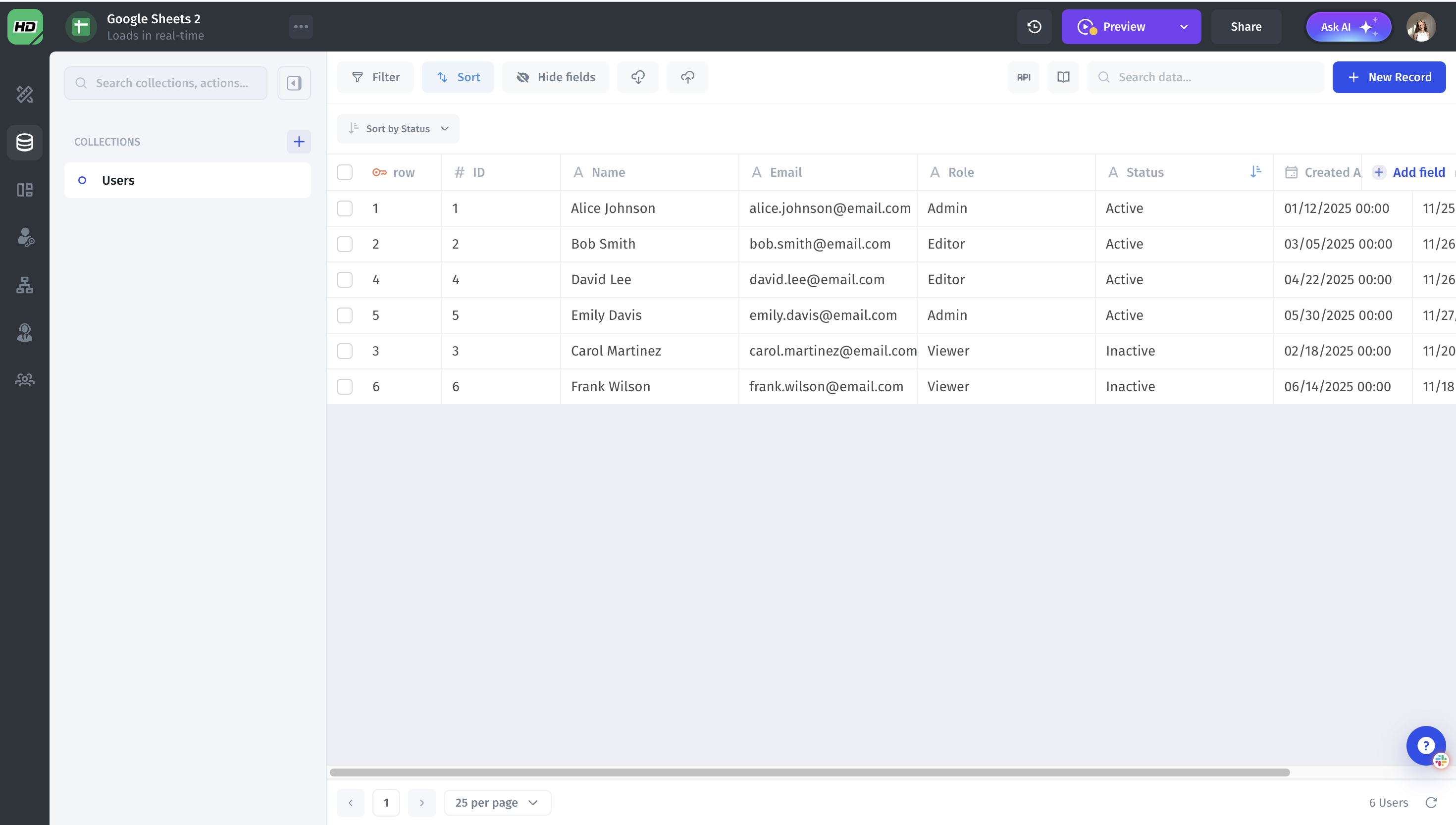
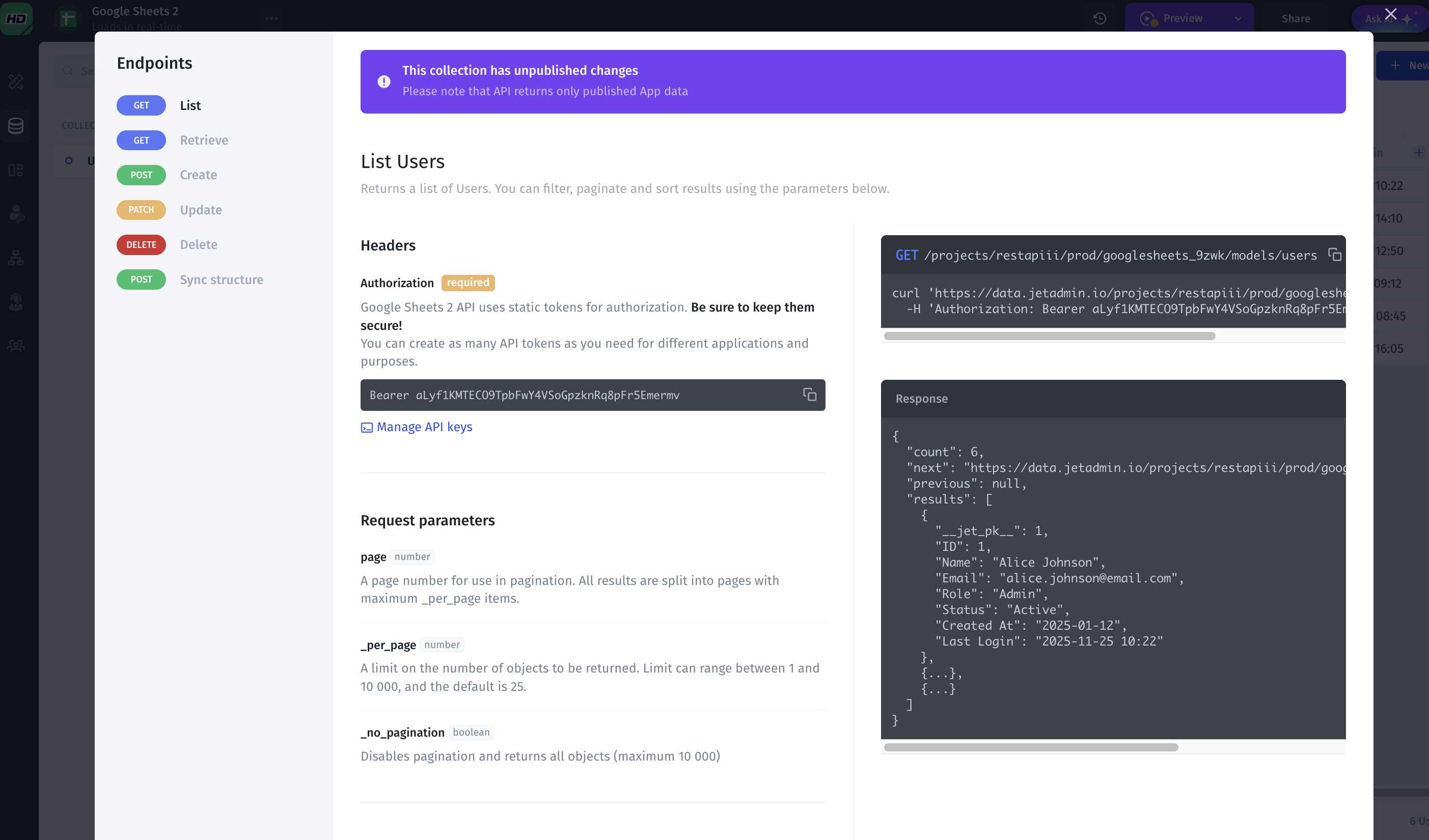
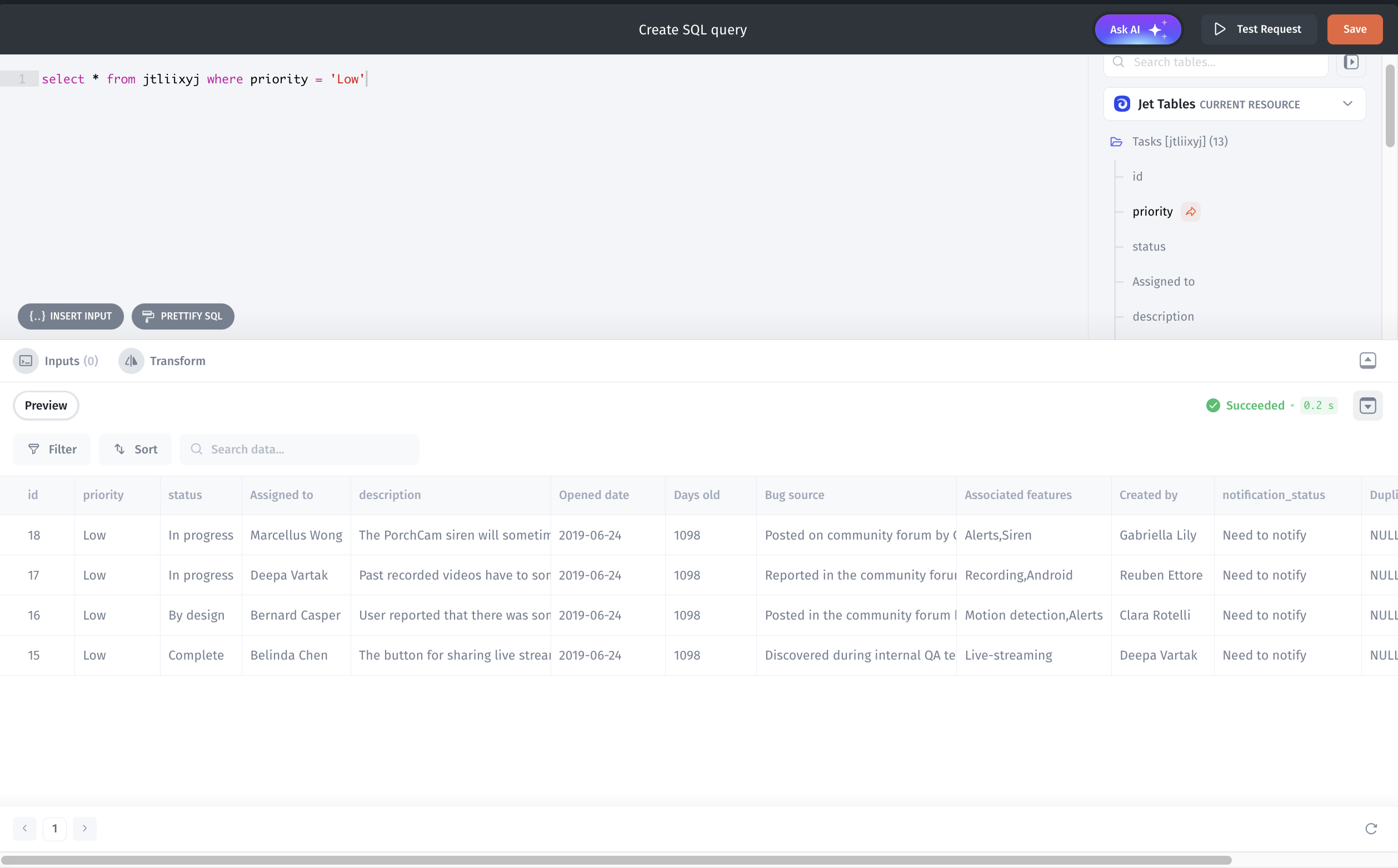
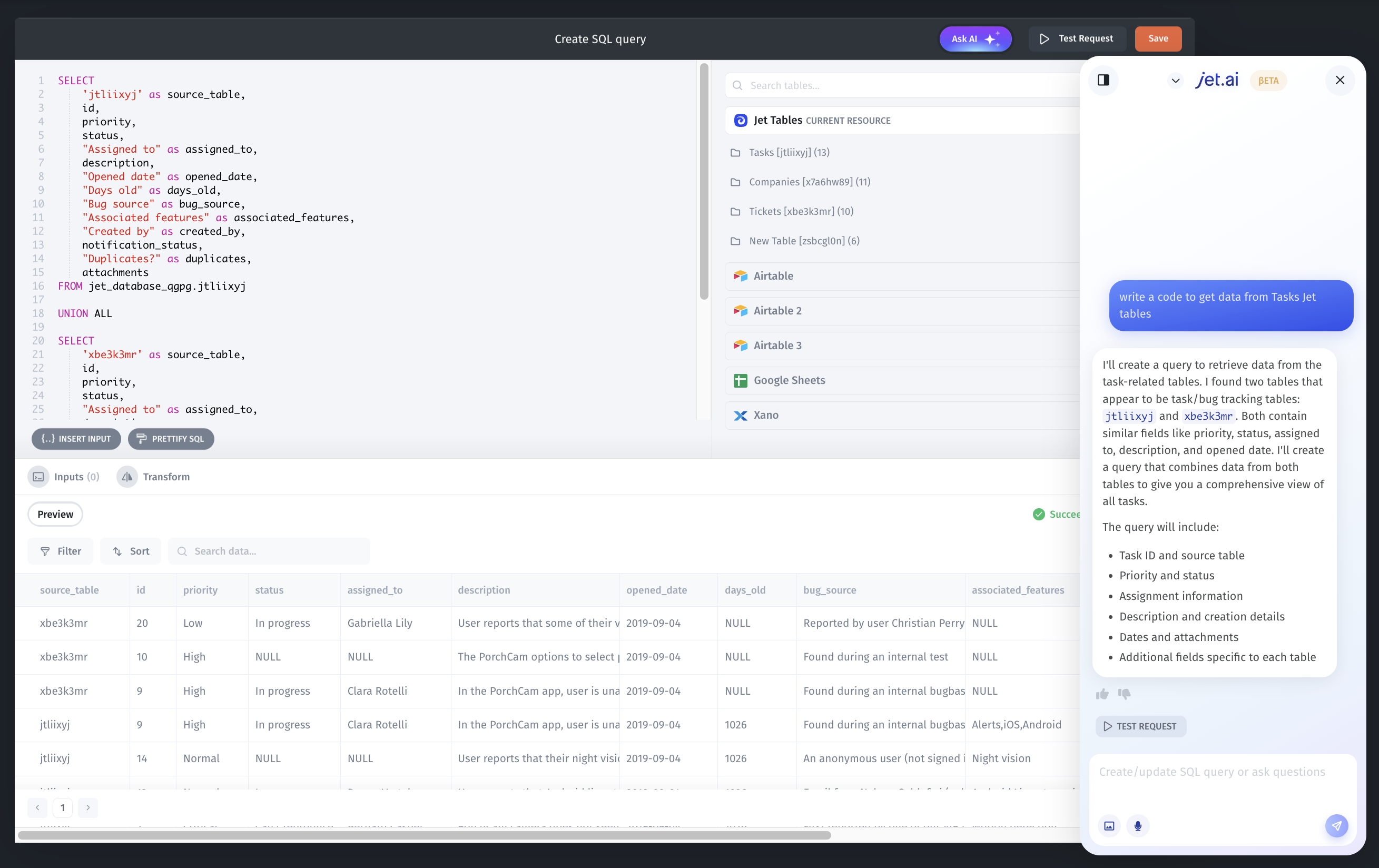
Jet Admin provides a true data engine, not just simple connectors. It includes a built-in data viewer to browse, filter, and edit records, and it can combine schemas from multiple sources so different databases and APIs feel like a single unified model. It automatically detects relationships between tables and even offers AI-assisted queries to help you write and debug SQL. Additionally, JetAdmin can generate ready-to-use SQL and API endpoints, allowing other apps and services to access your data without any extra backend setup.
Enterprise security, auth, and SSO
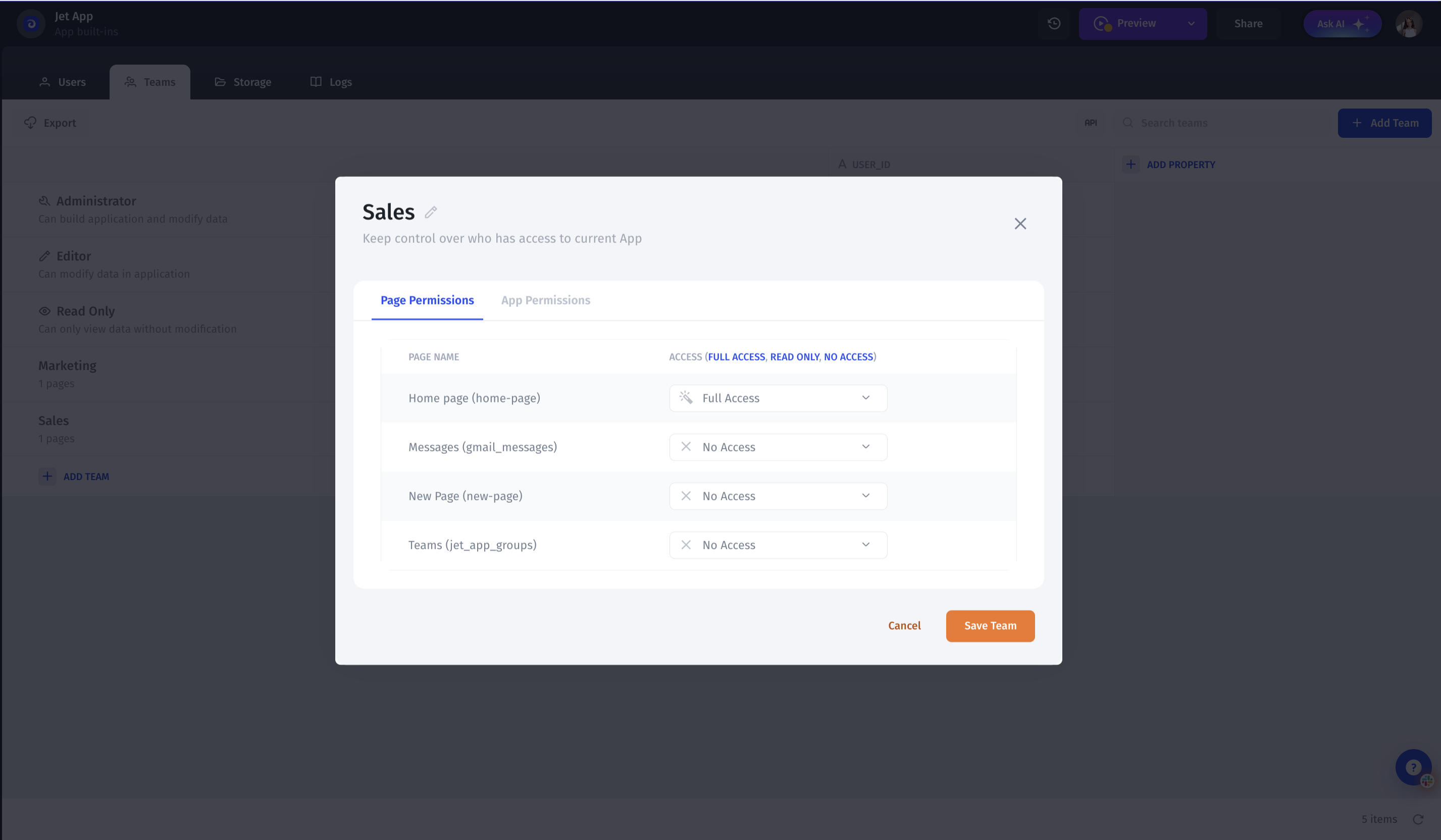
Jet Admin offers robust security with native authentication, SSO support, and compliance with enterprise standards like SOC 2 and GDPR. You can set detailed permissions by role, team, row, field, component, or API route, perfect for multi-tenant SaaS, partner portals, and enterprise apps.
Advanced workflows, automations, and AI agents
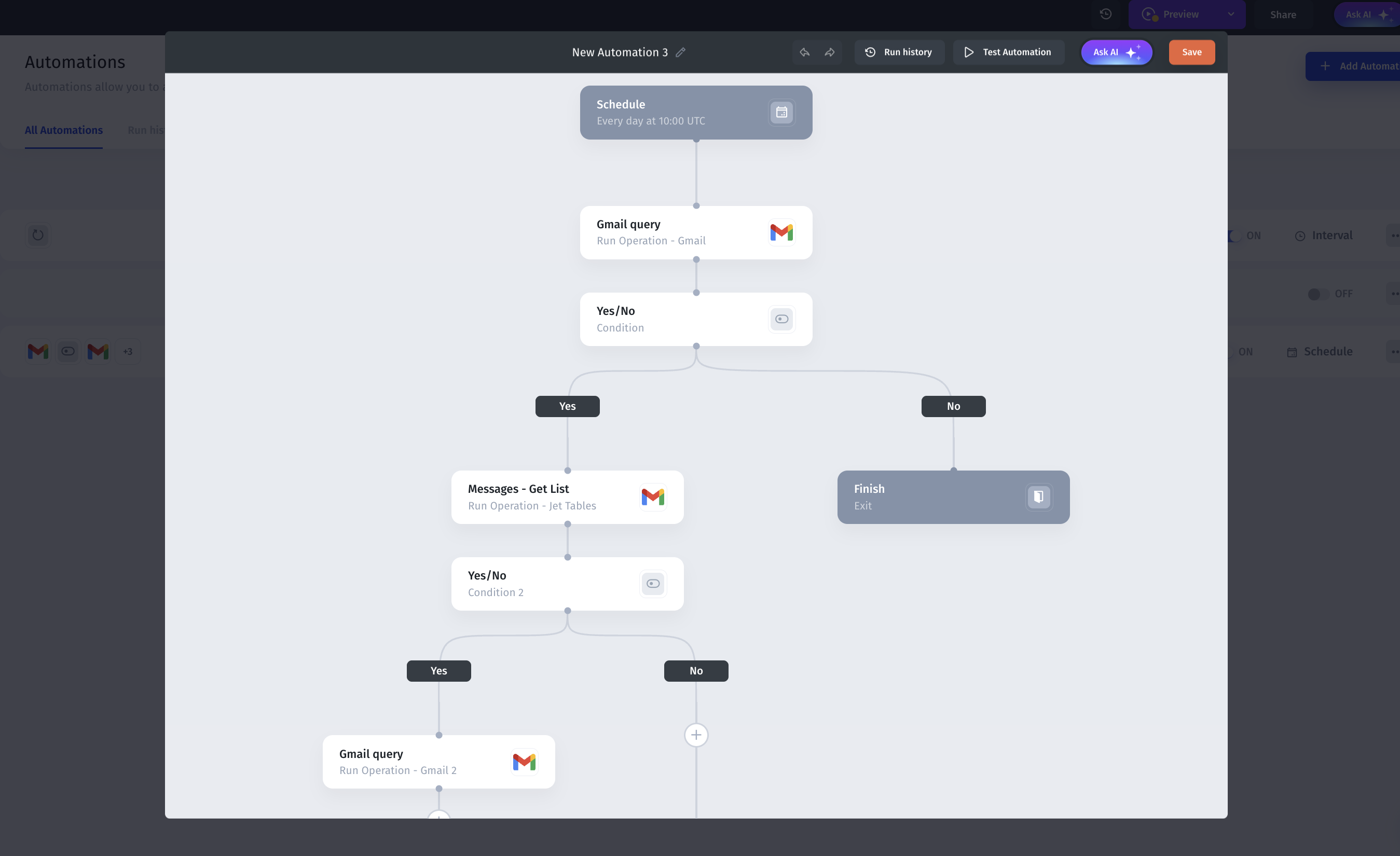
Jet Admin features a powerful workflow builder with conditions, branching, loops, and scheduling, plus integrations with over 100 systems. AI-assisted steps and agents can read and write data, trigger actions, and run business logic - making JetAdmin an automation hub, not just a user interface.
Jet AI Co-builder: more than just UI creation
Jet Admin’s Jet AI works as a co-builder, generating apps and pages, writing queries, setting up automations, and creating backend actions based on your schema and permissions. It supports not just the initial build, but ongoing evolution of real production tools.
Fast Internal Tool Building
Less ideal if a team wants to write everything as raw code instead of using visual workflows
Focused on business apps and portals, not on marketing sites or very custom consumer UX
Full-stack platform: UI, workflows, and data engine in one place
Very polished UI for internal tools and client portals
Strong automation and AI. Workflows, scheduled jobs, AI steps, AI agents
Granular permissions.
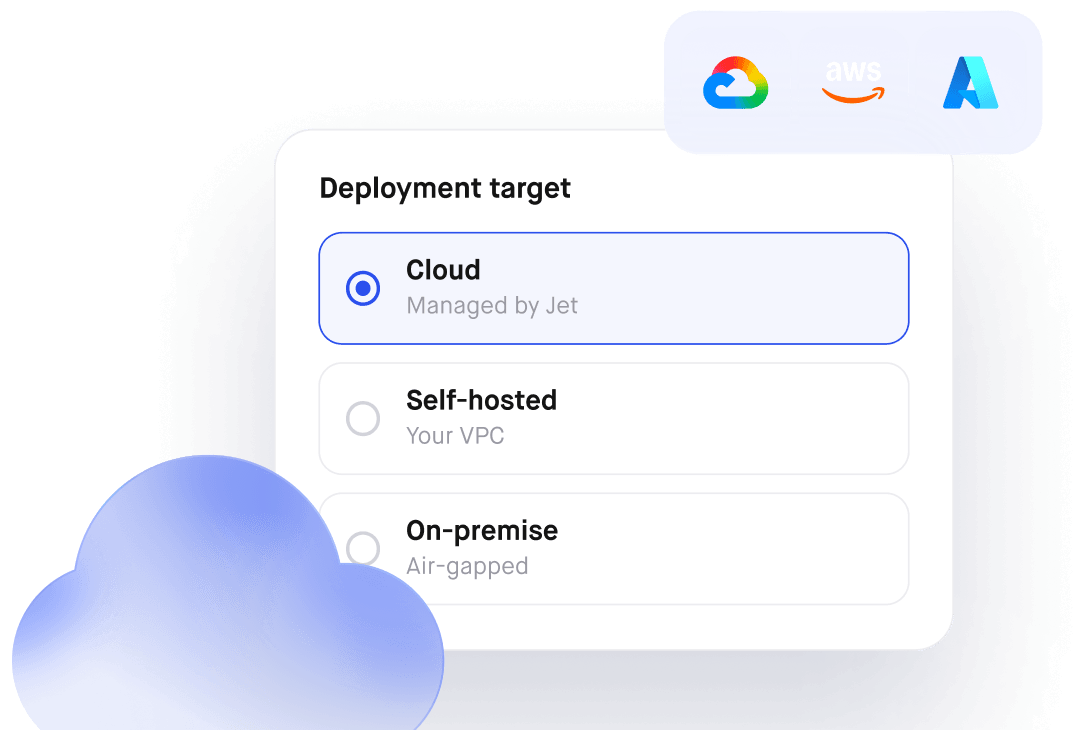
Enterprise-ready: Self-host/on-prem, SSO, SOC2/GDPR, SLAs
Portal-friendly pricing. 500 portal users for $40.
Why Choose JetAdmin
It’s flexible, fast to set up, and perfect for teams that need more than a spreadsheet but don’t want to build tools from scratch.
Notion
Flexible Databases and Content Management
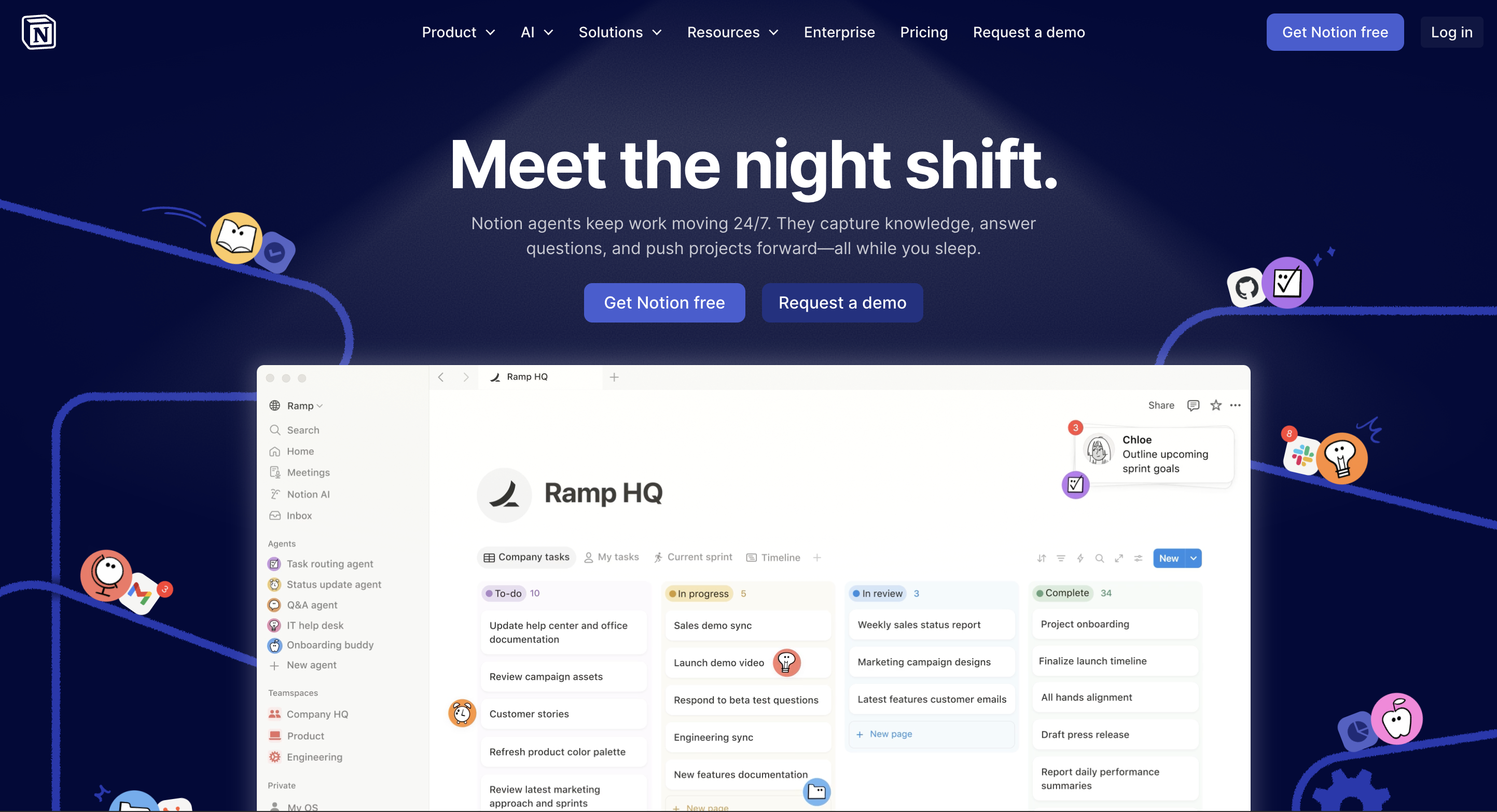
Notion lets you create databases, tables, boards, calendars, and galleries, all linked together in one workspace. You can filter, sort, and relate data across pages, making it easy to organize projects, content, or team workflows. While it doesn’t offer a full data engine like JetAdmin, it provides enough structure for most small to medium team needs.
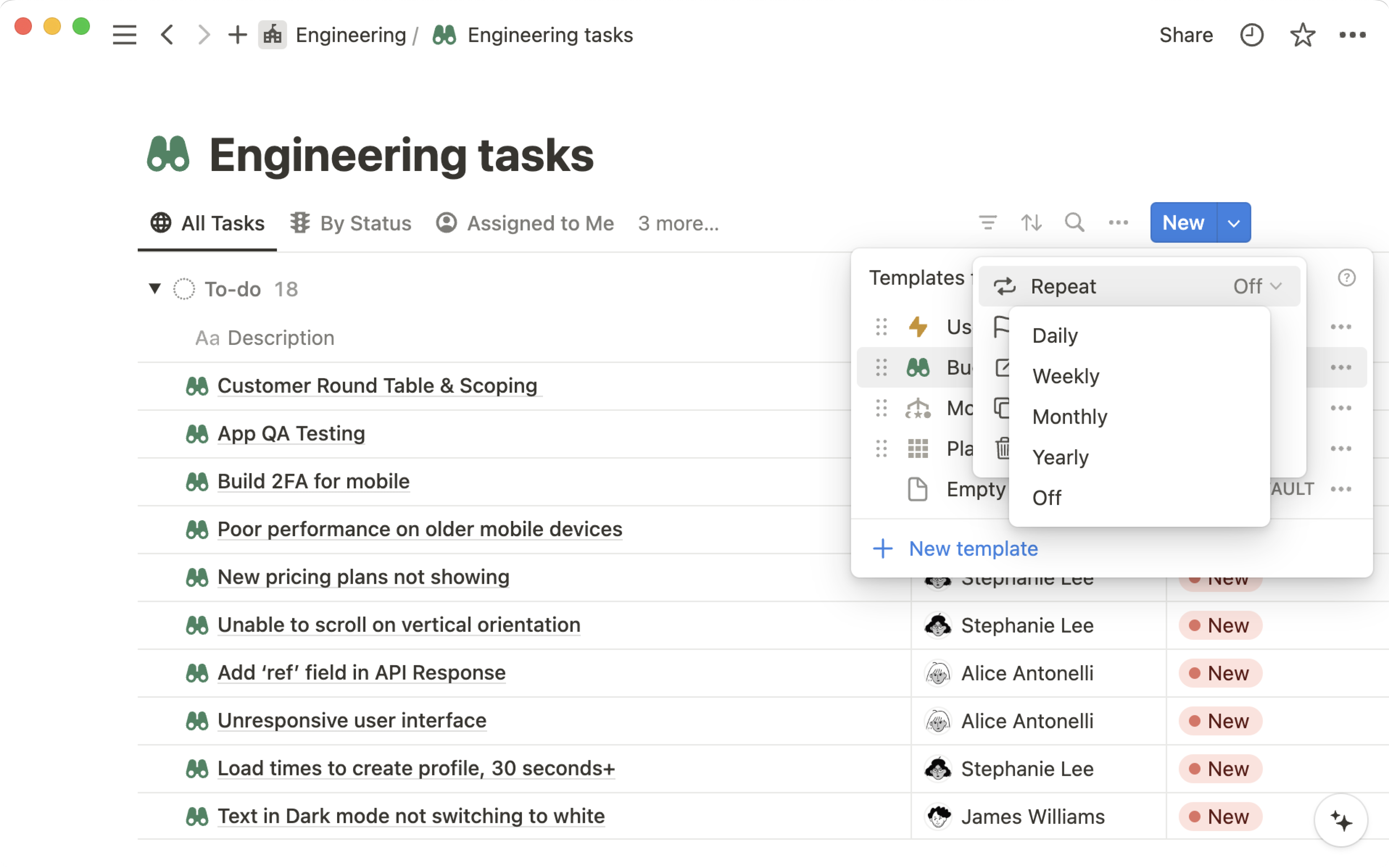
Collaboration, Permissions, and Access Control
Notion supports real-time collaboration, comments, mentions, and shared workspaces. You can control access at the page or workspace level, making it suitable for teams, departments, or small partner portals. Advanced granular permissions are more limited compared to enterprise platforms like JetAdmin.
Workflow and Automation Tools
Notion provides lightweight automations through templates, linked databases, and integrations with tools like Zapier or Make. While it’s not built for complex multi-step workflows or AI-driven actions, it covers many everyday productivity needs.
AI Features and Assistance
Notion AI can help with summarizing content, generating text, and writing notes or documentation. Unlike Jet AI, it doesn’t create full applications, backend actions, or automate relational data workflows—but it enhances content creation and knowledge management.
Limited automation and workflow capabilities compared to full internal tool platforms
Permissions are less granular for enterprise-level multi-tenant needs
Not designed for complex internal apps, dashboards, or production-grade portals
All-in-one workspace combining notes, docs, and databases
Flexible views: tables, boards, calendars, galleries
Excellent collaboration tools and easy onboarding
Baserow
Baserow is an open-source Airtable alternative that lets teams manage data in a flexible, self-hosted environment. It’s designed for users who want full control over their databases without being tied to a vendor’s cloud platform.
Flexible Data Management
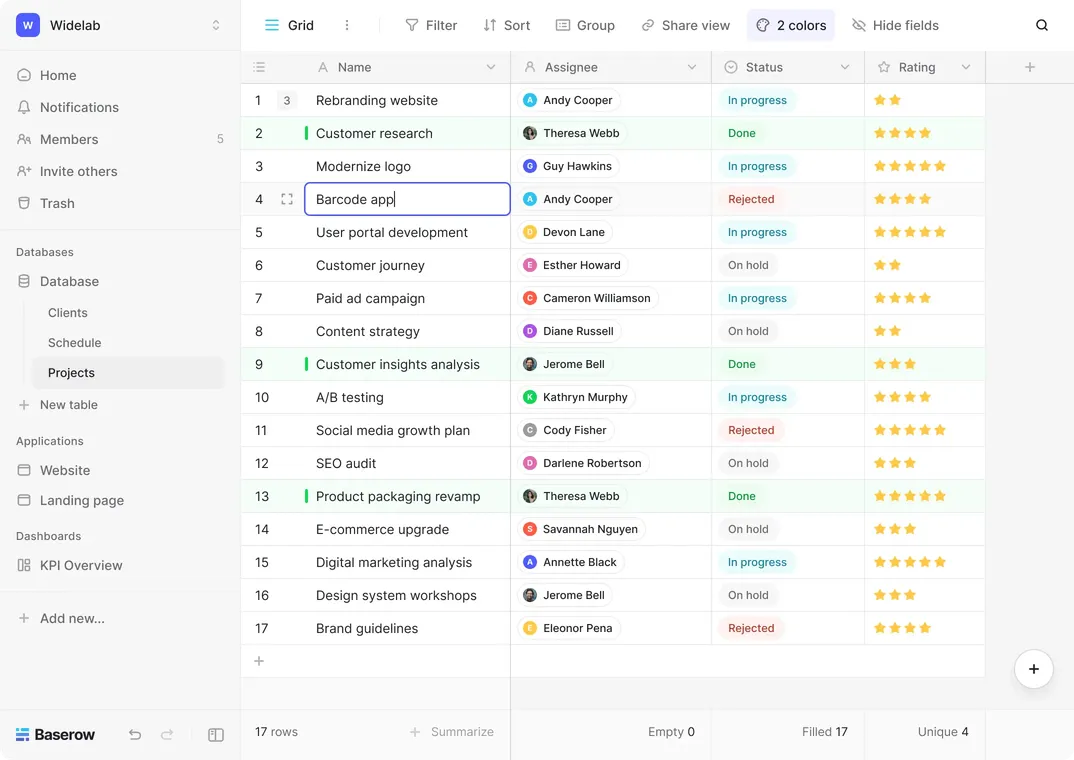
Baserow allows you to create relational databases, customize fields, and structure tables to fit your workflows. Its open-source nature means you can extend functionality, add plugins, and adapt the platform to unique team needs. Unlike traditional SaaS tools, Baserow gives you complete control over your data and environment.
Collaboration and Permissions
Teams can collaborate in real-time and manage access at the table or row level. While it supports basic role-based permissions, granular enterprise-level access control is more limited than platforms like JetAdmin.
Workflow and Automation Tools
Baserow supports integrations and simple automations through APIs and third-party tools. It isn’t built for complex multi-step workflows or AI-driven automation, but it works well for structured data management and small to medium-sized projects.
Lacks advanced automation and AI features
Permissions are not as granular as enterprise-ready platforms
Requires technical knowledge to self-host and maintain
Not designed for complex internal tools or dashboards
Fully open-source with self-hosting options
Highly customizable databases and relational data support
Lightweight and flexible for teams with technical resources
Can be extended with plugins and APIs
Retool
Retool is a developer-focused platform for building powerful internal applications quickly. It’s designed to help engineering teams turn data from multiple sources into fully functional tools and dashboards without building everything from scratch.

Flexible Data and App Building
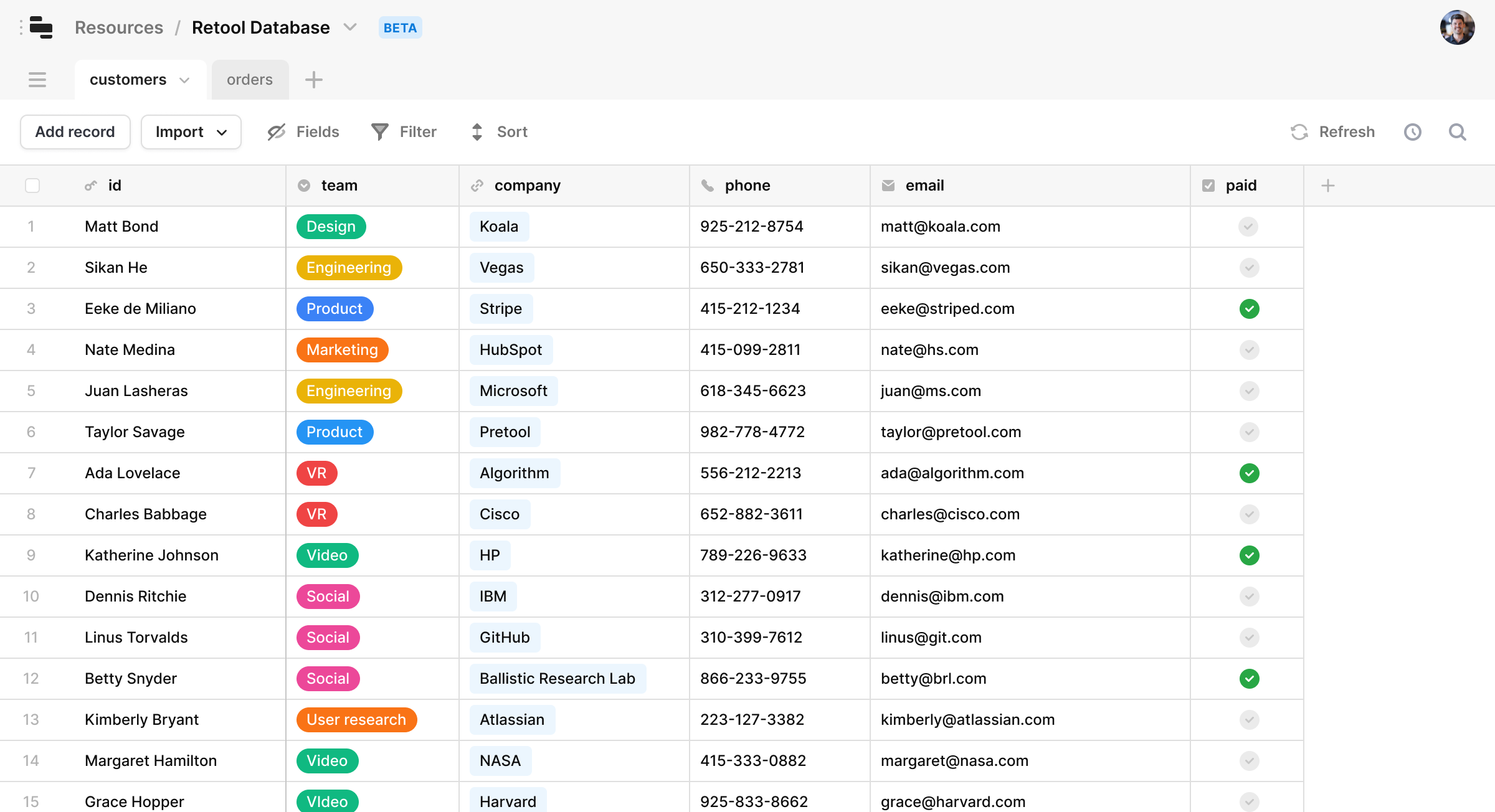
Retool connects to a wide range of databases and APIs, allowing you to pull in data and display it in custom dashboards. You can build complex internal apps using drag-and-drop components while also writing custom JavaScript for advanced logic, making it highly flexible for technical teams.
Collaboration and Permissions
Retool supports team collaboration with role-based access control. Permissions can be defined at the app or component level, which is crucial for multi-tenant SaaS projects or enterprise internal tools.
Workflows, Automations, and Integrations
Retool lets you create multi-step workflows, triggers, and actions across your connected data sources. While it doesn’t have AI-assisted steps like JetAdmin, it provides powerful automation and integration capabilities for complex business processes.
Steeper learning curve for non-technical users
Less suited for teams looking for fully no-code solutions
Focused on internal tools, not external-facing apps or lightweight workflows
Extremely flexible platform for building custom internal tools
Strong database and API integrations
Drag-and-drop components plus support for custom code
Granular permissions suitable for enterprise apps





.avif)