Lovable Alternatives and Competitors: Top 5 Picks for 2026
This article will help you explore the top alternatives to Appsmith, highlighting key factors such as usability for non-developers, AI capabilities, integrations, and which tools best fit your tech stack. We’ll cover the most popular open-source, low-code, and no-code platforms available in 2025, giving you a clear picture of which solution is right for your team.
.avif)
What is Lovable?
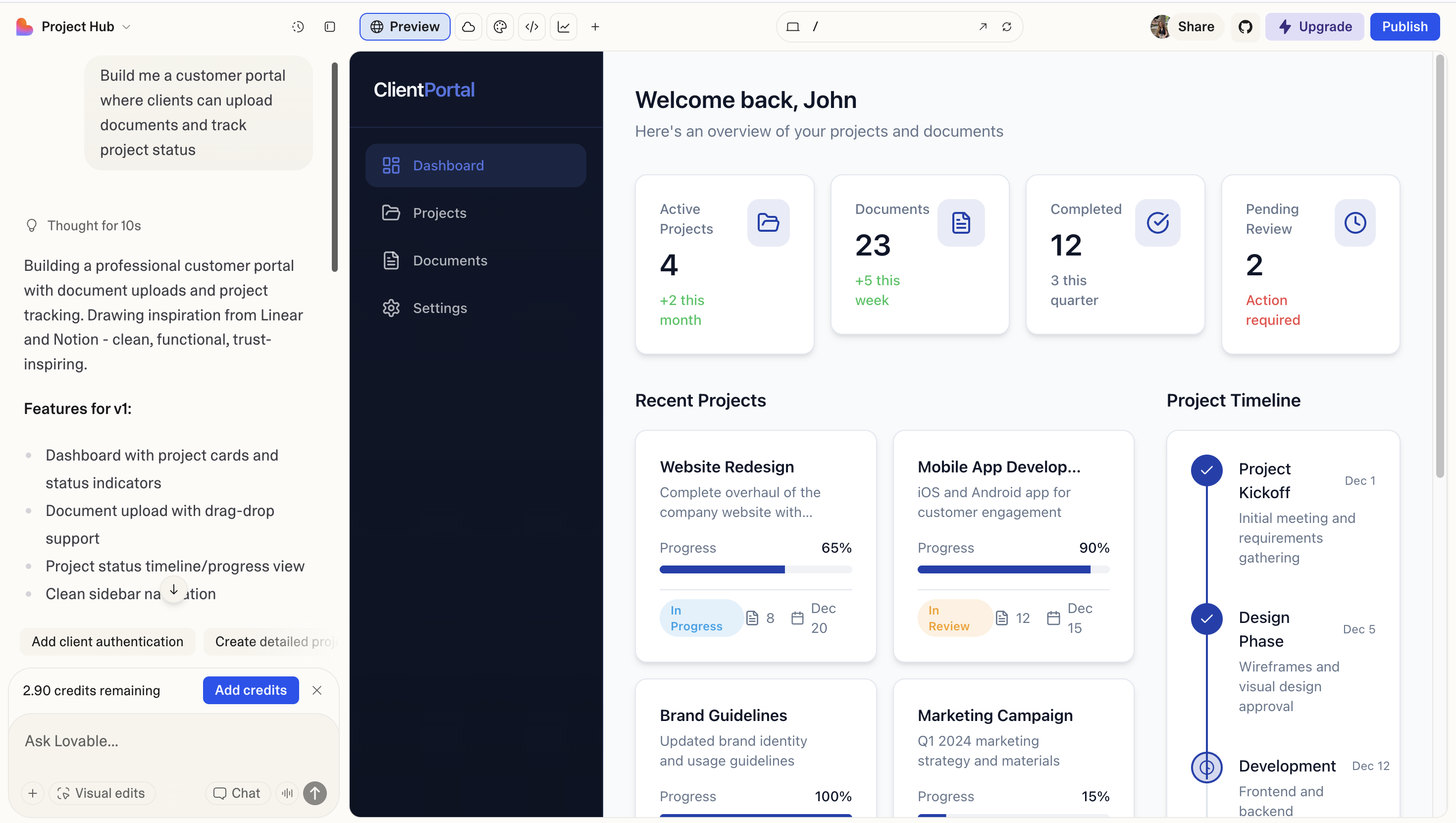
Lovable is an AI-powered web app builder that turns plain-language descriptions into full-stack applications. Instead of manually setting up frameworks, databases, and APIs, you describe the product you want and Lovable generates a working app using a modern React + Tailwind + Supabase stack. It’s aimed at founders, small teams, and non-developers who need custom apps without hiring a full engineering team.
What Makes Lovable Popular?
AI-First App Creation
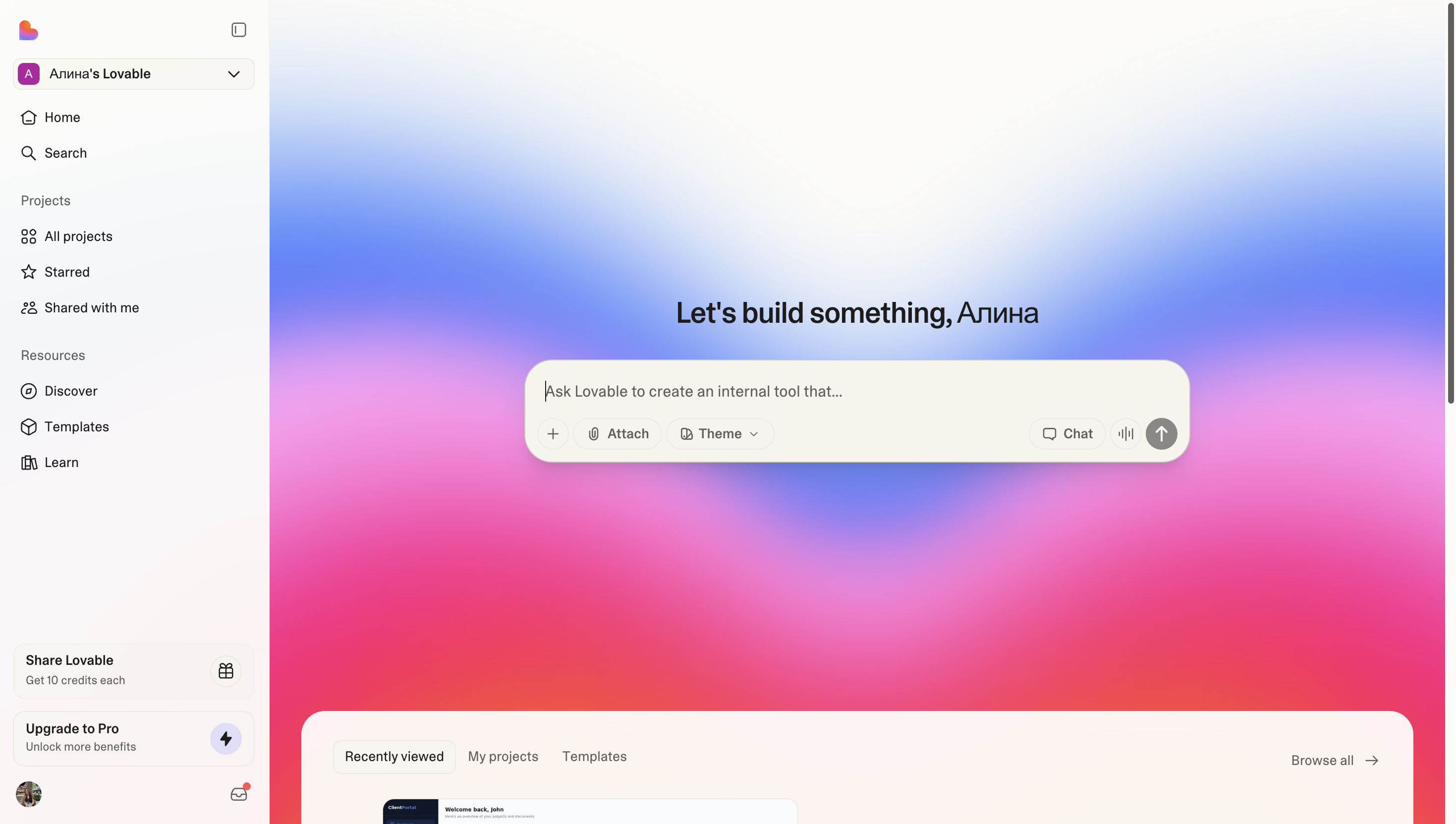
Lovable’s main appeal is that you can go from idea to working app just by describing what you want in natural language. Instead of manually wiring pages and data models, the AI generates a first version of the product for you, which feels very attractive to founders and small teams who don’t want to start from a blank repo.
Real, Ownable Codebase
Unlike classic no-code tools, Lovable produces a real codebase (React + Tailwind + Supabase) and syncs it to GitHub. Teams like this because they keep full control: they can review code, open pull requests, and gradually extend or refactor the project as it grows.
Modern Tech Stack by Default
Lovable uses a modern, familiar web stack out of the box. Developers joining later don’t need to learn a proprietary runtime – they see standard technologies and can work with them using their usual tools and practices.
Fast MVP and Prototype Delivery
For many users, Lovable’s biggest benefit is speed. It’s well suited for MVPs, internal prototypes, and early-stage SaaS ideas where you want to test a concept quickly, iterate with AI help, and only later invest in heavy custom engineering.
Lower Barrier for Non-Developers
Product managers, designers, and founders can participate directly in building the app by prompting and making small visual or copy changes, instead of handing off everything to engineers. That collaborative workflow is a big part of why Lovable has become popular with small, cross-functional teams.
Not optimized for long-lived internal tools and portals with deep RBAC
Serious customization still requires developers editing code
Weaker built-in features for approvals, automations, and governance
More cloud/AI-focused than enterprise/security-focused
AI-generated code can be inconsistent and needs review
AI-first. Generates full-stack apps from natural-language prompts
Real React + Supabase code you can extend in GitHub
Modern stack that developers already know
Very fast for MVPs, prototypes, and early-stage SaaS ideas
Lets non-devs get started, then hand over to engineers
Use Cases
You can build within a day:
Jet Admin
More than 80,000 companies use Jet Admin to build client portals, internal tools, dashboards, and full production applications with a mix of no-code and AI generation.
Jet Admin is designed for teams that need real, long-lived business applications — client portals, internal tools, CRMs, and operations systems — rather than the short-term, AI-generated prototypes you typically build with Lovable. Compared to Lovable’s code-first, prompt-based app generator, Jet Admin combines a polished no-code builder with AI app generation, a built-in data engine, visual workflows, and enterprise-grade security, so you can design, run, and scale production apps in one place. In other words, if Lovable is best for quickly spinning up an MVP, Jet Admin is built for the tools and portals your business will rely on every day.
Key highlights of Jet Admin
Full-stack platform, not just UI code
Lovable focuses on generating frontend and basic app code from prompts, leaving most backend, data, and workflow concerns to developers. Jet Admin is a full-stack application platform: you connect 100+ data sources or use the built-in backend, then build both the UI and backend workflows.
Predictable, flat pricing
Jet Admin uses flat, transparent pricing with portal-friendly plans (e.g. 500 portal users for $40), so you can iterate and debug without worrying about “AI credit burn”. Lovable’s credit-based model can make heavy iteration feel expensive and unpredictable.
Built for production, not just prototypes
Lovable is great for quickly generating a first version of an app, but it’s less opinionated about permissions, automations, and long-term operations. Jet Admin is built for daily-use business apps: client portals, internal dashboards, supplier/vendor portals, and operations tools with stable deployments, structured environments, and governance.
Data management and database tooling included
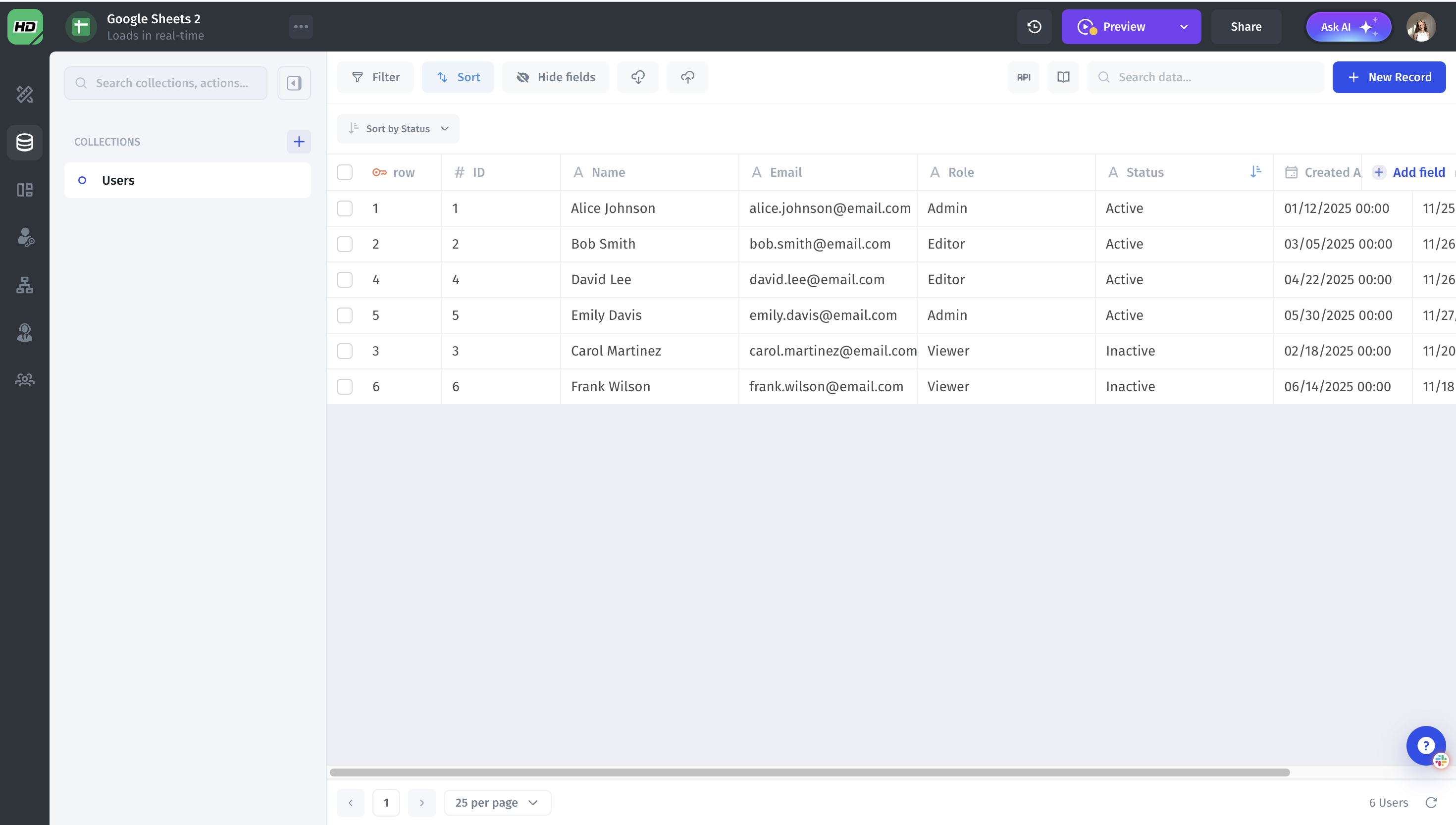
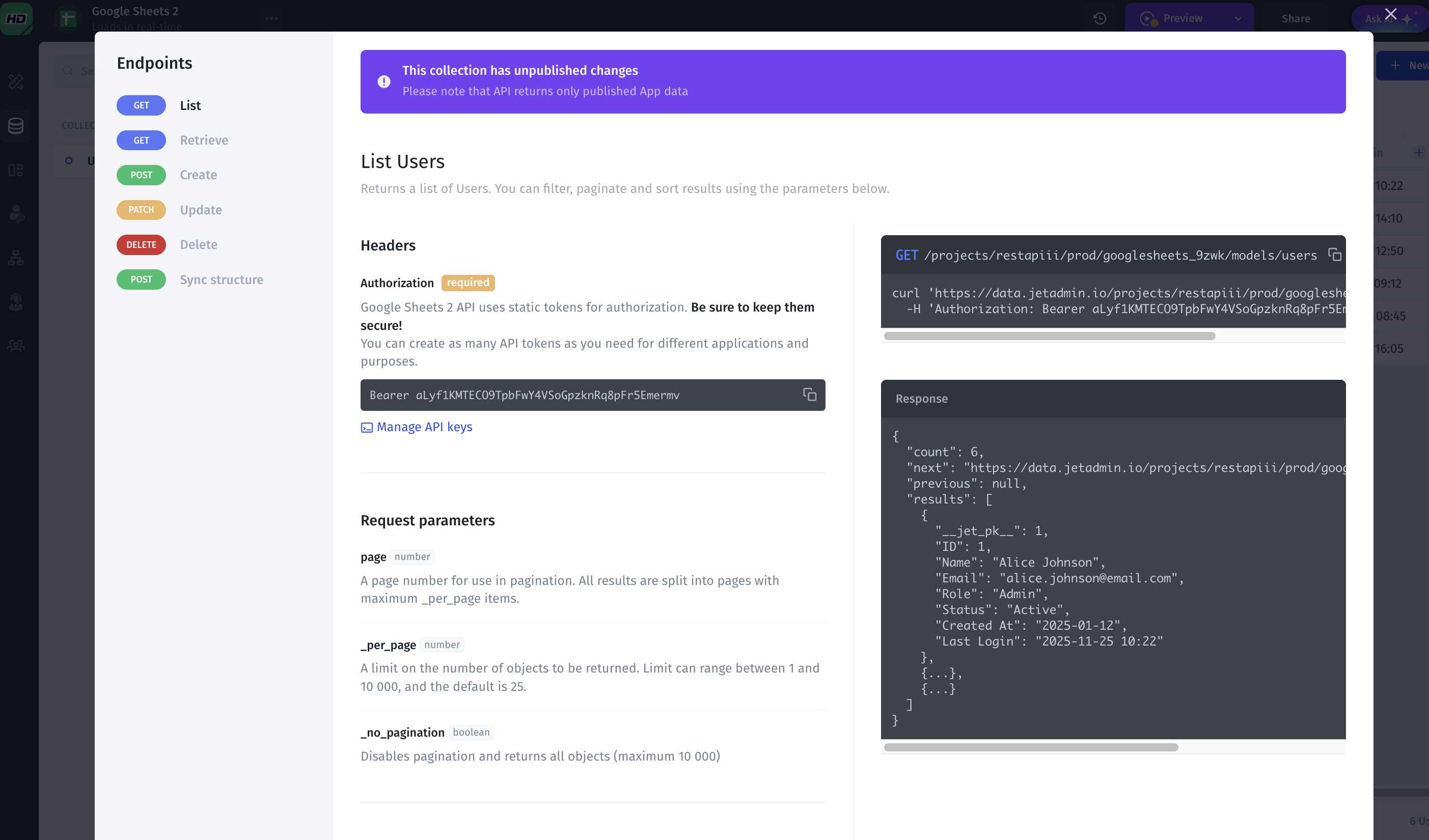
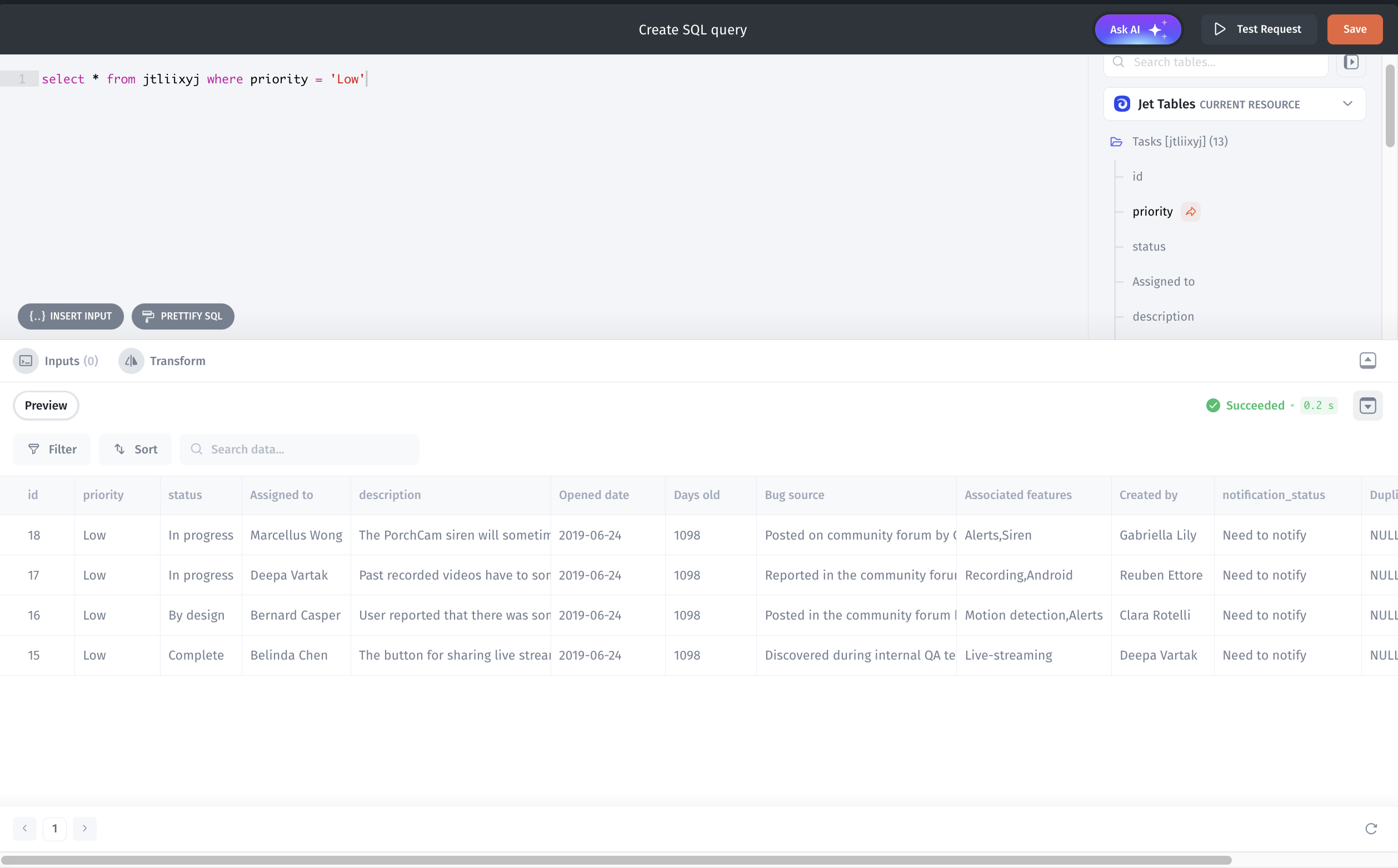
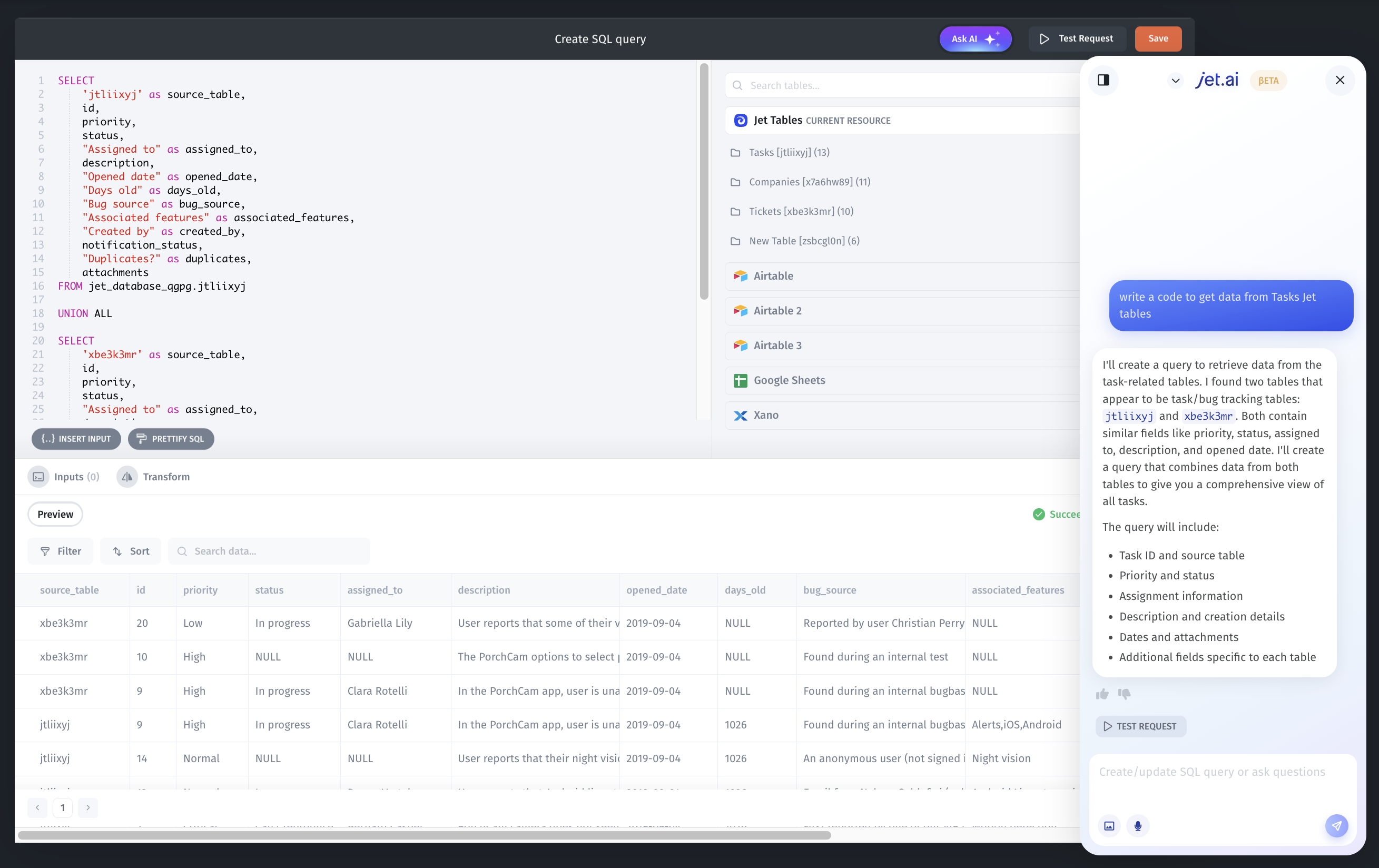
Jet Admin gives you a real data engine, not just connectors. You get a built-in data viewer to browse, filter, and edit records; combined schemas across multiple sources so different databases and APIs feel like one model; automatic relationship detection between tables; and AI-assisted queries that help you write and debug SQL. On top of that, Jet Admin can generate ready-to-use SQL and API endpoints for your data, so other apps and services can consume it without extra backend work.
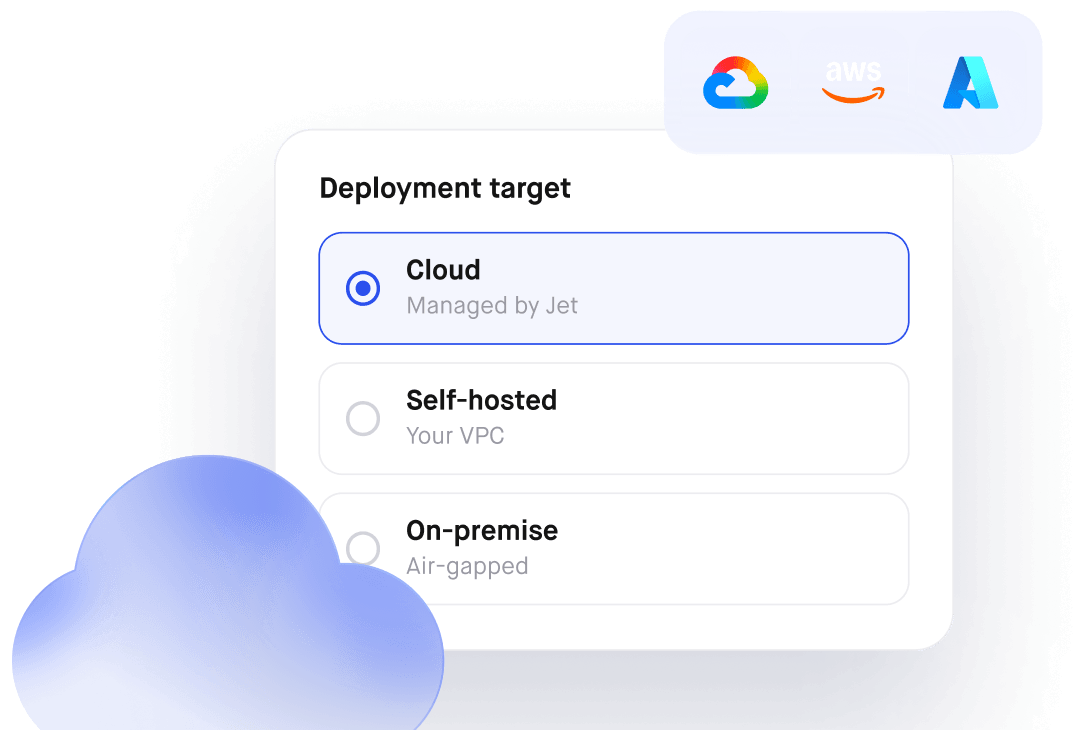
Enterprise security, auth, and SSO
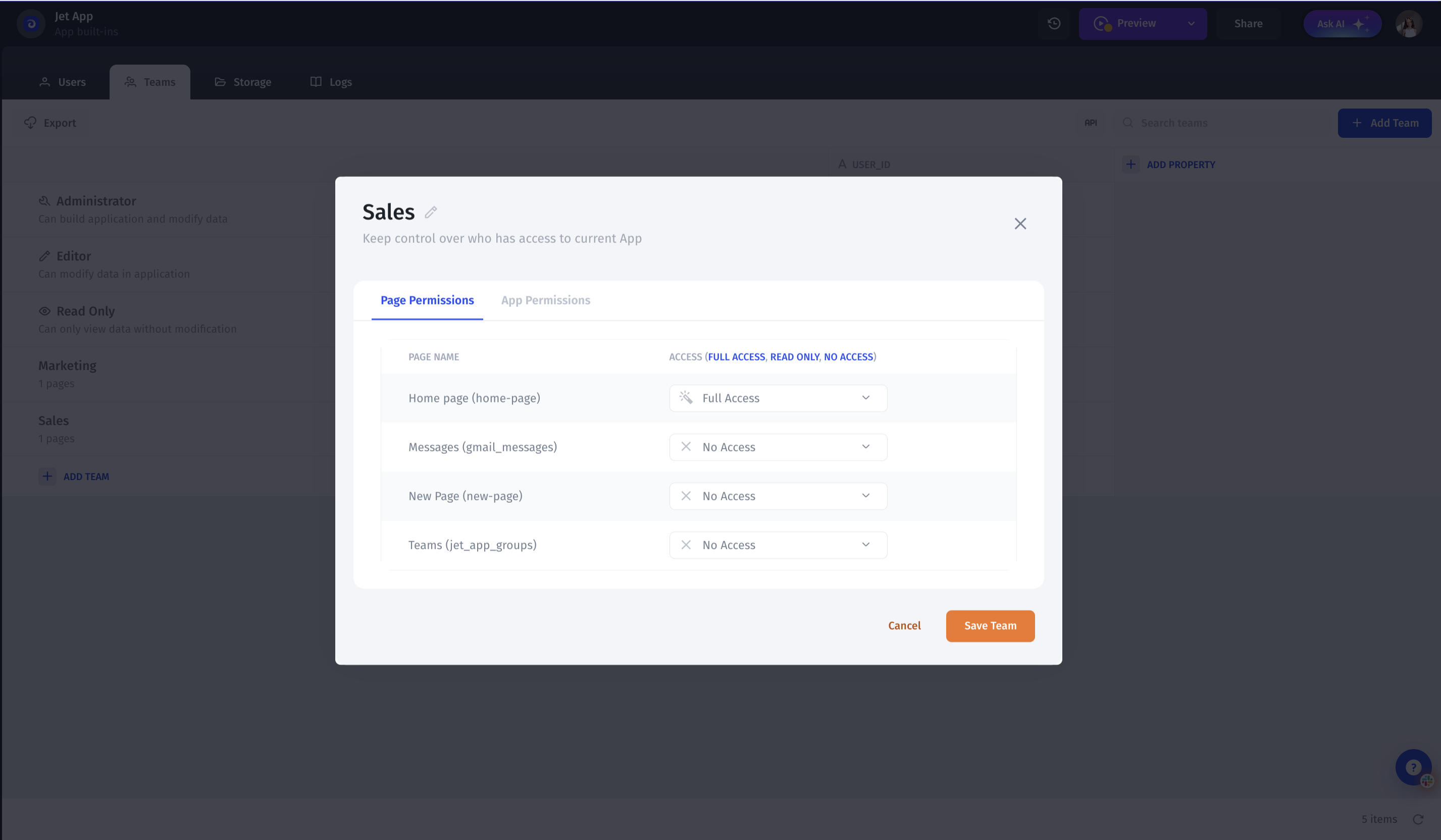
Jet Admin provides native auth and security: workspace and organization-level permissions, SSO (SAML, OAuth, JWT), and alignment with enterprise standards such as SOC 2 / GDPR — plus fully self-hosted/on-prem options on the Enterprise plan.
Jet Admin lets you define fine-grained permissions by role, team, row, field, component, and API route, which is crucial for multi-tenant SaaS, partner portals, and enterprise internal apps.
Internal tools and client portals in one platform
Jet Admin is designed to handle both internal tools and external-facing portals in the same workspace, with a consistent permission model and shared data layer. While Lovable is focused on greenfield apps and prototypes.
Advanced workflows, automations, and AI agents
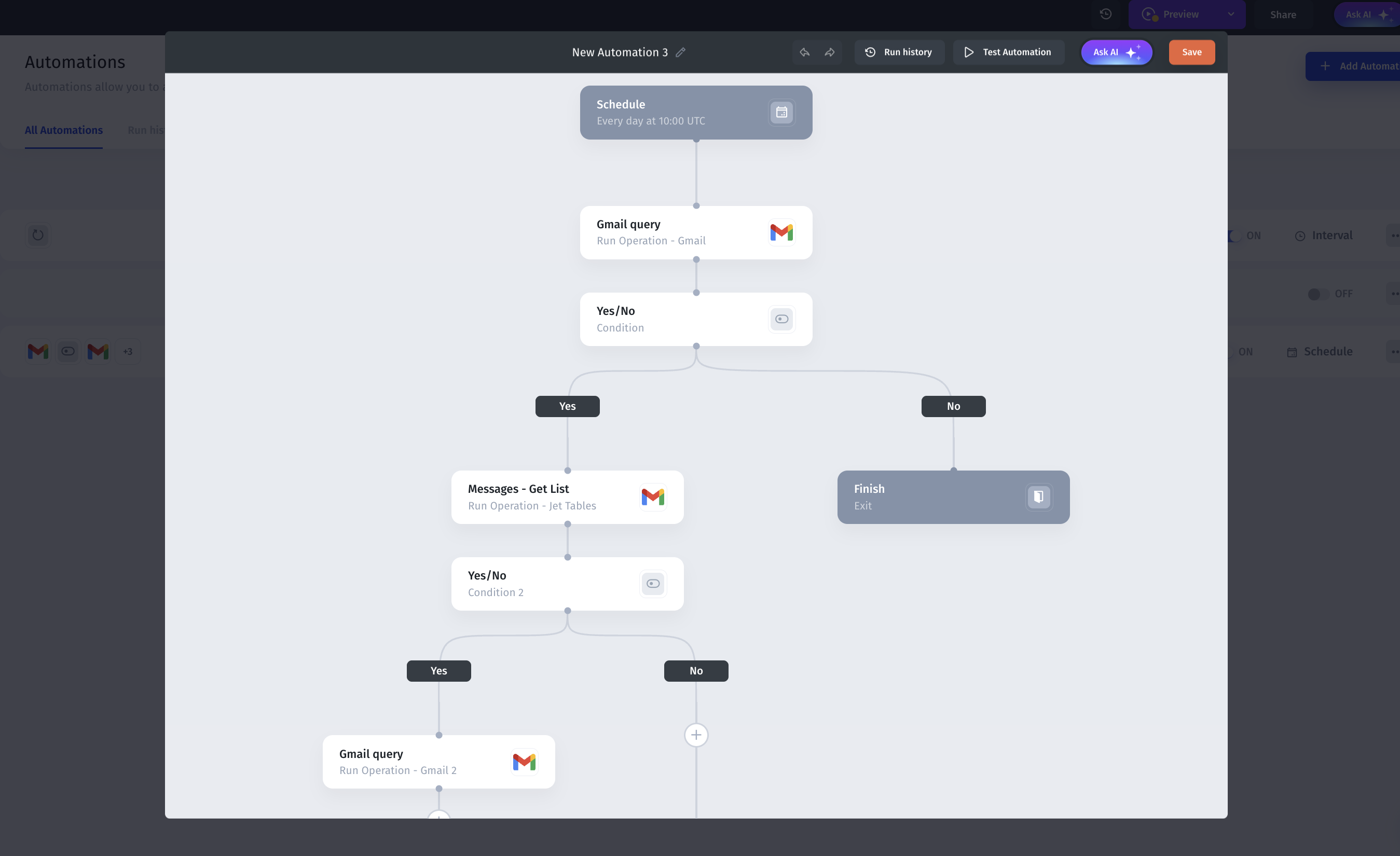
Jet Admin includes a workflow builder with conditions, branching, loops, schedules, and integrations to 100+ systems, plus AI-assisted steps and AI agents that can read/write data, trigger actions, and execute business logic — turning Jet Admin into an automation hub, not just an app UI.
Jet AI Co-builder, beyond UI generation
Lovable’s AI mostly generates or modifies app code and layouts for developers. Jet Admin’s Jet AI acts more like a co-builder: it can generate full apps and pages, write data queries, set up automations and workflows, and create custom backend actions based on your existing schema and permissions. That means AI helps not only with the first version, but also with evolving real production tools over time.
Support, community, and scalability
Jet Admin offers direct product support, help with architecture and workflows, and a growing ecosystem of teams and partners who build production apps and portals on the platform. If you don’t have time to build everything yourself, Jet Admin’s team and partners can help deliver complete solutions.
Smaller open community than big open-source tools
Less ideal if a team wants to write everything as raw code instead of using visual workflows
Focused on business apps and portals, not on marketing sites or very custom consumer UX
Full-stack platform: UI, workflows, and data engine in one place
Very polished UI for internal tools and client portals
Strong automation and AI. Workflows, scheduled jobs, AI steps, AI agents
Granular permissions.
Enterprise-ready: Self-host/on-prem, SSO, SOC2/GDPR, SLAs
Portal-friendly pricing. 500 portal users for $40.
Why Jet Admin?
Jet Admin is a better choice than Lovable when you need real, long-lived business apps, not just a quick MVP. Lovable generates a React + Supabase app from prompts, but most things like permissions, workflows, and data logic still have to be coded by developers. Jet Admin gives you a visual builder, built-in data engine, workflows, granular access control, and SSO/security out of the box. In practice, Lovable is great for testing an idea fast, while Jet Admin is better for the client portals and internal tools your team will use every day.
Cursor AI
You open an existing repo, connect it to Cursor, and then use natural language to ask the AI to add features, fix bugs, refactor modules, or explain complex logic.
Key highlights of Cursor AI
Repo-aware AI chat
Cursor’s AI can see and reason about your entire codebase, not just a single file. You can ask things like “Where do we handle invoice creation?” or “Add pagination to the orders API,” and it will jump to relevant files, propose changes, and generate patches.

Inline code generation and refactoring
You can select code and ask Cursor to refactor, optimize, document, or translate it (e.g., from JS to TS). It can generate new functions, tests, or components directly into your project, showing changes as diffs you can accept or adjust.
Context and memory for the project
The editor indexes your repository and uses that index as context for AI requests. This helps the model answer more accurately based on your actual types, functions, and patterns, instead of giving generic code snippets copied from the internet.
Familiar developer experience
Cursor keeps the usual dev ergonomics: terminals, file tree, Git integration, themes, and keybindings. The AI is additive—developers can still work “normally” and call the assistant only when they want help.
When Cursor AI is Useful
- You’re working on an existing codebase and want help navigating, understanding, or refactoring it.
- You need to prototype features faster, letting the AI generate boilerplate or tests.
- You want an AI pair programmer that can act on the entire repo, not only the current file.
- Your team wants to speed up routine development tasks without switching to a low-code platform.
In other words, if Lovable is about building apps without touching much code, Cursor is about writing and maintaining real code faster—it’s an AI-powered editor for developers, not an app builder for non-technical teams.
Still requires real developer skills to review and guide changes
AI output can be wrong or messy if you accept everything blindly
Not useful for non-technical users.
Best experience is on paid plans for heavy, daily usage
Repo-aware AI. Understands your whole codebase, not just one file
Familiar editor experience. VS Code–style, Git, terminal, keybindings.
Lets you use strong modern models for code assistance
Vercel v0
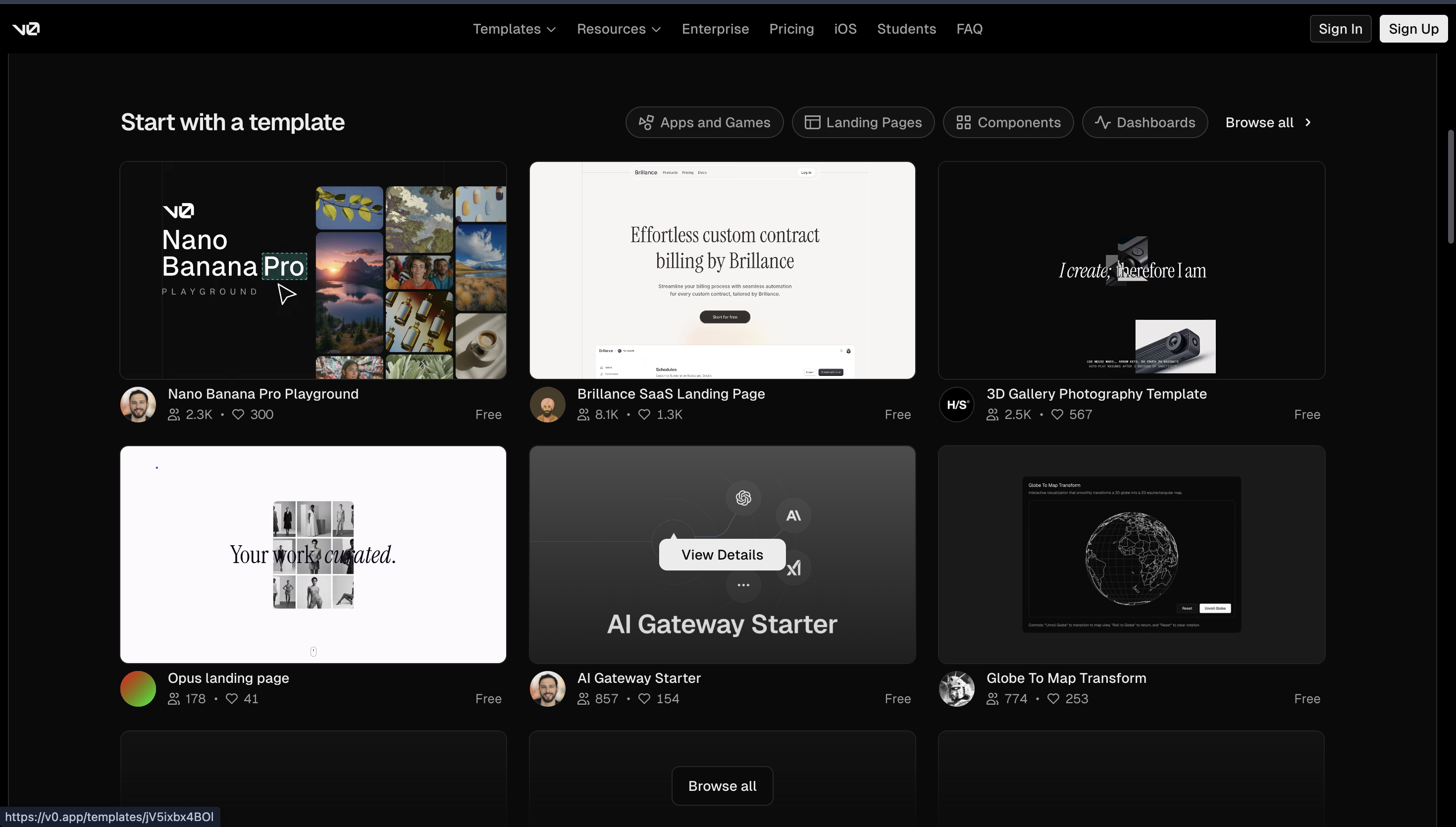
Vercel v0 is an AI-powered app and UI builder from Vercel, the company behind Next.js. It turns natural-language prompts into production-ready React/Next.js interfaces styled with Tailwind and shadcn/ui, and can now generate full-stack web apps that you can deploy on Vercel or sync to a GitHub repo.
You describe the app or page you want, and v0 generates React/Next.js code, layout, and styling. You can iterate via chat, tweak the design, then export or sync the code to your own repository. Recent updates turned v0 into a more “agentic” system that can research, debug, and evolve an app over multiple steps, not just dump a single code snippet.
Key Advantages of Vercel v0
AI → production-ready React/Next.js
v0 takes a plain-language prompt (“SaaS billing dashboard with sidebar, KPIs and usage chart”) and generates real React/Next.js code with Tailwind and shadcn/ui. Compared to Lovable, which targets a full-stack React + Supabase app, v0 is especially focused on front-end and app UI on the Vercel stack.
Designed for modern SaaS UIs
v0 is very strong at dashboards, admin panels, marketing pages, and “Vercel-style” SaaS layouts. Lovable can also generate UIs, but v0 is more opinionated around Next.js + Vercel design patterns, which frontend teams already using this stack usually prefer.
Deep Vercel + GitHub integration
You can go from prompt → code → deployed app on Vercel in a few steps, with built-in GitHub sync so the generated project becomes a normal repo. Lovable offers hosting too, but v0 fits naturally into teams that already ship with Vercel + Next.js.
Clean, developer-friendly output
The output is standard React/Next.js + Tailwind code, so frontend devs can read, refactor, and integrate it into existing projects without learning a proprietary runtime. Compared to Lovable, which couples you more tightly to Supabase, v0 is ideal if you want to stay close to classic Next.js app structure.
Great for experiments, new pages, and small apps
v0 shines when you want to quickly test UI ideas, add new pages to an existing product, or bootstrap a small app that your team will maintain as code. If Lovable is often used to spin up a new SaaS prototype, v0 is perfect when you already know you want a Next.js/VerceI codebase and just want AI to handle the boilerplate.
Mostly about UI; it doesn’t handle data models, complex permissions, or workflows
Works best when a React/Next.js developer is available to maintain what AI generates
Not a great fit for non-technical teams who expect drag-and-drop app building
Less suitable for heavy internal tools or portals that need deep RBAC and automations
Turns short prompts into usable Next.js/Tailwind screens and pages
Very fast way to draft SaaS-style dashboards, layouts, and landing pages
Fits naturally into Vercel + GitHub workflows, so going live is easy
Generates code that frontend engineers can read, edit, and merge into existing projects
UI Bakery
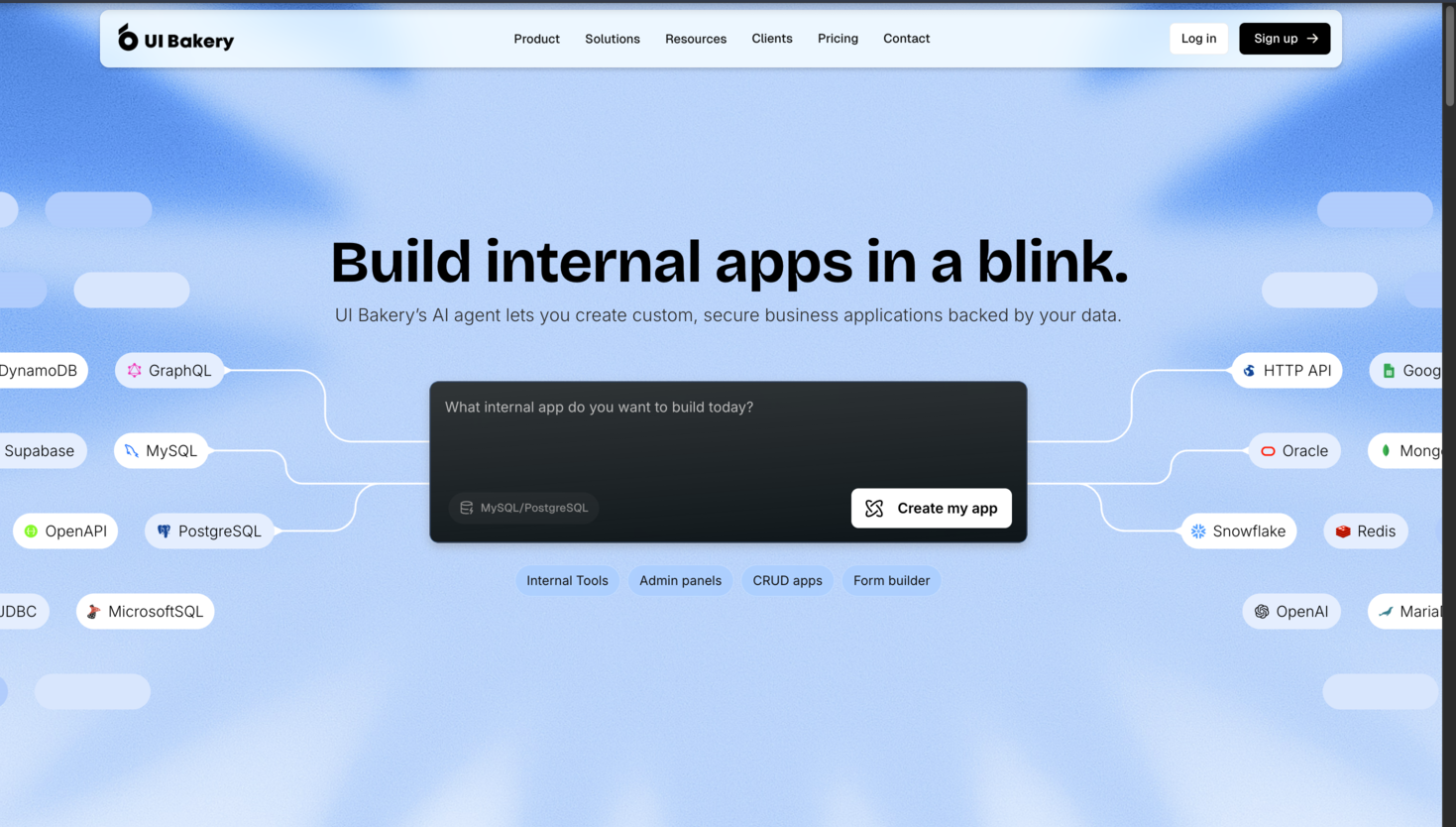
UI Bakery is a low-code/no-code platform designed to help teams quickly build internal tools, admin panels, dashboards, and data-driven apps. Unlike fully open-source options, it combines a drag-and-drop visual builder with the ability to write custom code for advanced functionality. This makes it ideal for teams that want fast development without losing flexibility.
UI Bakery is suitable for developers, product managers, and operations teams who need visual building for rapid prototyping while keeping the option to integrate custom logic when needed.
Key Highlights of UI Bakery
Drag-and-Drop Visual Builder
UI Bakery has a visual canvas where you can put together ready-made blocks like tables, lists, cards, forms, charts, buttons, modals, and file uploads. The layouts are automatically responsive, so they work on desktop, tablet, and mobile without extra setup.

Data & API Integrations
UI Bakery provides a variety of databases and SaaS platforms:
API - REST, GraphQL, OpenAPI, Webhooks
Databases - PostgreSQL, MySQL, SQL Server, MongoDB, Firebase, Google Sheets, Airtable
SaaS & Services - Slack, Zapier, Stripe, Salesforce, HubSpot, Gmail
Team Collaboration & Security
Role-based access control (RBAC) and user permissions
- Multi-environment support (dev, staging, production)
- Audit logs for tracking activity
- Git integration on paid plans for version control
- Cloud-hosted or self-hosted deployment for data privacy
Templates & Pre-Built Components
UI Bakery offers a library of pre-built templates for dashboards, CRUD panels, and admin UIs. This helps teams start building without designing from scratch, accelerating development time.
Less flexible for complex logic or custom code
Not open-source, smaller community
Can struggle with highly dynamic or data-heavy apps
More pre-built UI components. Faster UI building
Better layout/design control
Easier for mixed (tech + non-tech) teams
Built-in workflows and team permissions
Cross-platform
Framer (Framer AI)
Framer is a no-code website builder with strong AI features, aimed at designers, marketers, and startups who want beautiful marketing sites and landing pages without writing code. You design visually on a canvas, then publish directly on Framer with built-in hosting, CMS, SEO, and analytics.

Key Highlights of UI Bakery
Pixel-level control and interactions
You can fine-tune layouts, transitions, and micro-interactions directly in the editor. Compared to app builders like Lovable or Jet Admin, Framer gives much more granular control over visual polish and motion.
Built-in hosting, CMS, and SEO
Framer hosts the site for you, with automatic responsive behavior, basic analytics, CMS collections (for blogs, case studies, etc.), and SEO tools — so non-technical teams can manage content after launch.
Rich template and component ecosystem
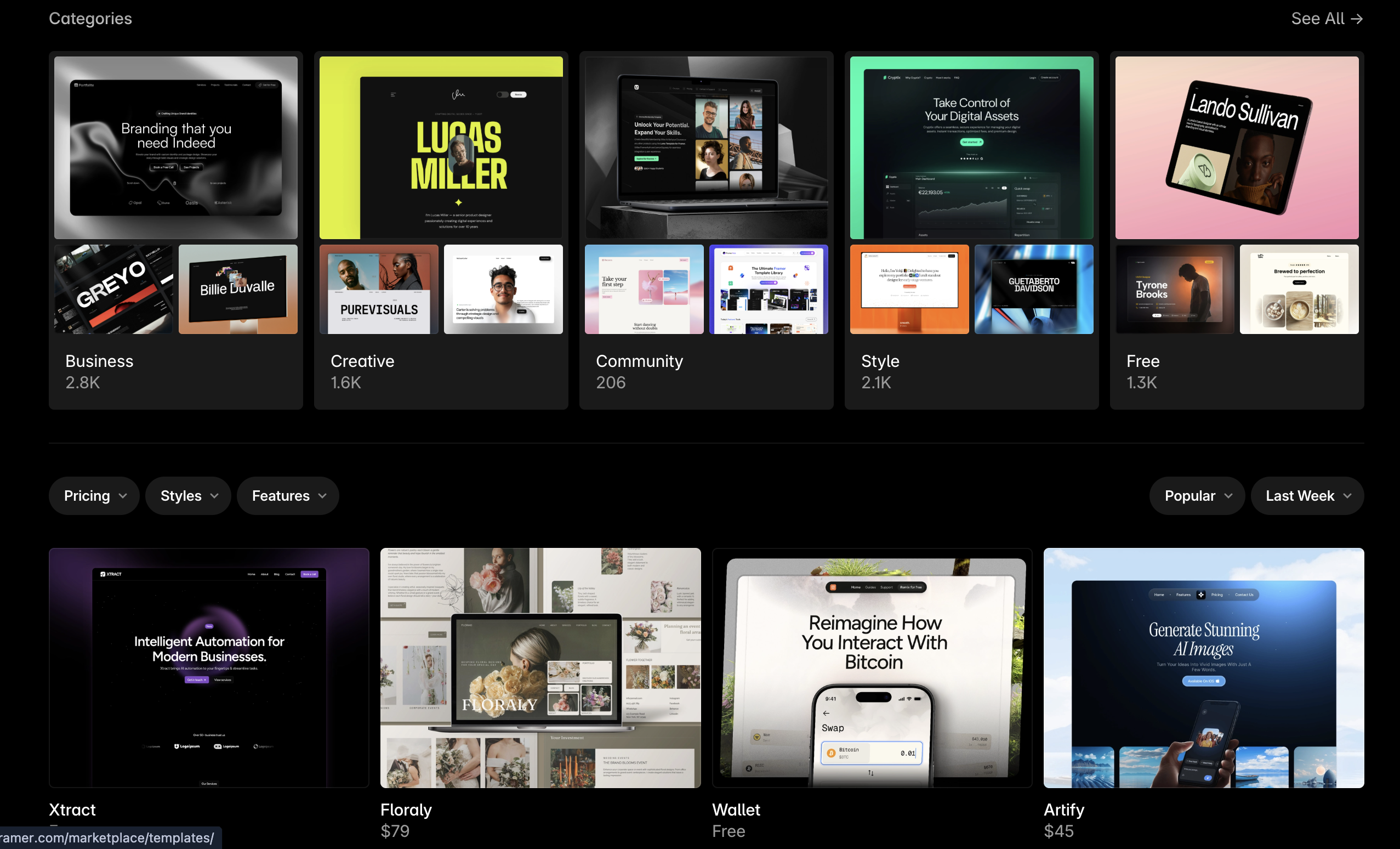
You get access to a big library of ready-made templates, UI kits, and sections (heroes, pricing, FAQs, footers, etc.). Often you can combine a template with Framer AI, then tweak it to your brand — which is much faster than commissioning a custom design from scratch.
High control over visuals and motion
Compared to AI app builders, Framer gives much finer control over the look and feel. You can tune grid, typography scale, animations, and micro-interactions directly in the editor, so the final result feels like a custom-designed site rather than a generic template.
Best when you want “site, not app”
If someone mainly needs a beautiful marketing site around their product (and not a full data app, portal, or internal tool), Framer is often a better fit than Lovable.
Focused on public websites, not complex apps, portals, or internal tools
No real data engine, RBAC, or backend workflows
Less suitable if you need heavy integrations, business logic, or multi-step processes
You’re tied to Framer’s hosting/runtime, not a full exported app codebase
Great for visually polished marketing and product sites. Landing pages, pricing, launch pages
Design-first. Canvas editing, fine control over layout, typography, and animations
Built-in hosting, CMS, and SEO tools. Non-technical teams can manage the site